Problem with the installatio

Problem with the installatio

Anonymous
Not applicable
1,387 Views
10 Replies
Message 1 of 11

Problem with the installatio

Anonymous
Not applicable

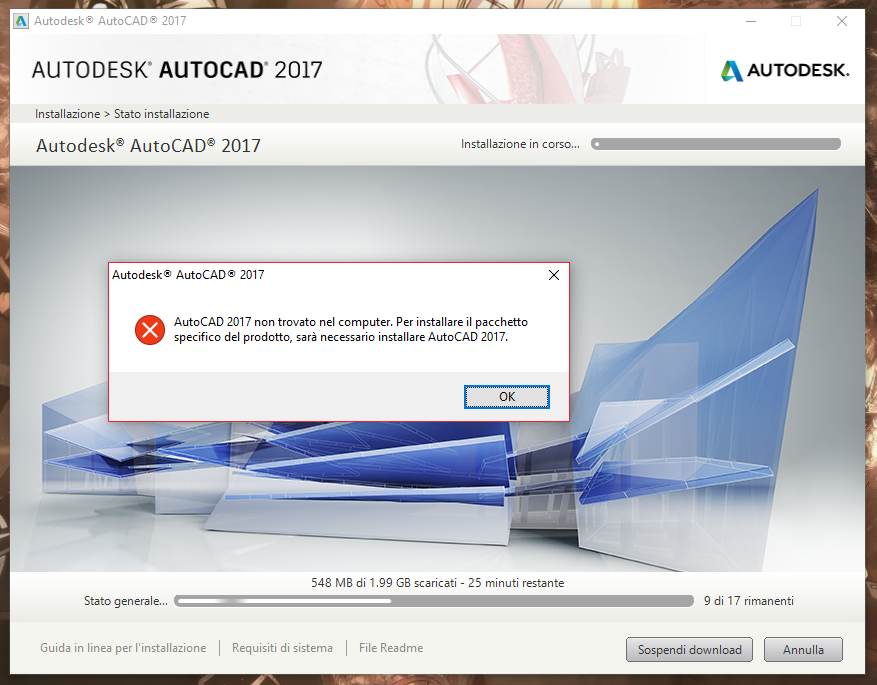
I had some problems with the AutoCad 2017 installation on my pc. Here photos of the error:Screenshot (8).pngScreenshot (9).png

Can you help me?

0 Likes
Accepted solutions (1)
1,388 Views
10 Replies
Replies (10)
Message 2 of 11

TravisNave
Mentor
Mentor

I would recommend that you try downloading your product using the Virtual Agent by following the directions here:

https://knowledge.autodesk.com/customer-service/download-install/download/download-previous-versions...


Travis Nave Send TravisNave a Private Message                                             Need help in your post? Mention me with @TravisNave


My Expert Contributions to the
Autodesk Forums:
FLEXnet License Admin | MSI Cleanup Utility | .NET Framework Cleanup Tool | IPv6 NLM Fix | adskflex.opt Options File | Combine .LIC Files
Message 3 of 11

Anonymous
Not applicable

Thanks, I'm going to try that

0 Likes
Message 4 of 11

Anonymous
Not applicable

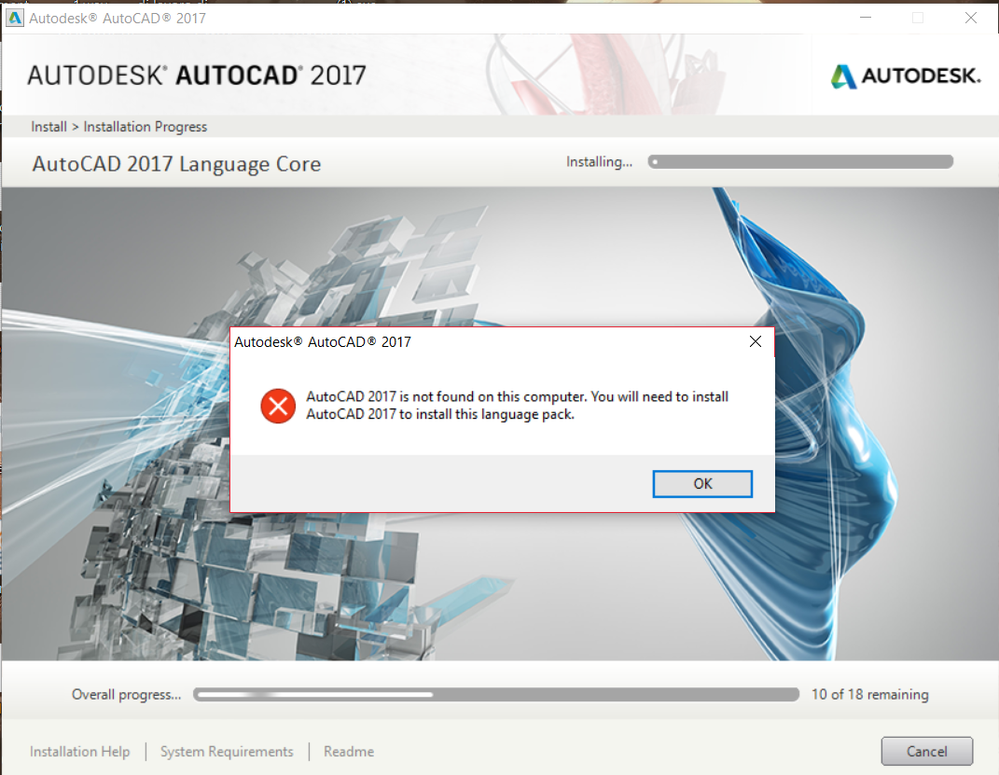
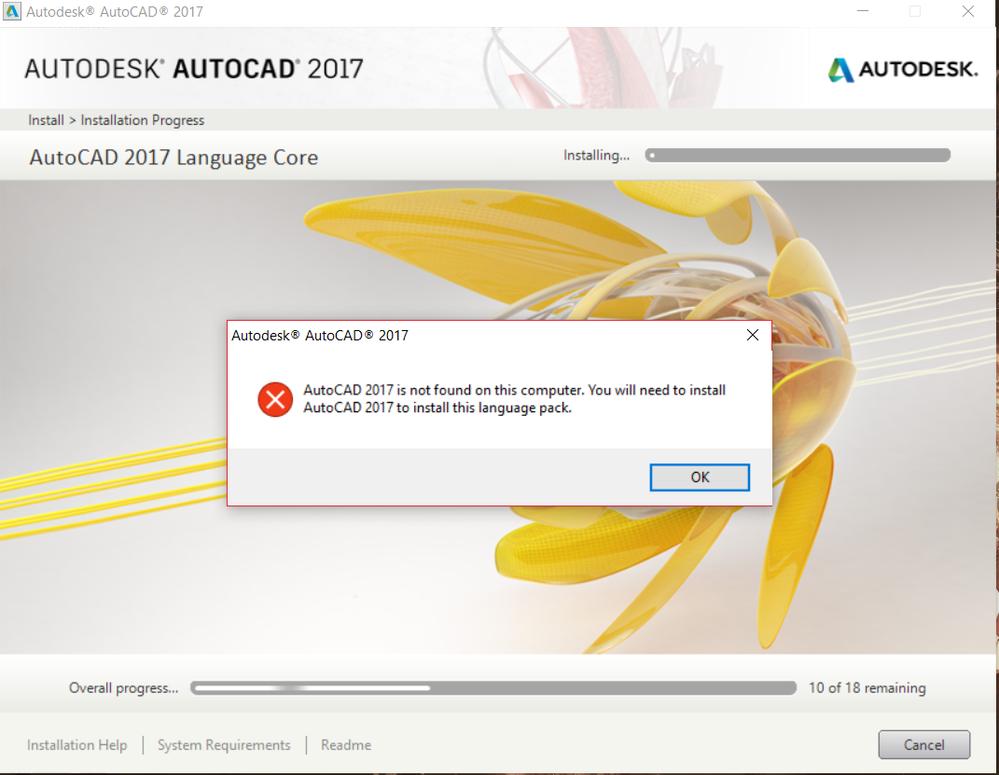
I tried to do what you had said me, but an error about the language pack apeard in the installation of the firs part and the second part...Screenshot (11).pngScreenshot (14).pngScreenshot (13).pngScreenshot (12).png

0 Likes
Message 5 of 11

Mark.Lancaster
Consultant
Consultant
Accepted solution

@Anonymous


At this point you have a messed up system..  Smiley Sad


Follow the steps in the article to fix your issue.

Mark Lancaster


  &  Autodesk Services MarketPlace Provider


Autodesk Inventor Certified Professional & not an Autodesk Employee


Likes is much appreciated if the information I have shared is helpful to you and/or others


Did this resolve your issue? Please accept it "As a Solution" so others may benefit from it.

Message 6 of 11

Anonymous
Not applicable

Thank you, now it works!!!

0 Likes
Message 7 of 11

Anonymous
Not applicable

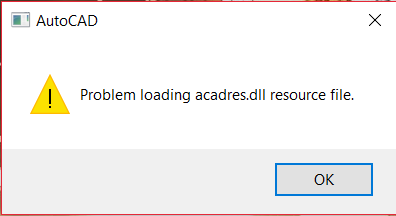
But now, I had another problem...

Screenshot (15).png

So, for the first problem I had reinstalled and reinstalled the software, so I want to know if is possible to correct this error without uninstalling and reinstalling the software... can you help me?

0 Likes
Message 8 of 11

Anonymous
Not applicable

Someone can help me?? Thanks so much for the attention!!!

0 Likes
Message 9 of 11

Mark.Lancaster
Consultant
Consultant

@Anonymous


You know you can help yourself...  Doing a search in Google would've pointed you to this articleSmiley Wink

Mark Lancaster


  &  Autodesk Services MarketPlace Provider


Autodesk Inventor Certified Professional & not an Autodesk Employee


Likes is much appreciated if the information I have shared is helpful to you and/or others


Did this resolve your issue? Please accept it "As a Solution" so others may benefit from it.

0 Likes
Message 10 of 11

Anonymous
Not applicable

Yes, I'd already read this article, but I want know if I can fix the problem without uninstalling everything...

0 Likes
Message 11 of 11

Mark.Lancaster
Consultant
Consultant

@Anonymous


Can it be done?  Maybe..  But mostly likely not.  Just do it and get it done..  Smiley Wink

Mark Lancaster


  &  Autodesk Services MarketPlace Provider


Autodesk Inventor Certified Professional & not an Autodesk Employee


Likes is much appreciated if the information I have shared is helpful to you and/or others


Did this resolve your issue? Please accept it "As a Solution" so others may benefit from it.

0 Likes