Heya dmc
Ok, so I just went through the process and found it to work with no hiccups.
Here is what I did.
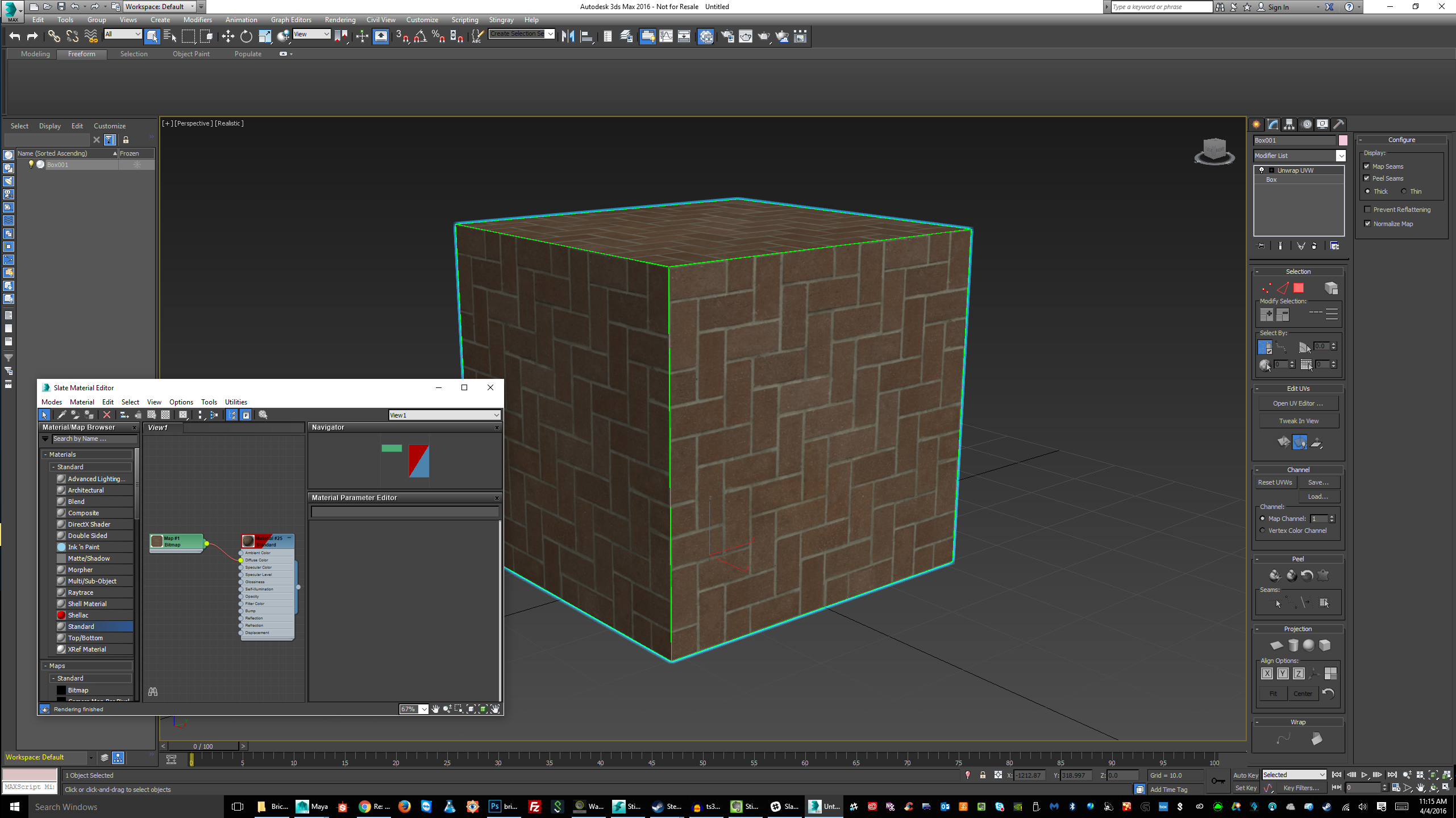
1. Created a model (its a simple cube) gave it a standard material, applied it to the diffuse channel.
2. Exported the model to a "game ready" folder. I always make a "game ready" folder for myself just as good practice. Within it i have a material folder. In the materials folder, I keep my texture files. (.tga, .png or sometimes .dds... png is my standard goto format)
3. In stingray I imported the files into a nice clean directory.
4. Placed on screen... all materials and files came through on the first try.
See the images below. maybe it can help you.
I would check my format of my images. THey should only be in .tga, .png or .dds format.
Note : They should be images in sizes with multiples of 2 (ie: 128x128, 256x256, 512x512, 1024x1024, 2048x2048 etc)... not required if you dont plan to compress, but very very good practice.
***I couldnt fit all the images in a single post, so ill post again with the remaining pictures.***
Areas of Expertise - MayaLT : Mudbox : 3DS Max : Inventor : Game Dev
Follow me on Twitter : @paulkind3d
Please remember to give kudos freely and mark acceptable answers as solved!
PLEASE do not send me private messages unless asked to do so. If you have a question, start a thread, and ask me on the public forums where answering your question may help others.
Did you know there was a
YouTube learning channel for Autodesk Games? New videos are posted regularly with all sorts of content relative to Stingray, Maya/MayaLT, 3DS Max, and other game related tools. Get your game on @
https://www.youtube.com/user/autodeskgameshowtos