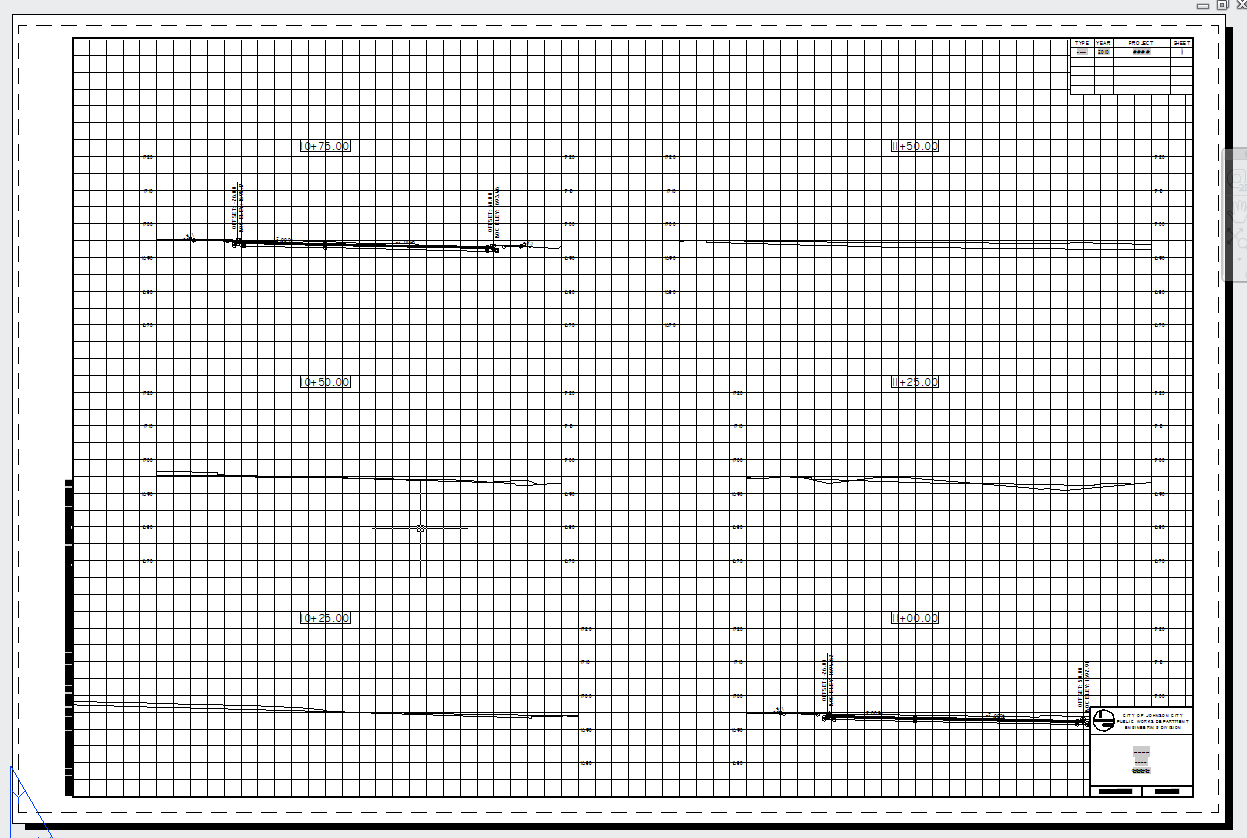
I'm using Civil 3D 2011. I have a plan production template created using our borders (which mimic TDOT's), but when I create the section views they are clipped in my layout (created from the Create Section Sheet wizard).
I have attached two screen shots. One showing the sheet in model space and the other from the layout that was created by the Create Section Sheet ribbon command. I tried selecting the sheet & then going to Edit Sheet Style in the ribbon, but it does nothing. Then I remembered that Autodesk got rid of the sheets. So, how do I control where the grid placement is and how can I get my sections to fit our border better?
I never had this problem before Autodesk got rid of the earlier functionality...I mean....added the new and improved functionality.
C3D 2024-2026
Windows 11
32GB RAM