- Mark as New
- Bookmark
- Subscribe
- Mute
- Subscribe to RSS Feed
- Permalink
- Report
I know that there are quite a few posts similar to this one, but I can't seem to find an answer to my issues. I've also posted in the Printing and Plotting topic, but I was suggested to try the Mac topic instead. So...
................
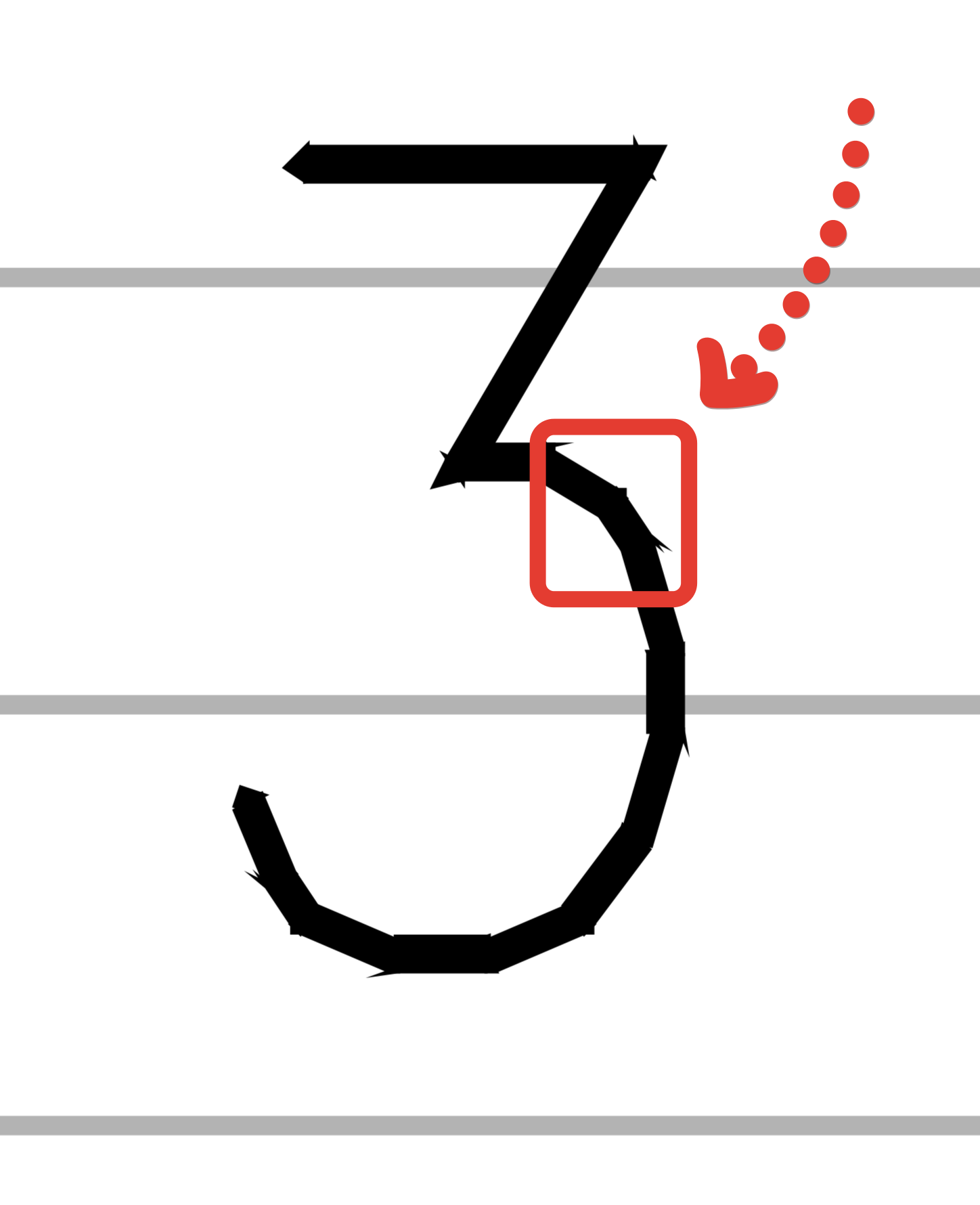
I'm seeing strange artifacts in PDF exports from my drawing. Corners are joined with small boxes appearing at intersections. I haven't had luck changing the corner join options in the CTB. Also, some of the hatched/filled regions are showing very strange thick lines and artifcacts at the joins and corners.
You can see an example of the boxes at the corners and joins in this screenshot from Adobe Illustrator CS5 of a region from "Dvc Layer 3". In this case, the PDF looks correct, just with these boxes everywhere.
And the strange thick lines and joins from this screenshot of "Dvc Layer 2". Here, the PDF does not match the DWG. Note the gaps betweent the "fingers" are all different sizes.
I think this last issue might have to do with hatching as noted in this forum thread.
I'm attaching...
- the DWG
- the exported PDF (through the Export dialog, not the Print to PDF option) from the DWG layout
- the CTB I'm using
- two screenshots from Adobe Illustrator CS5
(all zipped into one file)
Does anyone have any suggestions for me? How do I get the PDF output to look just like the layout I've defined in AutoCAD?
I'm using AutoCAD 2013 Mac on a Retina MBP with 10.8.4.
Thanks in advance for all the help!
Best,
/Daniel
Solved! Go to Solution.