- Mark as New
- Bookmark
- Subscribe
- Mute
- Subscribe to RSS Feed
- Permalink
- Report
Greetings...
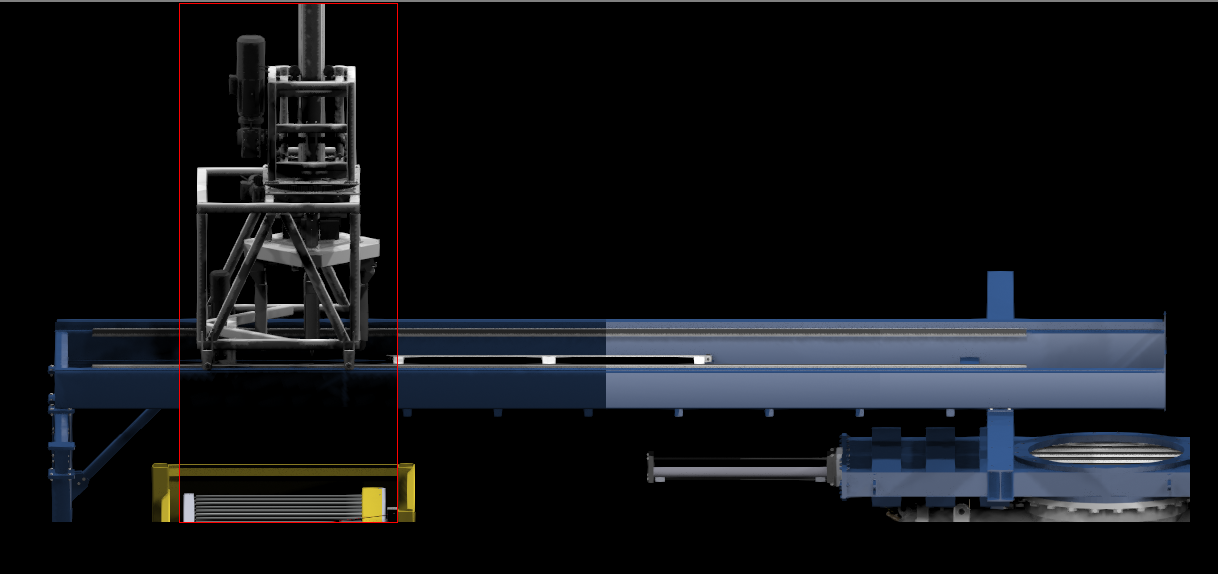
I have been using the Quicksilver renderer lately, to good results. However, today I attempted a Region render (Area to Render = Region) and got some strange results. If I resize the Region box, the resulting exposure in the rendered area changes quite dramatically. The first image shows a portion of my scene where I used three different sized regions. As you can see, the largest region had a near normal exposure, but the 2nd and 3rd resized regions had a completely different exposure. (The second image just shows the largest region without the smaller regions superimposed.)
I also tried the Crop option with the same results. The interesting part is that it only happens when I render with Scene Lights... if I render with the Default Lights the exposure does not vary with region size. The scene lights are standard photo-metric Free Sphere lights. I have tried Auto Exposure and even no exposure.
Any ideas? I would really like to use the scene lighting.
Cheers,
Steve
Max 2018
Quadro M4000 24g mem • Nitrous Direct 3D 11.0
Solved! Go to Solution.