Quicksilver region render causing odd exposure issue

Quicksilver region render causing odd exposure issue

Anonymous
Not applicable
1,023 Views
2 Replies
Message 1 of 3

Quicksilver region render causing odd exposure issue

Anonymous
Not applicable

Greetings...

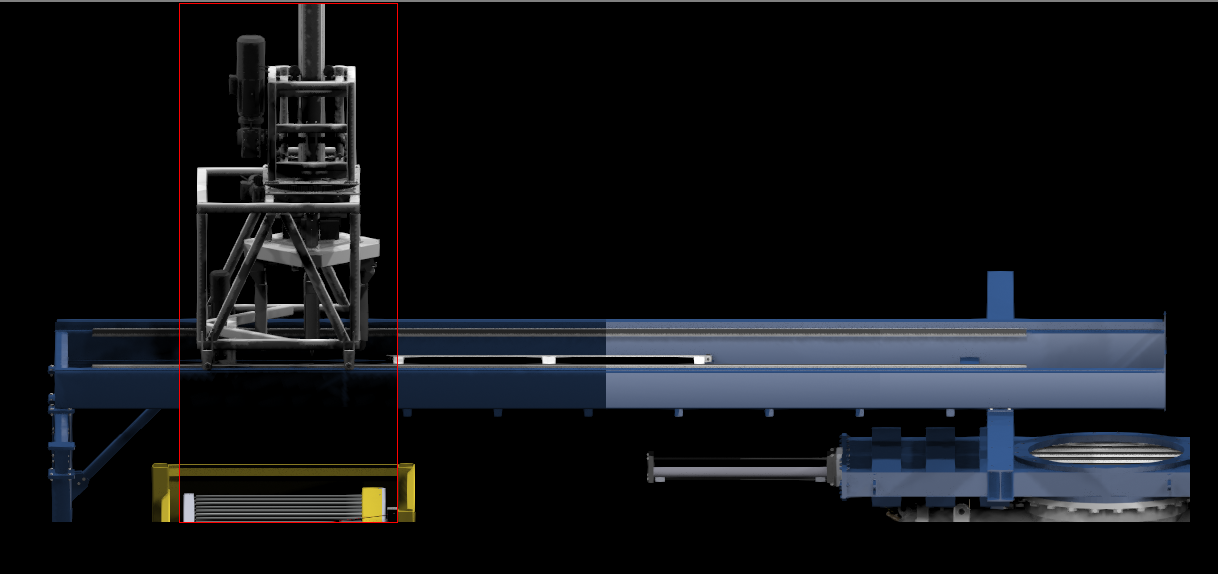
I have been using the Quicksilver renderer lately, to good results.  However, today I attempted a Region render (Area to Render = Region) and got some strange results.  If I resize the Region box, the resulting exposure in the rendered area changes quite dramatically.  The first image shows a portion of my scene where I used three different sized regions.  As you can see, the largest region had a near normal exposure, but the 2nd and 3rd resized regions had a completely different exposure.  (The second image just shows the largest region without the smaller regions superimposed.)


I also tried the Crop option with the same results. The interesting part is that it only happens when I render with Scene Lights... if I render with the Default Lights the exposure does not vary with region size.  The scene lights are standard photo-metric Free Sphere lights.  I have tried Auto Exposure and even no exposure.


Any ideas?  I would really like to use the scene lighting.


Cheers,

Steve


Max 2018

Quadro M4000 24g mem • Nitrous Direct 3D 11.0

0 Likes
Accepted solutions (1)
1,024 Views
2 Replies
Replies (2)
Message 2 of 3

Anonymous
Not applicable

More info discovered today.  The exposure issue also only happens when rendering an Orthographic view.  Rendering the same regions in Perspective view does not show any exposure changes when resizing the region. 

So, basically... using the Quicksilver renderer to render a specific region from an Orthographic viewport using scene lighting causes unexpected changes to exposure, i.e., reducing the region size reduces the render exposure.


As you were...

Steve


Max 2018

Quadro M4000 24g mem • Nitrous Direct 3D 11.0

0 Likes
Message 3 of 3

Anonymous
Not applicable
Accepted solution

Hello again...


Just in case anyone ever comes across this situation...  I finally stumbled upon a solution/workaround.  Seems that using photometric lights with Quicksilver while doing a region render was the cause.  Switching out all scene lighting for standard omni lights made the weird exposure issue resolve.  Although photometric lighting gives a certain amount of added control, I can live with the trade-off.


As you were...

Steve

0 Likes