Trouble with electrical elements model

Trouble with electrical elements model

antonio_roquette
Participant Participant
2,011 Views
14 Replies
Message 1 of 15

Trouble with electrical elements model

antonio_roquette
Participant
Participant

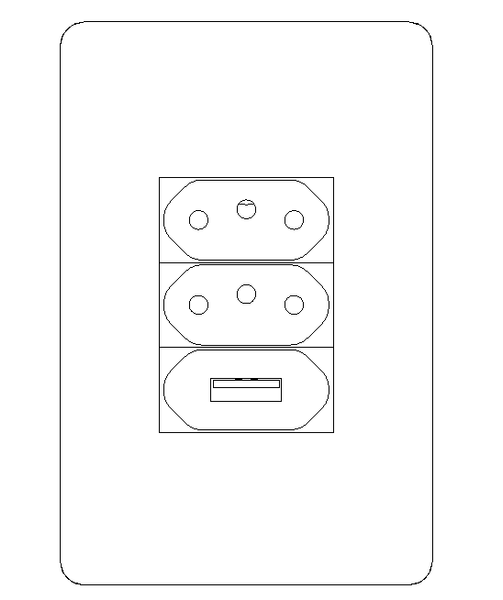
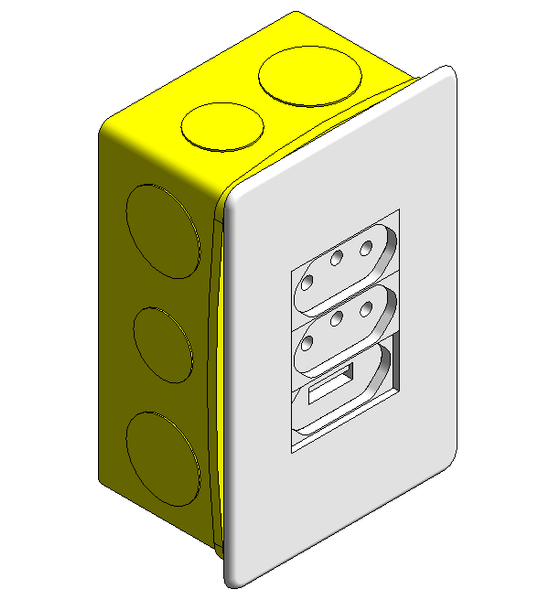
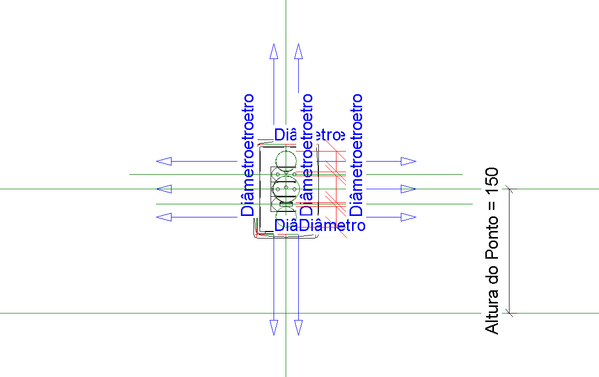
I had to edit an electrical element and put an usb charger, and the final looked like this
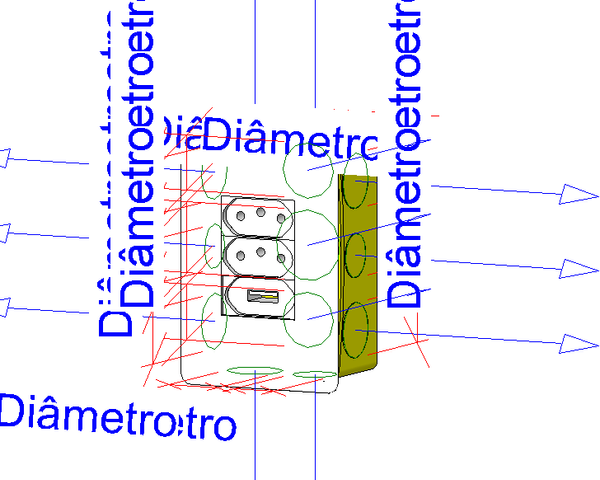
antoniovr05_0-1710250491251.png


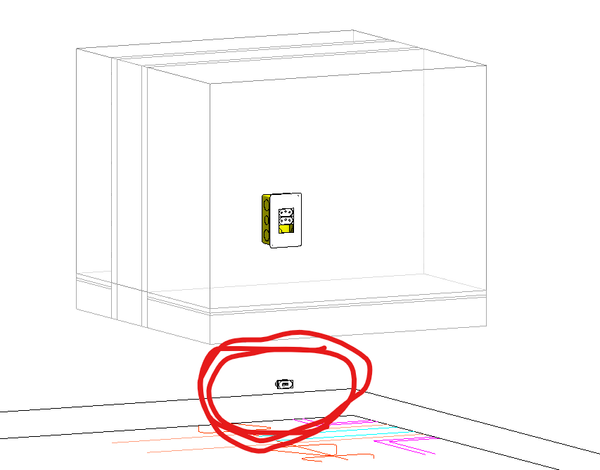
But then when I checked it in a Section, the newly usb charger just didn´t show up.
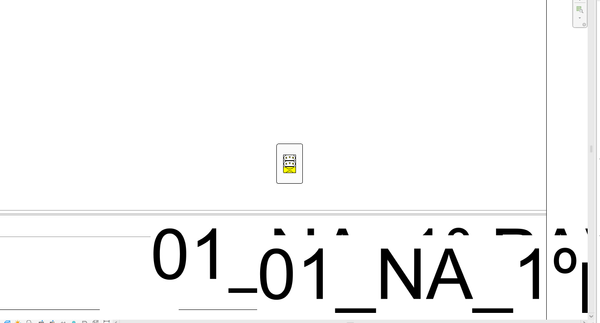
antoniovr05_1-1710250561769.png


Any ideas on fixing this?

0 Likes
Accepted solutions (1)
2,012 Views
14 Replies
Replies (14)
Message 2 of 15

AE_RevoBIM
Contributor
Contributor

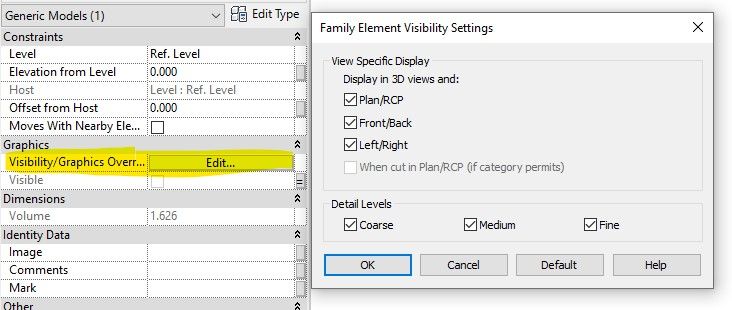
Check the "Family Element Visibility Settings" in the family of the USB element. Make sure its set to visible in section, or check if any of those settings are turned off. (Image attached)


Also check if the element is set to "Visible" in the properties.

Screenshot 2024-03-12 140543.jpg


Does it show in a 3D view within the model?


0 Likes
Message 3 of 15

antonio_roquette
Participant
Participant

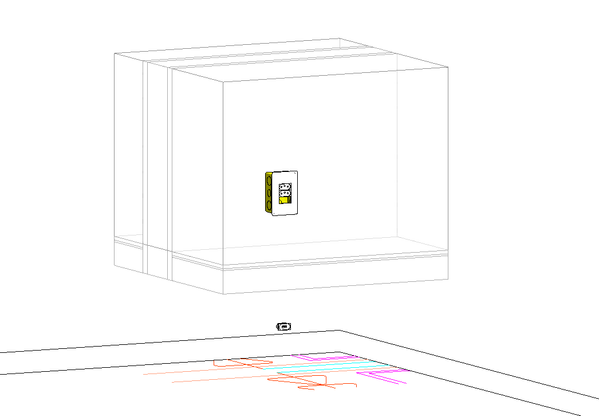
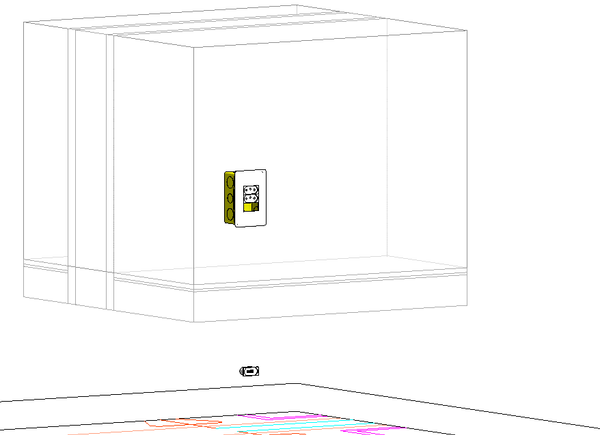
Yes, it is all turned on, but I just checked it in the 3D model, and it looks like this

antoniovr05_0-1710253006610.png

I have no clue why, since it is all correct when I edit the family


0 Likes
Message 4 of 15

iainsavage
Mentor
Mentor

Upload the family please

0 Likes
Message 5 of 15

AE_RevoBIM
Contributor
Contributor

Is the USB element a nested family? Can you go into that and check its Family Element Visibility Settings then reload into host family.


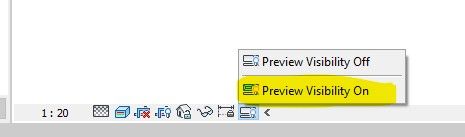
Something else to check, in the host model, goto a 3D or section where you can see the USB element and set the "Preview Visibility On" on the bottom left (See image). This previews the family settings. If it disappears then you will be able to troubleshoot inside the family editor

Screenshot 2024-03-12 142830.jpg

0 Likes
Message 6 of 15

iainsavage
Mentor
Mentor

Upload the family for examination, it will save a lot of back-and-forth guessing.

Message 7 of 15

antonio_roquette
Participant
Participant

Here is the family, I think the USB is not part of the host

0 Likes
Message 8 of 15

antonio_roquette
Participant
Participant
I now think it is a problem within the family itself, rather than a visibility one
0 Likes
Message 9 of 15

iainsavage
Mentor
Mentor

This is what I see in section in Fine detail mode

iainsavage_0-1710255018554.png

3D in Fine detail:

iainsavage_1-1710255105402.png


0 Likes
Message 10 of 15

antonio_roquette
Participant
Participant
Yes, but when I see it in a section, or in 3D in project, inside a room for example, it seems like the USB is not connected to the electrical host. Try to put this family inside a project and check it
0 Likes
Message 11 of 15

iainsavage
Mentor
Mentor

Here is your USB in your screenshot???:

iainsavage_0-1710255386635.png

It looks like the nested family is not constrained properly to move with the main family.

iainsavage_1-1710255516939.png


Message 12 of 15

iainsavage
Mentor
Mentor

You need to add another reference plane, lock the USB sub-family to that plane and then give it an offset dimension from the plane which is controlled by the Alturo do Ponto parameter

iainsavage_0-1710255750747.png


Message 13 of 15

antonio_roquette
Participant
Participant

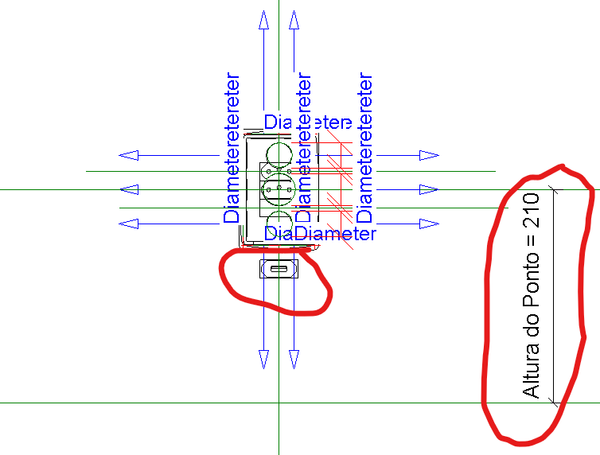
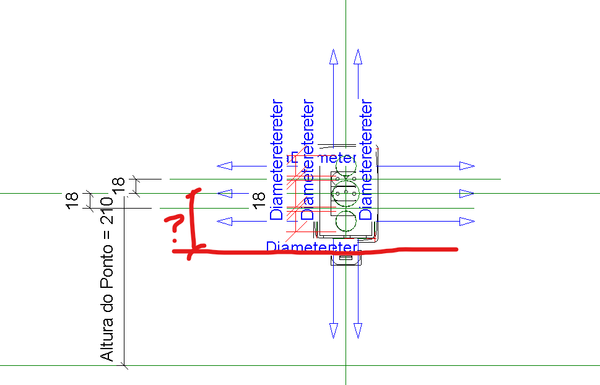
I don´t get it. When I try to edit the family, it is already "fixed" 

antoniovr05_0-1710930339523.png

But it is still out of place

antoniovr05_1-1710930461777.png


0 Likes
Message 14 of 15

fabiosato
Mentor
Mentor
Accepted solution

Hello,


The USB module was not inserted using the proper reference plane, which should be "baixo".

The family below is ok now.

Fábio Sato
Did you find this post helpful? Feel free to Like this post.
Did your question get successfully answered? Then click on the ACCEPT SOLUTION button.

EESignature

Message 15 of 15

antonio_roquette
Participant
Participant
Thank you!
0 Likes