Steelcase Library won't download into model- Finishes are not showing

Steelcase Library won't download into model- Finishes are not showing

Anonymous
Not applicable
4,796 Views
8 Replies
Message 1 of 9

Steelcase Library won't download into model- Finishes are not showing

Anonymous
Not applicable


 Hi, 


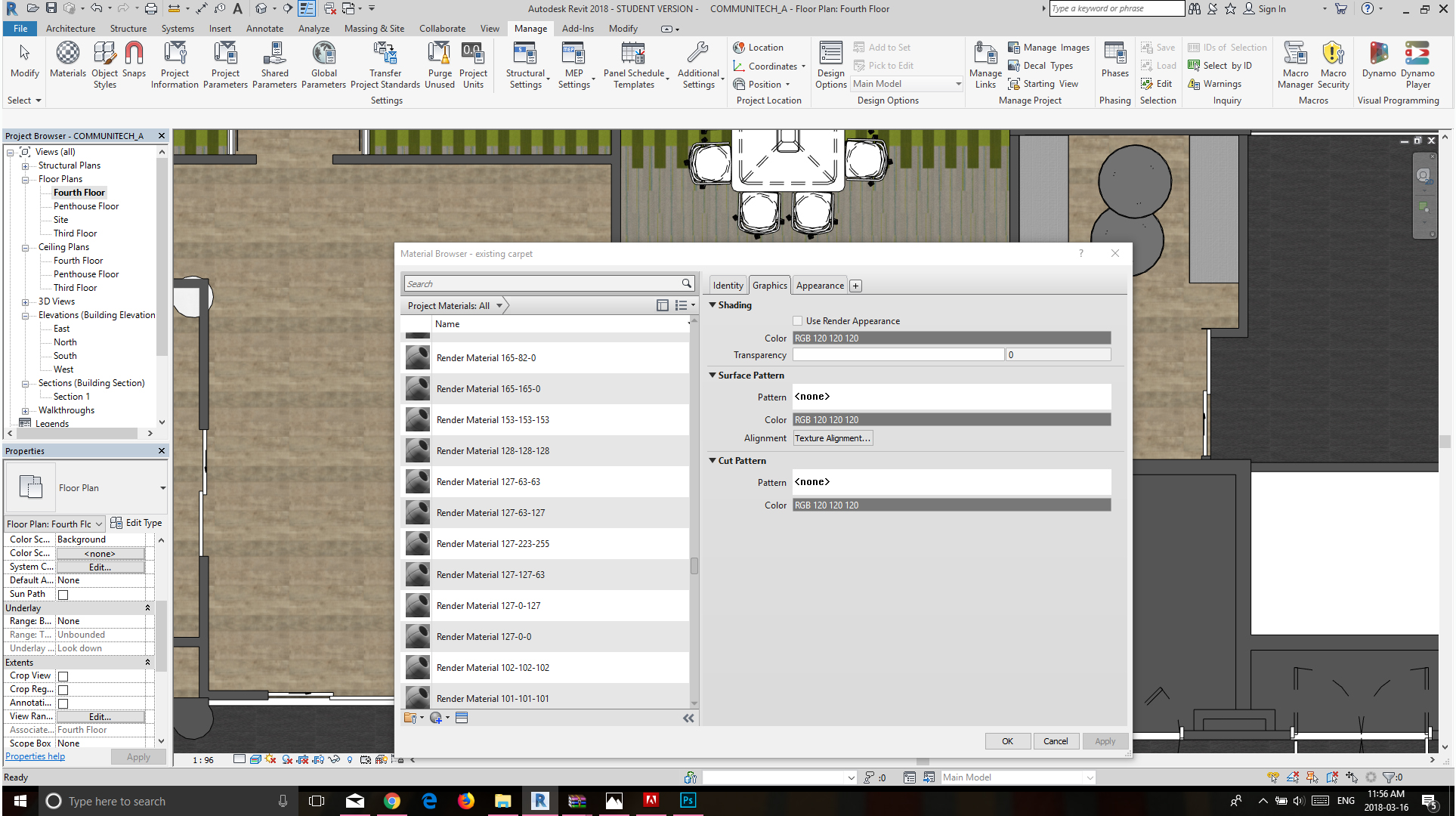
I've been placing Steelcase furniture in my project but non of the finishes are showing both in floor plan and 3D. So I clicked on the materials tab and notice none of the finishes are illustrated there. I've been trying to download Steelcase's finishes library  into the model thinking it's the issue but It wouldn't let me. If anyone know what I'm doing wrong and how to fix it please help me. 


Thank you in advance.


0 Likes
Accepted solutions (1)
4,797 Views
8 Replies
Replies (8)
Message 2 of 9

Viveka_CD
Alumni
Alumni

Hi @Anonymous


I see that you are a new visitor. Welcome to the Autodesk community!


From where have you downloaded the model and finishes from?

Can you open just the steel case model separately and check if it finishes applied?


Looking forward to your reply update.


Regards,

0 Likes
Message 3 of 9

Anonymous
Not applicable

Hello, 


Thank you for your reply. I have downloaded the finishes library from the steelcase website itself. It does appear when I open it separately. I've tried so many ways to turn on and off the finishes in each model but that doesn't seem to be the problem since it doesn't appear in any. 


Thank you for your help 

Angela

0 Likes
Message 4 of 9

Viveka_CD
Alumni
Alumni

Hi @Anonymous


Is it possible to share the file and model to test further? 


I can share a private upload folder with you. Let me know your preference.


Regards,

0 Likes
Message 5 of 9

Anonymous
Not applicable

yes for sure, please send me the private upload  link and I will attach it. 


0 Likes
Message 6 of 9

Viveka_CD
Alumni
Alumni

Hi @Anonymous


I've shared a private upload link with you.


Let me know if you have any issues accessing the folder. Please share your recent journal as well.

Do let me know if you have any questions.


Regards,

0 Likes
Message 7 of 9

Anonymous
Not applicable
Accepted solution

Hello;

After down loading the Steelcase Revit Material Library, you should load & adding Material in your Revit model. There is (2) files 240x240 file and adsklib file. Save in your local drive. The info of how to load Material Library into Revit model is described in the PDF document which included in Revit Material file.


"README_Steelcase Revit Material Library.pdf"  See attached pdf file.


Best Regards!

Message 8 of 9

Anonymous
Not applicable
Hi,

That worked. Thank you so much! I really appreciate your help.

Have a wonderful day!
Message 9 of 9

Anonymous
Not applicable

I am having a similar issue but cannot even find the adsklib file to download.