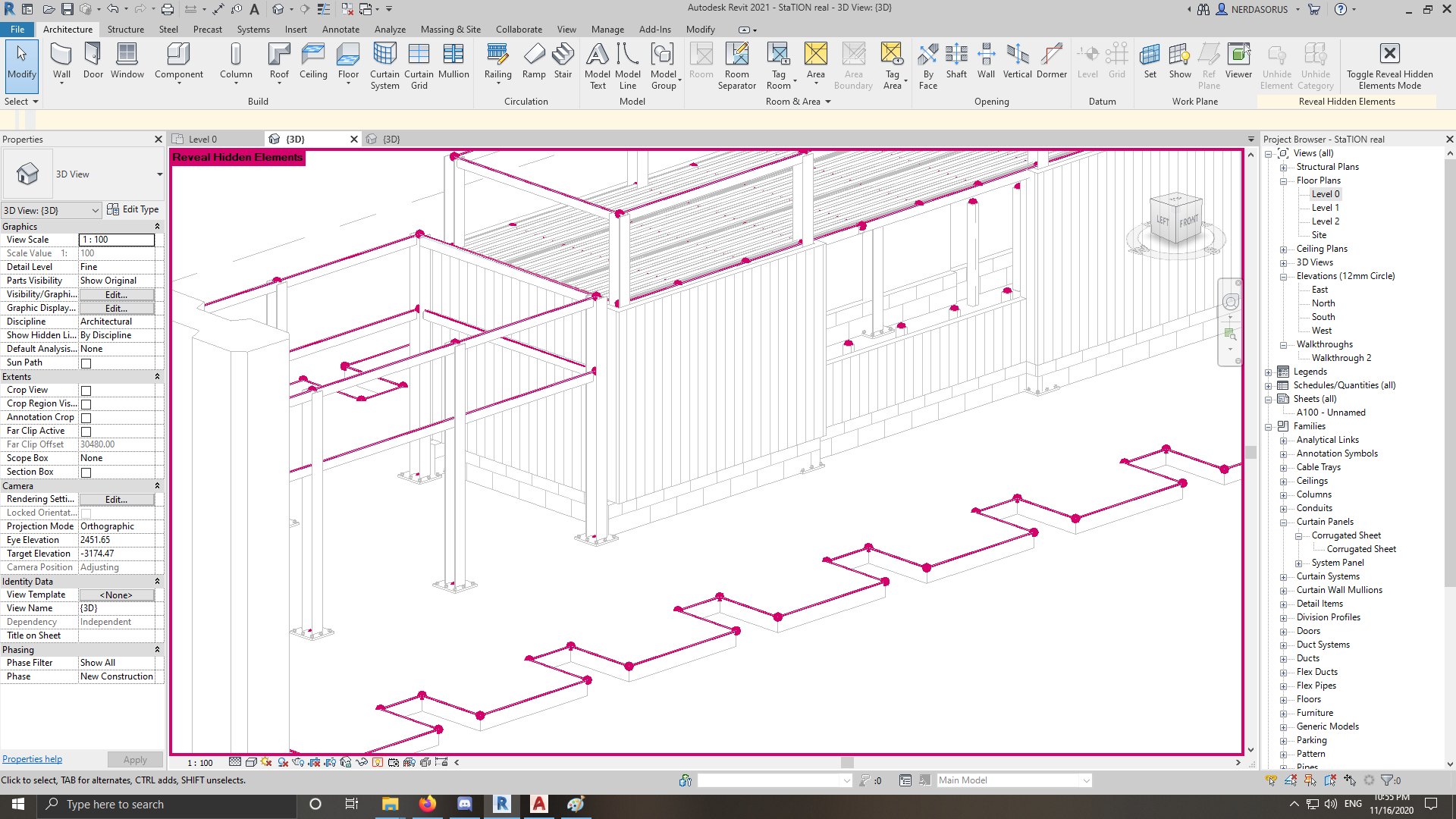
hidden elements in 3D view

hidden elements in 3D view

NERDASORUS
Advocate Advocate
1,161 Views
5 Replies
Message 1 of 6

hidden elements in 3D view

NERDASORUS
Advocate
Advocate

Hello


As the title suggests, i have various elements that are not showing in 3D view (like for example: connection plate for the steel columns, the grooves in the sandwich panels) but when i toggle the "reveal hidden elements" they show up as you can see in the attached pictures. Neither element/category is hidden!


0 Likes
1,162 Views
5 Replies
Replies (5)
Message 2 of 6

WEC17
Advocate
Advocate

Did you check you Visibility Graphics in your 3D view? Check if you have Structural Connection check

0 Likes
Message 3 of 6

barthbradley
Consultant
Consultant

Select those hidden elements and look on the contextual tab for unhiding options.  


...those look like Analytical Nodes from here.  

0 Likes
Message 4 of 6

NERDASORUS
Advocate
Advocate

Thanks for your reply

im not talking about the nodes, what i want is the vertical lines on the walls

0 Likes
Message 5 of 6

NERDASORUS
Advocate
Advocate

thank you for your answer, this actually solved the connection part!

0 Likes
Message 6 of 6

barthbradley
Consultant
Consultant

Looks like everything but the Analytical Elements are visible in the Right View.  

0 Likes