Message 1 of 6

- Mark as New
- Bookmark
- Subscribe
- Mute
- Subscribe to RSS Feed
- Permalink
- Report
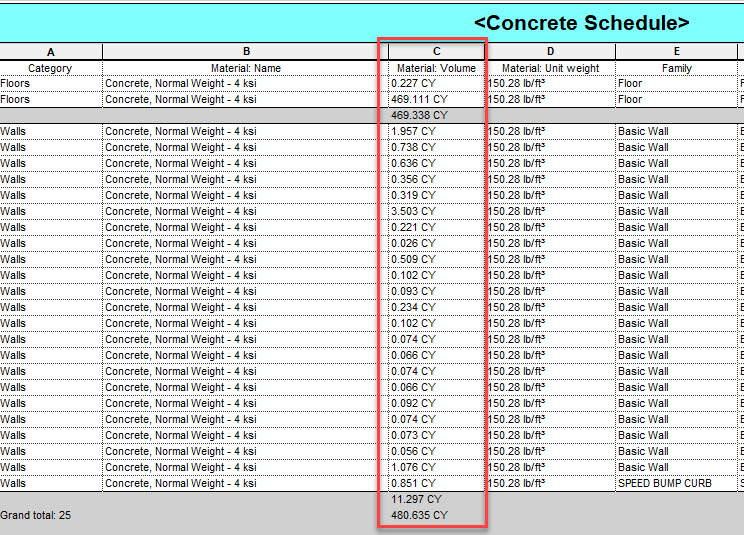
I want to change the Units in a Column of my schedule but the Field Format button is greyed out. Why?
Solved! Go to Solution.

 Participant
I want to change the Units in a Column of my schedule but the Field Format button is greyed out. Why?
Solved! Go to Solution.
@Chief-Chad wrote:I want to change the Units in a Column of my schedule but the Field Format button is greyed out. Why?
Not enough information provided for us to be able to tell you why. I have some guesses if you are interested.
See if this help.
I want the Units to show up like 2.245 vs 2 or 0.375 vs 0.
Why do you even need a formula? Just directly format Material: Volume, change the Units format to cubic yard and change the rounding.
BOOM! That's it.