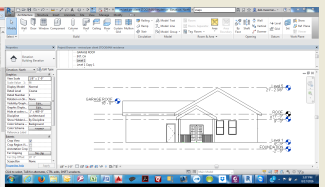
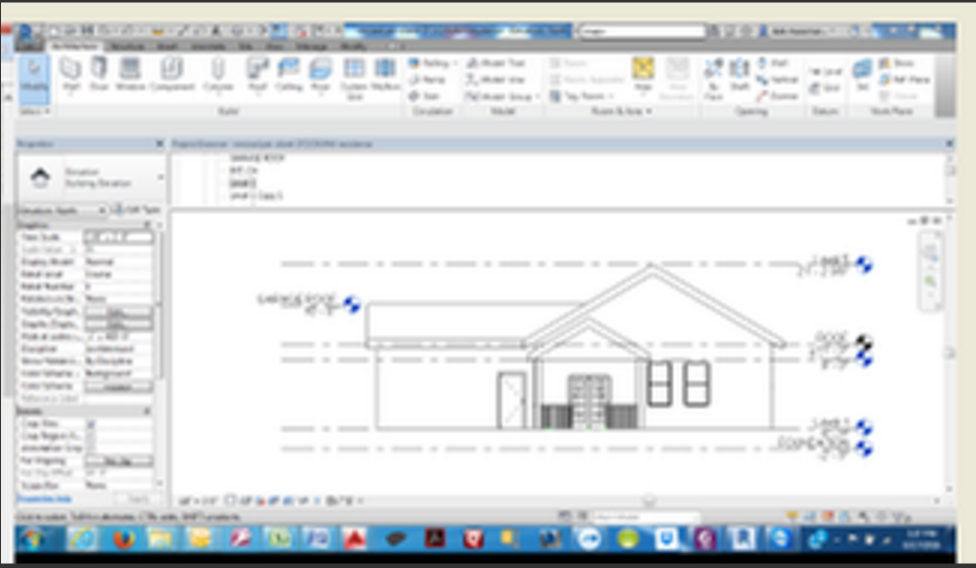
Just generally speaking, levels are the most critical part
of a model. The floors get tied to the levels and the walls
get tied to the floors etc. I guess like a house of cards
built up high, if all the horizontal cards just diapeared,
all the other cards would come crashing down.
But the "name" of Revit MEANS "Revise instantly".
And what would be the most commen thing you would
want to "revise" in the middle of project, would robably be
ceiling height. Those MEP guys can really get to battling
it out with what the owners want to spend on ceiling height.
So we need to think from the start about how everything
progressively gets attached to a level. That way we will
know how to unattach everything in reverse to leave
that level completely free, to in most cases move the
level, or if for some reason delete it.
Having said all that, yes levels can easily be deleted and
created. You can use levels just to line things up, and
not even give them a name, and then delete them.
To delete a level, just highlight it and push your delete
key. To create a level, I just right-click another lever
and click "creat similar".