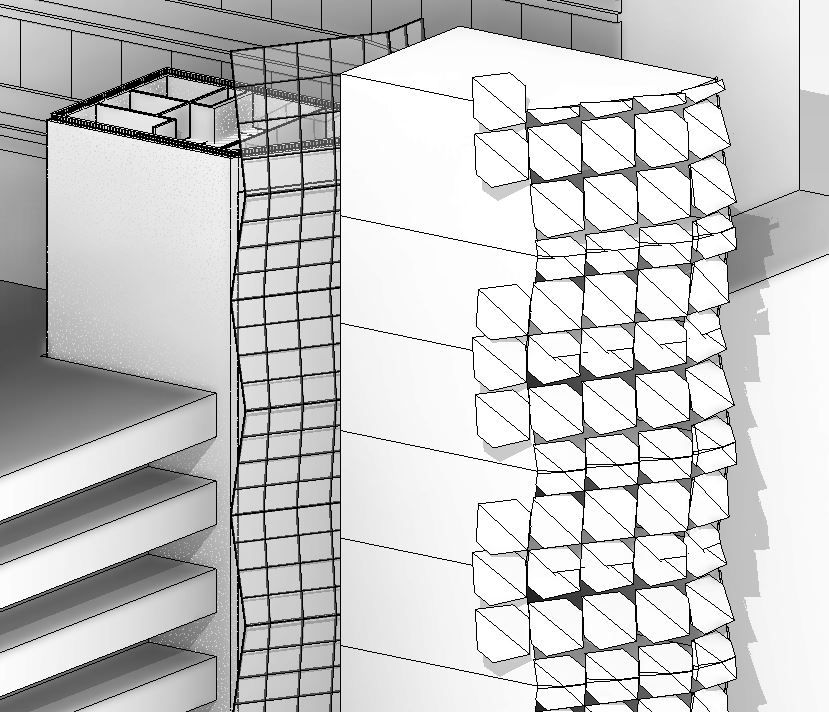
J.Pijl,
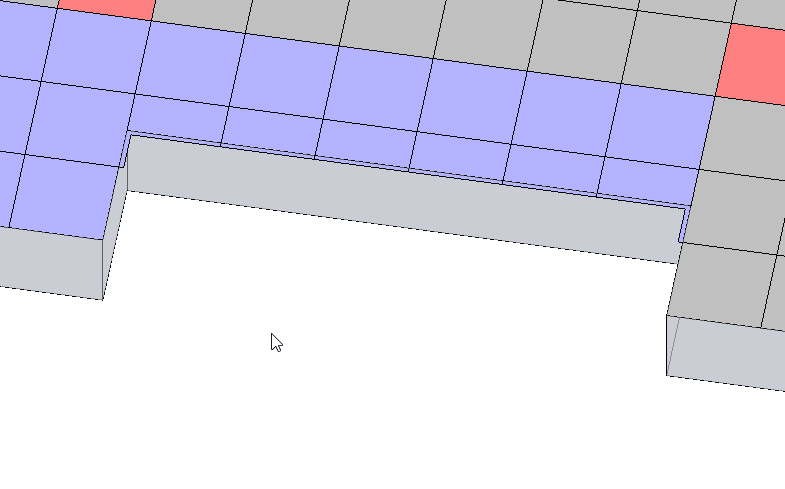
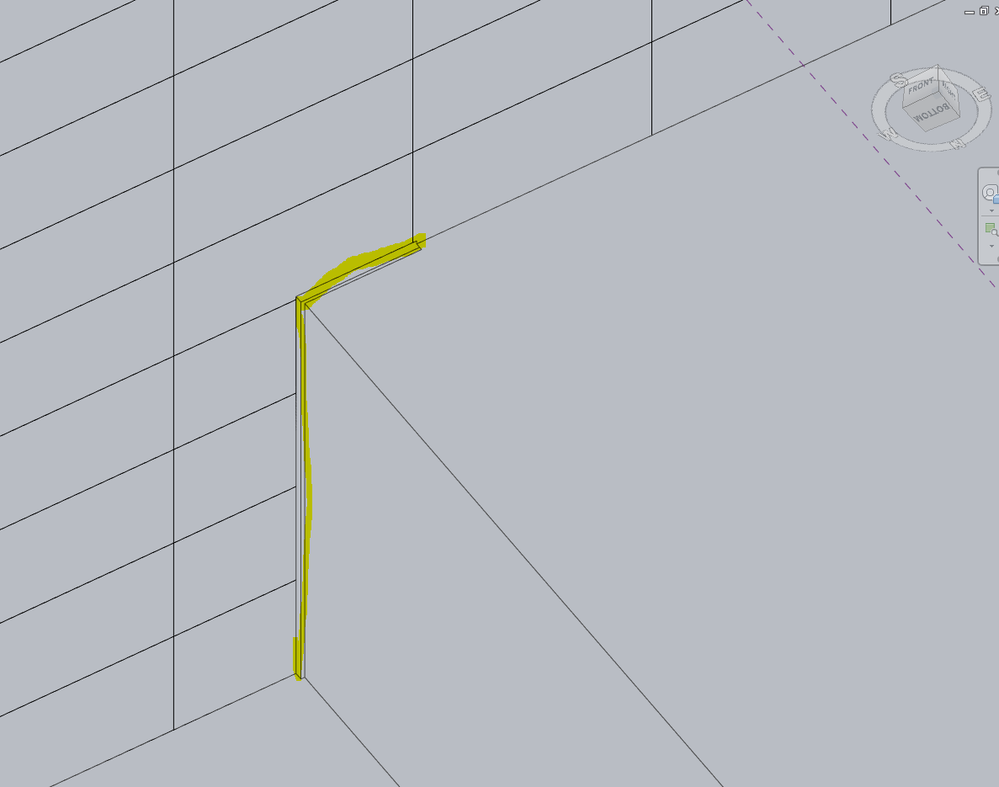
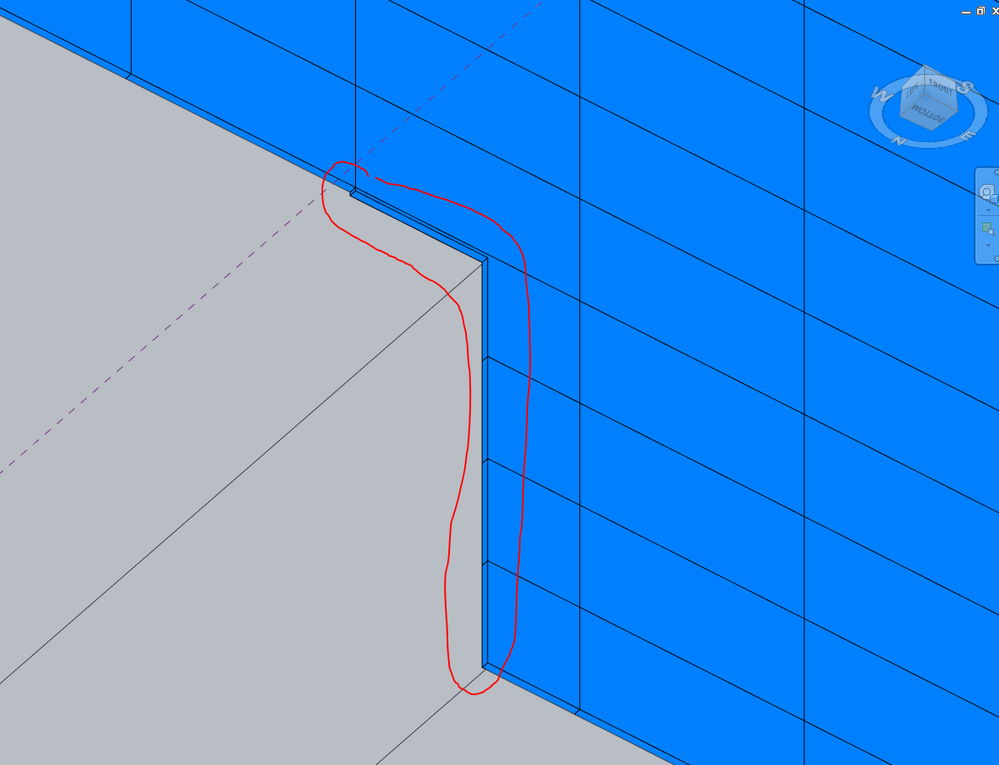
They have not fixed this issue yet, and i doubt they actually will. However, here is something that may help you. Being adaptive component, divided surface, etc., there are mannnnnnny different ways to tackle this problem. The best luck i have had in resolving this issue is to do the following.
Step 1: If you have a simple rectangular based pattern, develop a separate Pattern based family, as a simple extrusion (example attached).
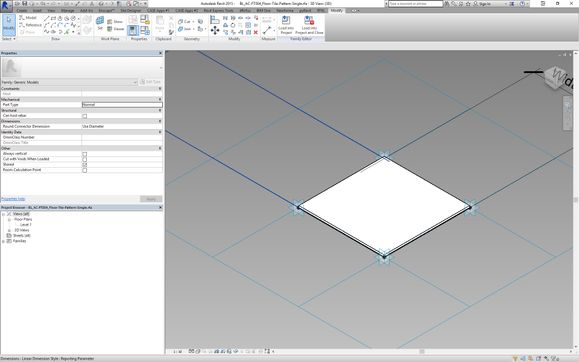
Step 2: Load this family in to your project
Step 3: Create a divided surface from a mass.
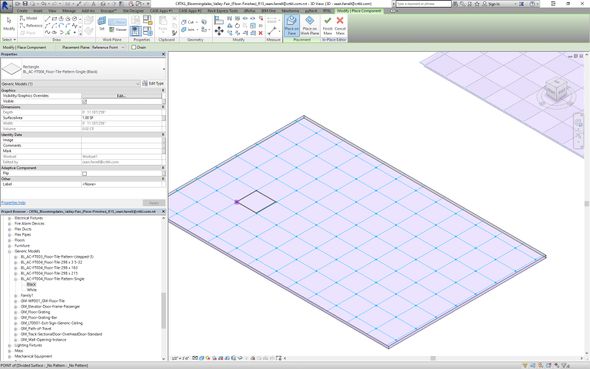 Place Pattern Based Family Here
Step 4: Enable nodes on your patterned surface. (do NOT use the pattern based surface option, and select your family, this will result in the error with overhangs, this is where this whole logic breaks down).
Step 5: Place your pattern based family on the node points,

Step 6: Repeat step 5 until you get the pattern you want.
Step 7: select the repeater command based on the module repetition of your choice.

This isnt a perfect fix, but it can at least eliminate the overhang issue, and it will actually schedule the family! whereas loading it as a pattern, if you have multiple types of panels/surfaces, you wont be able to schedule them, or their properties.
We implemented this following example for a patterned floor with checkerboard tile, to include varying tile sizes, as well as doing quantity take offs of each tile.