Arnold don't render my texture

Arnold don't render my texture

Anonymous
Not applicable
8,517 Views
4 Replies
Message 1 of 5

Arnold don't render my texture

Anonymous
Not applicable

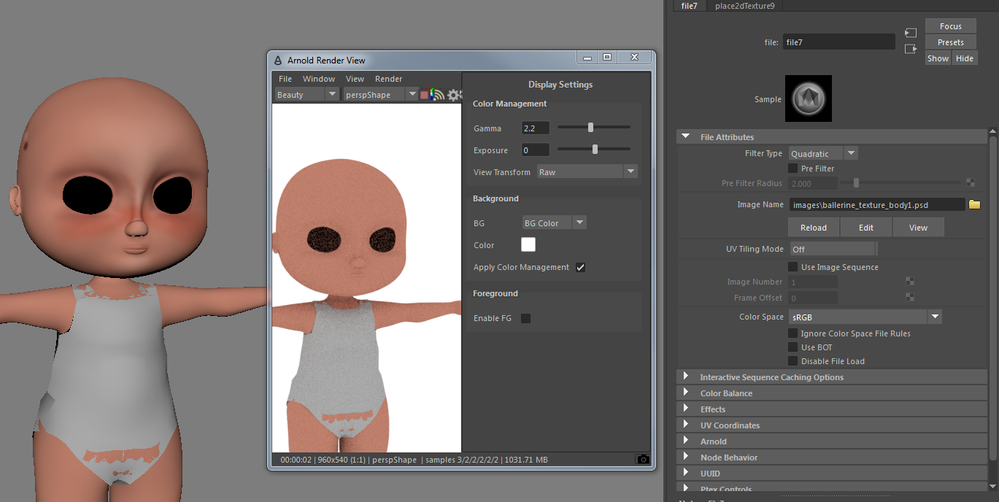
I'm having a trouble with Arnold in Maya 2017 (Autodesk Student License).
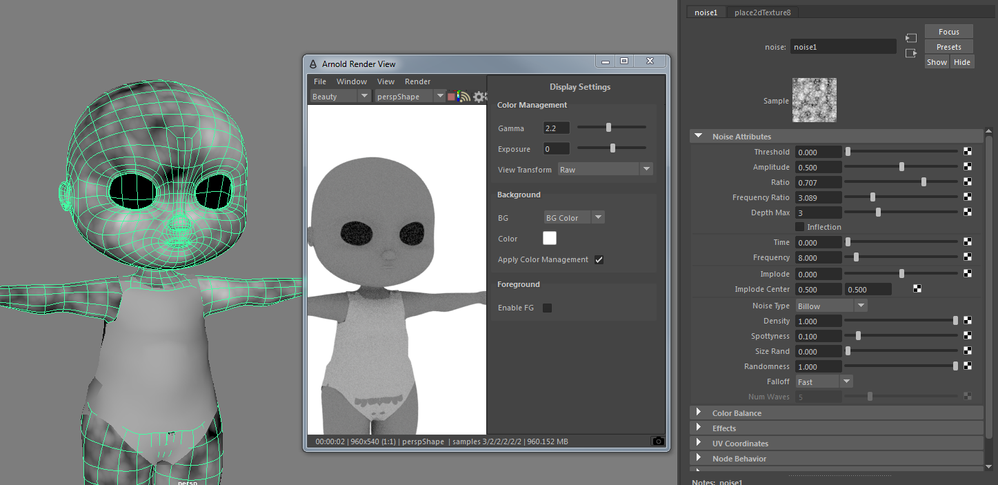
All kinds of textures that I've tried to put on diffuse color on aiStandard Shader are not showing on my render and they are showing on my viewport 2.0 (I've tried noise, checker and a bitmap file).

I've modified gamma sometimes and it's was not gamma issue.


Thank you for support.
 

render_arnold.PNGrender_arnold2.PNGrender_arnold3.PNG

0 Likes
Accepted solutions (1)
8,518 Views
4 Replies
Replies (4)
Message 2 of 5

mspeer
Consultant
Consultant

Hi!


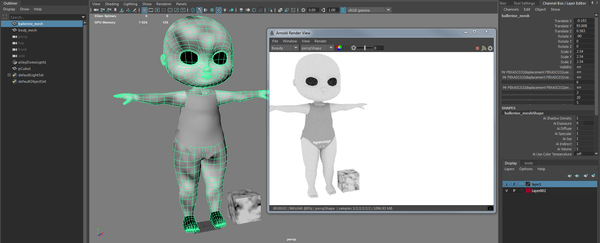
Can you please upload a scene-file to check? (If you don't want to upload your model, add a polygon cube and assign the material with the noise texture to it, remove all other objects and save. As long as this simple scene with the cube shows the error too it would be easy to check.)

0 Likes
Message 3 of 5

Anonymous
Not applicable

Here is my scene. I think there is something wrong with my mesh. I've import the mesh from 3dsMax 2017.

Both the mesh and the cube have the same shader applied, aiStandard


render_arnold4.PNG 


https://www.dropbox.com/s/ji20dalypjy7uqf/bailarina_test_texture.mb?dl=0


Thanks you


0 Likes
Message 4 of 5

mspeer
Consultant
Consultant
Accepted solution

Hi!


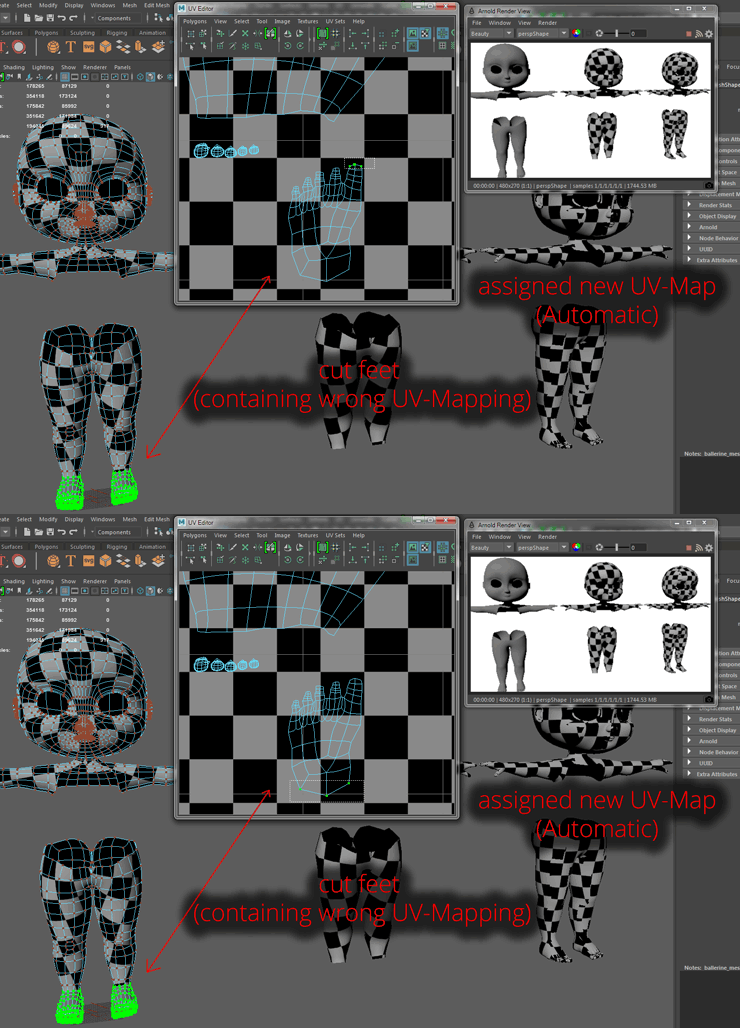
The main problem is a complete corrupted UV-Mapping at the feet (some faces are not assigned to anything, others share multiple uv's with others...) You can correct this by assigning a new UV-Mapping to the feet or the whole model.

uv_map.gif


0 Likes
Message 5 of 5

Anonymous
Not applicable

I think something went wrong when I export my mesh separately from the previous archive. I opened a previous version and the render and UV are ok. Anyway, I've appreciate that you've west time, thanks for you patience.

0 Likes