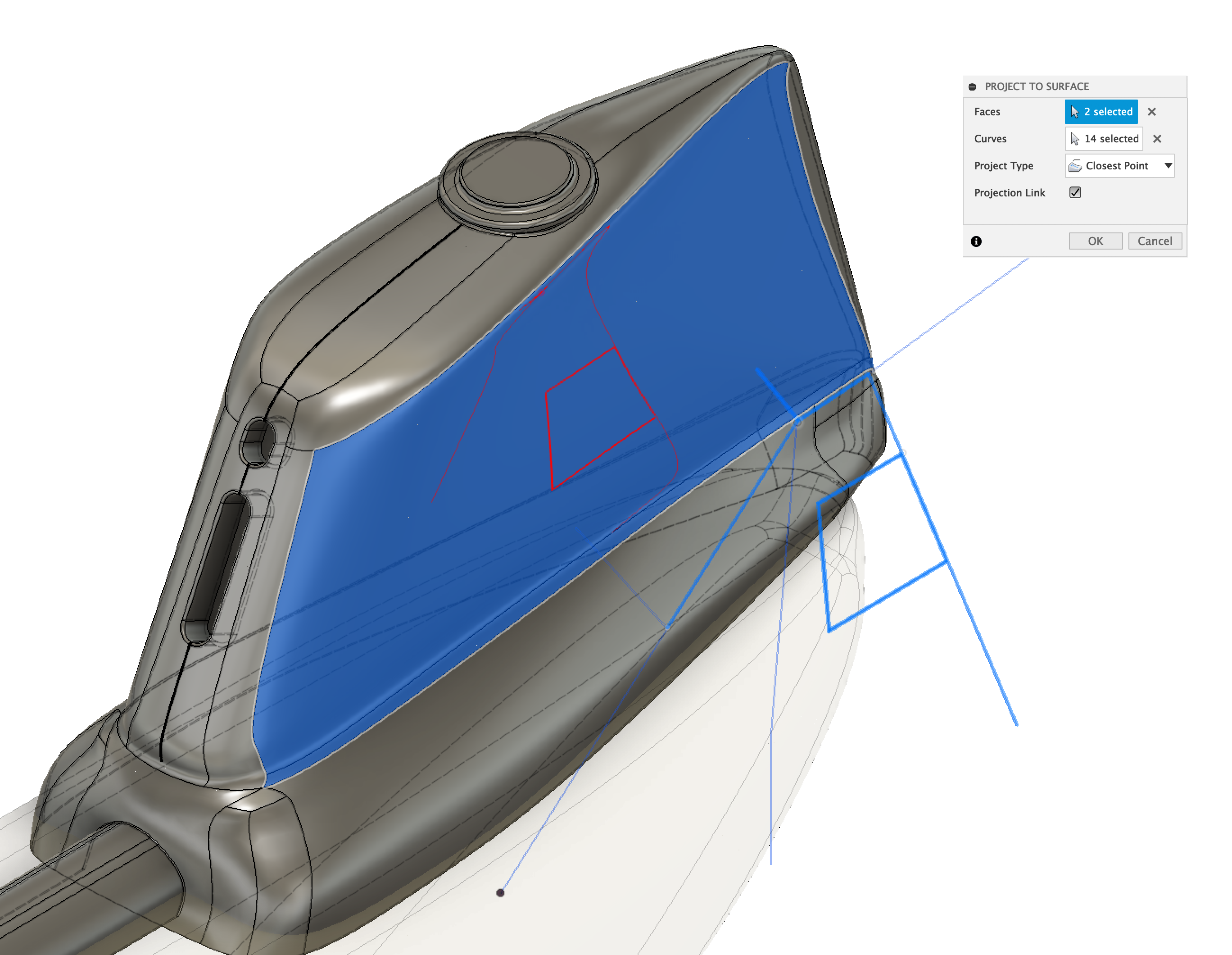
@jeff_strater wrote:
For this command, you need two sketches. So, the steps would be:
- Click on "exit sketch" for the current sketch
- Start a new sketch, using the "Create sketch" command
- Pick a plane (it doesn't matter what plane)
- Then, use the Project to Surface command, select the surface, and the curves in the other sketch
For me, this information was the key bit - it is really not obvious that you need to create a destination sketch first. Once I read this, I was able to proceed.
However, one thing that I've noticed is that I don't seem to be able to project points using this method. I can project circles, squares, even lines, but points don't seem to project. In my case I want to project some constructed points onto a curved surface, so for a workaround I'm projecting lines between each pair of points and then using the line endpoints as my "points". The problem is that I want to create a tangent plane to my curved face at each of these points, but I don't seem to be able to use a line endpoint for this - the Create Tangent Plane dialog "OK" remains greyed out.
If there's not a simple answer I can create a new question, perhaps with a screencast, to better explain what I'm trying to do.