Exploring Large Assembly Strategies in Autodesk Inventor - Part 4
1600 X 1200 Cover 2024.png

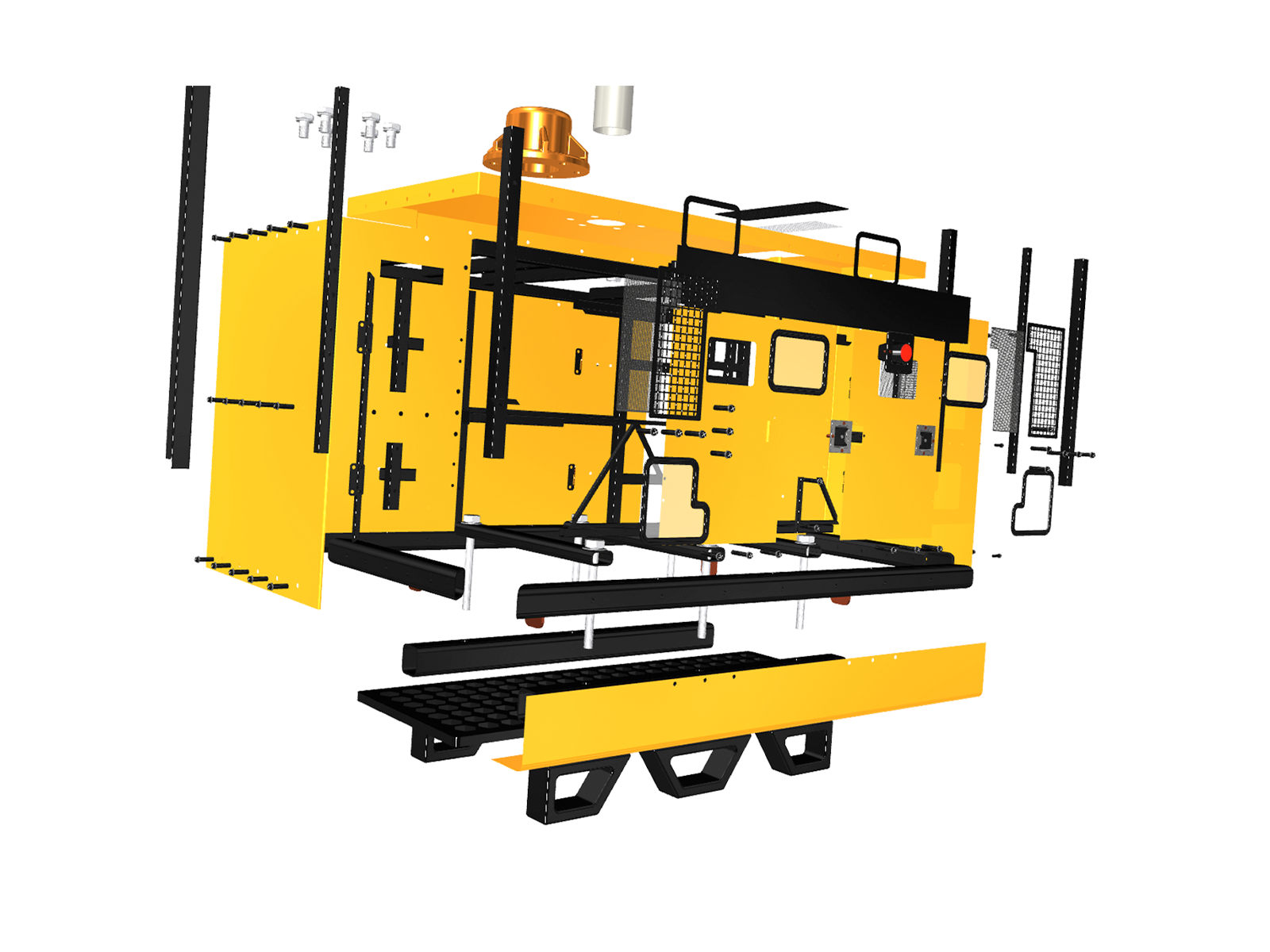
Suppose the entire genset enclosure assembly comprised thousands of bolts, nuts, and screws, and each of these fasteners had actual, detailed thread information. Inventor’s performance would significantly slow down. To reduce the computation load on our system and speed things up a little bit, we use cosmetic threads.


Blog Cover.png


What are cosmetic threads?

Cosmetic threads are simplified representations of threads. They appear on the cylindrical surface of our CAD model as if they have detailed threading, but in reality, they don’t. This makes them much less computationally demanding than modelling the full, detailed threads. The consequence is improved performance, achieved by reducing the complexity of the model within the already large assembly. This makes it easier to work with large assemblies without sacrificing the visual accuracy of threaded components. It’s like embedding a picture of the threads on the cylindrical surface of the fastener rather than modelling them in 3D.

The good news is that this is the default setting for the thread feature in Inventor. So, there’s isn’t any need to worry about it. With this in place, interactions like panning, zooming, and rotating also become smooth as there are fewer details to process in the assembly.

Real modelled threads refer to fully geometric 3D representations of threads on cylindrical surfaces.


THREADS.png

Ends.


Do Hard Things!

2 Comments