PRINT PREVIEW

- Mark as New
- Bookmark
- Subscribe
- Mute
- Subscribe to RSS Feed
- Permalink
- Report
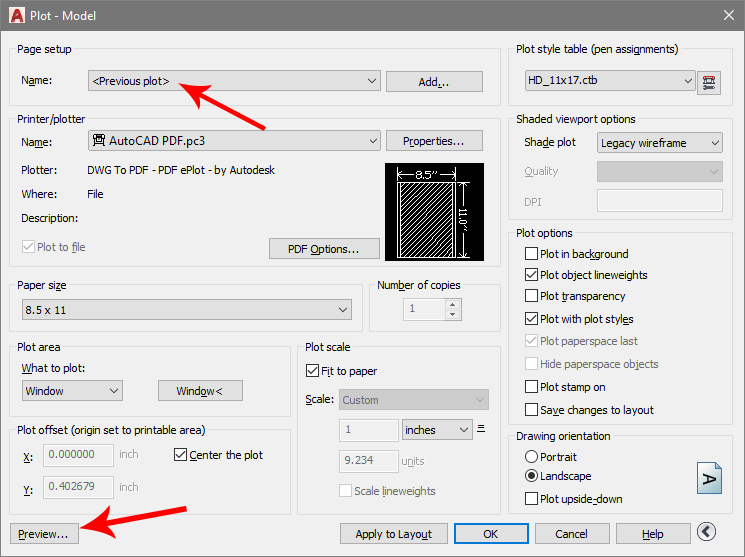
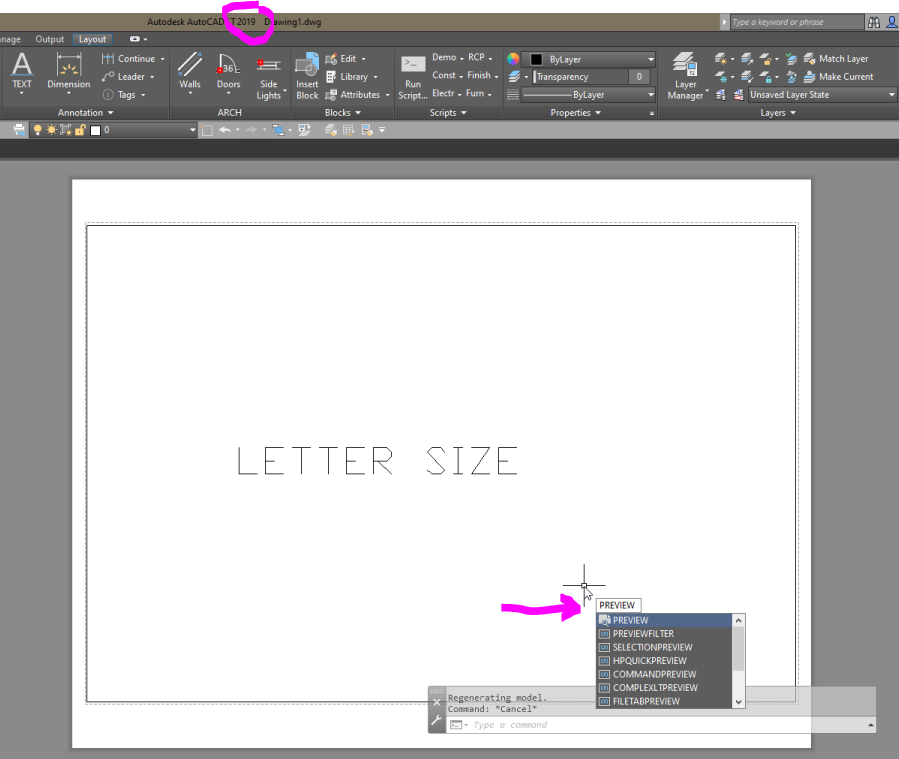
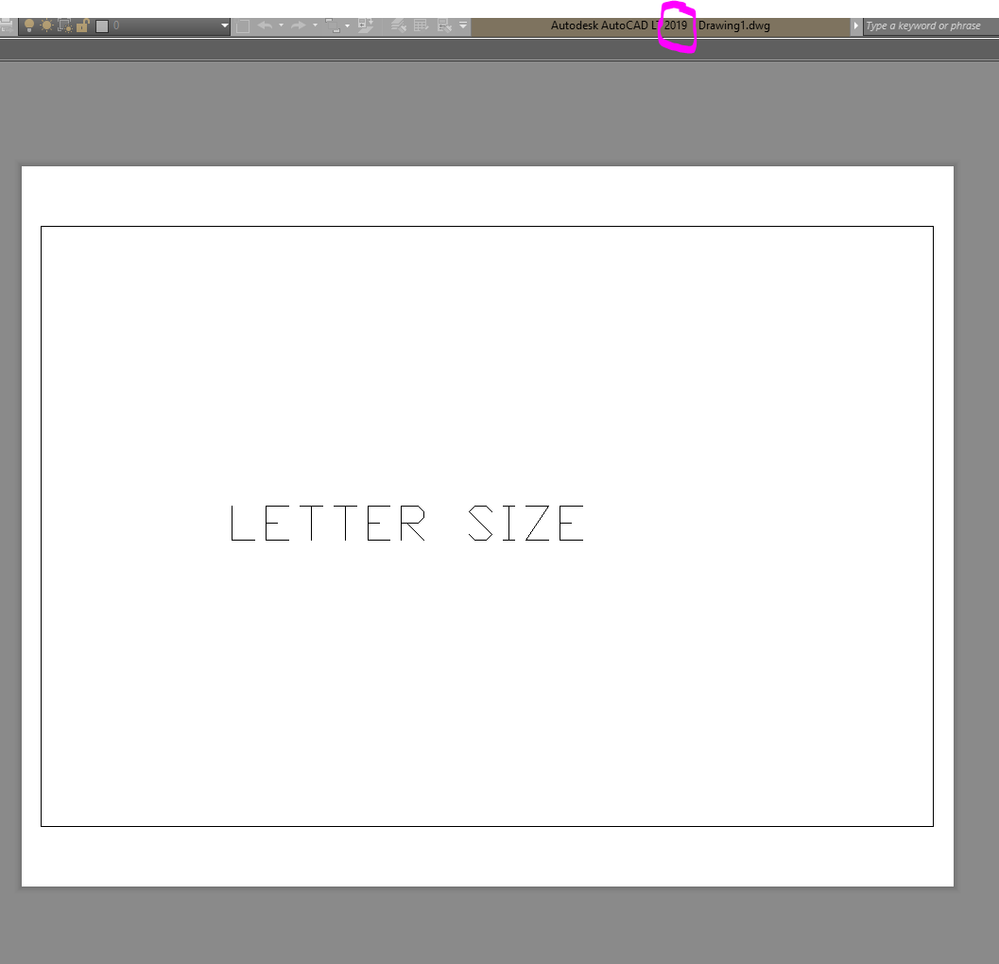
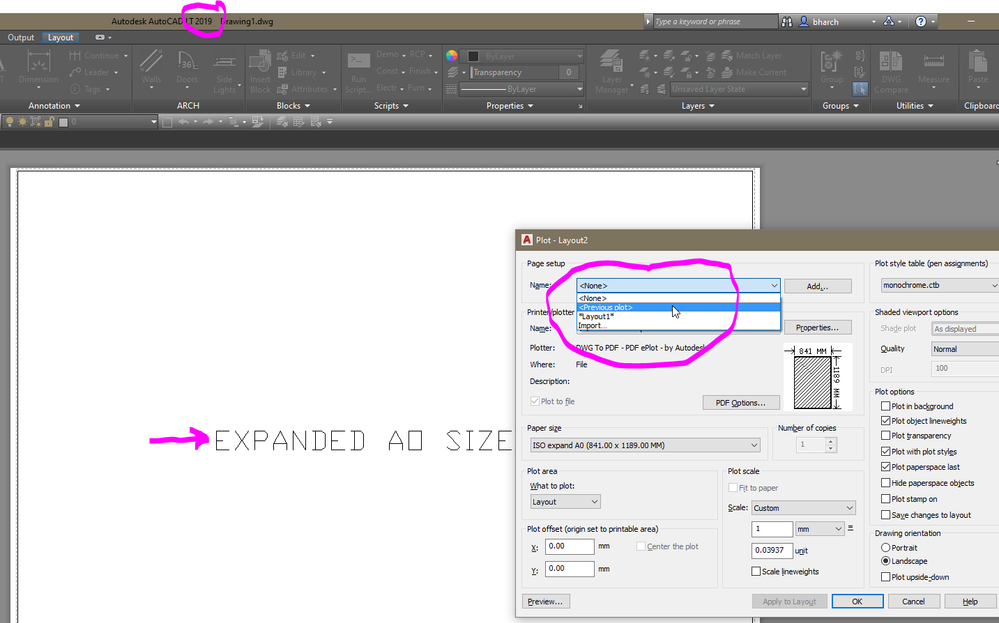
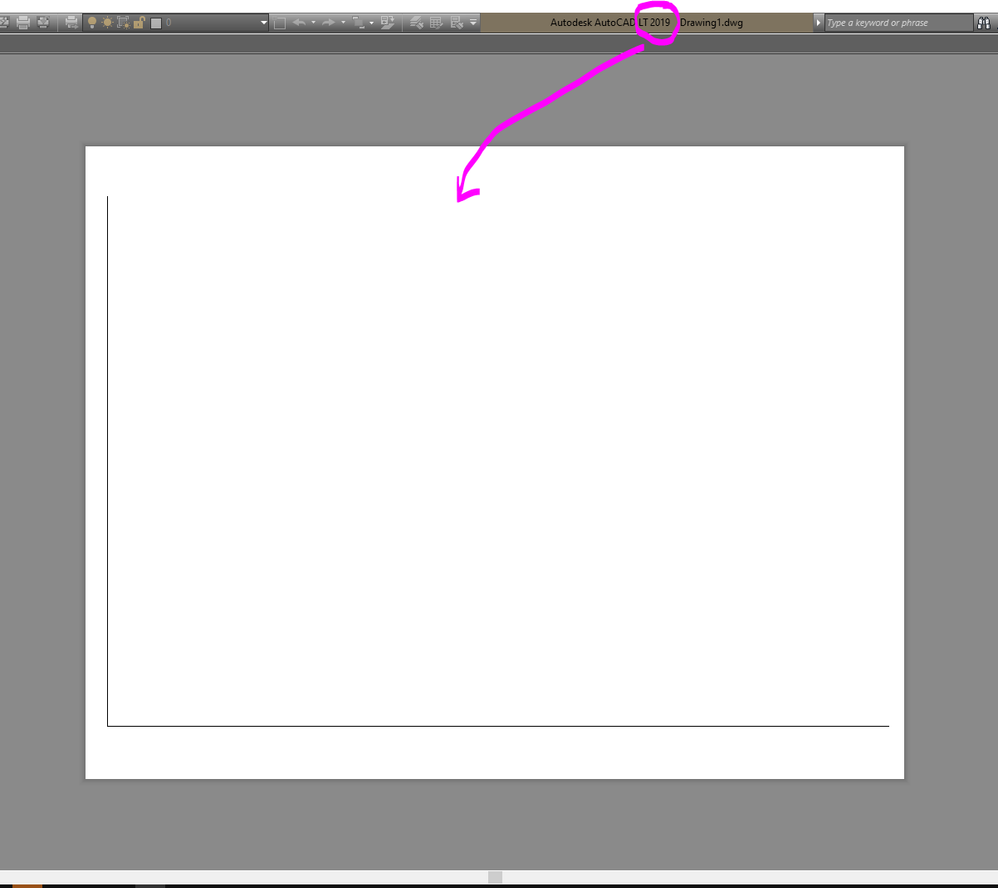
In version 2021 and 2022 someone decided to change the previous plot command, so it only recalls the settings of the last print after a print was executed. When I work on a drawing I do a previous plot print preview to see what it looks like on a page, sometimes I do it every few minutes to see how things are scaled and proportioned. In 2021 and 2022 version the print previous feature only works if you click ok and print your file. This is so annoying that I do not use AutoCAD 2021 or 2022 because of that. I also jump around a lot from one drawing to the other on different paper sizes and scales, so I have to constantly print sheets in order for print previous to work on each file.
Can someone please tell the autocad programmers that this is a really dumb idea. Can you please revert it back so people using autocad don't have to print a sheet in order to know what it will look like in a print previous. I literally do this a hundred times a day easy.
Did someone find a way around this?