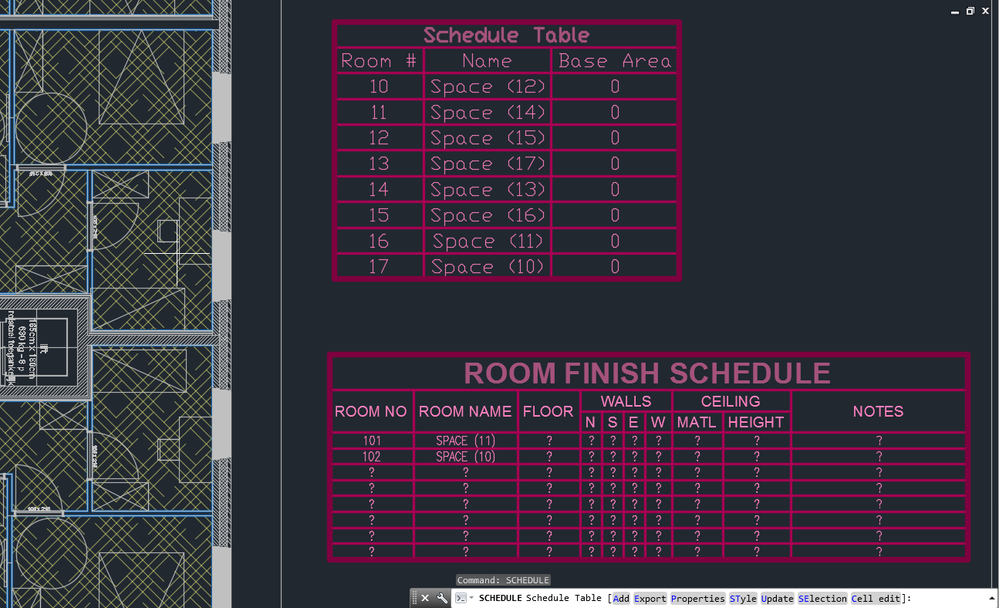
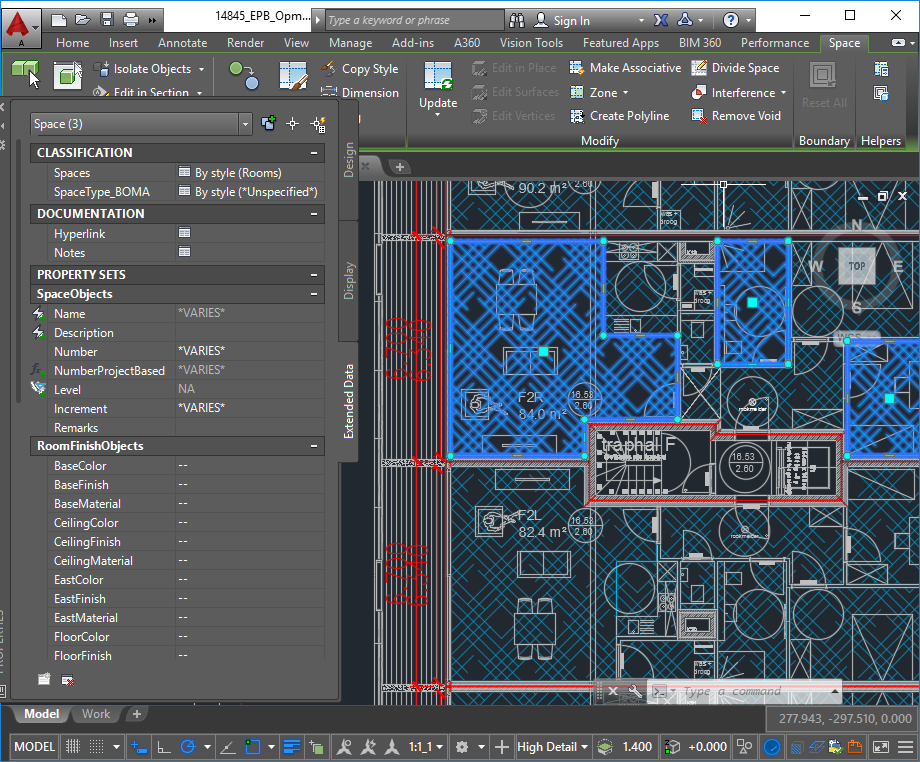
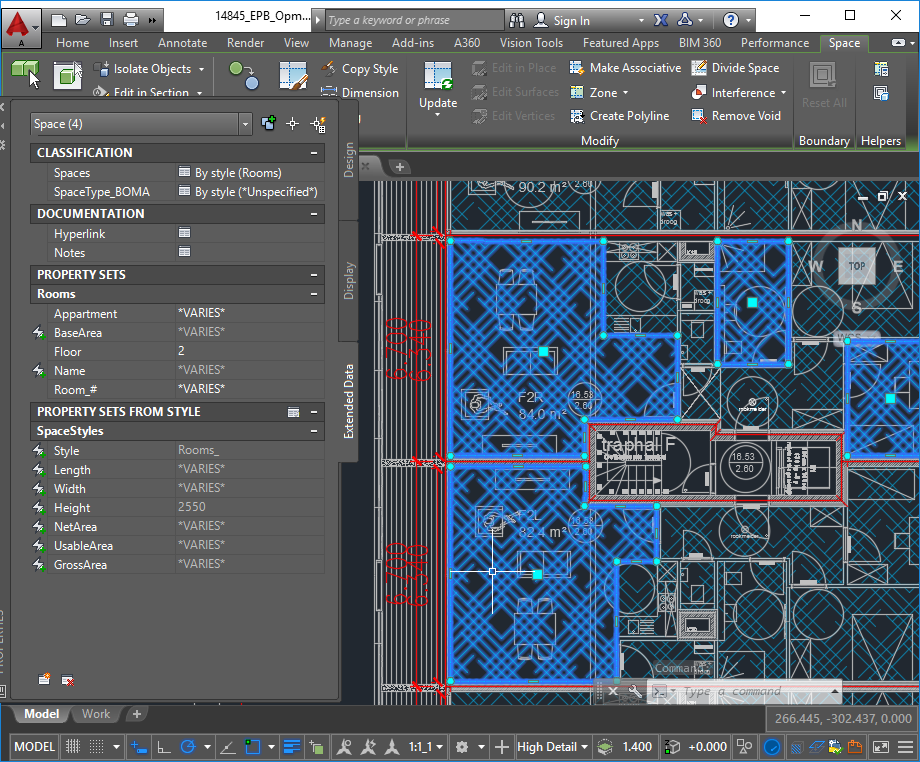
Thanks for the explanation.
I started a new drawing (drawing 1) and then opened the source drawing of the schedule table style. Next, in the Style Manager I copied that style to the new drawing. What else was copied ?
- The classification definition Spaces --> Rooms
- Two pertinent Property Data Formats
- The Property Set Definition ‘Rooms’
- Two layers : One I used for my space style ‘Rooms_’ and another called G-Anno-Nplt that I don’t know what it is for.
The source drawing has fors ome reason also gained 2 classification defintions Spaces(2) and SpaceType_BOMA(2) and two Space styles, that have nested themselves in the 2 Space styles, that then multiplied into Rooms_(2) and Standard(2). The two formats have also procreated. They can all be easily deleted though. The Property sets RoomLocation and SpaceStyles also procreated, but they are now gone, even though I didn’t delete them ?!
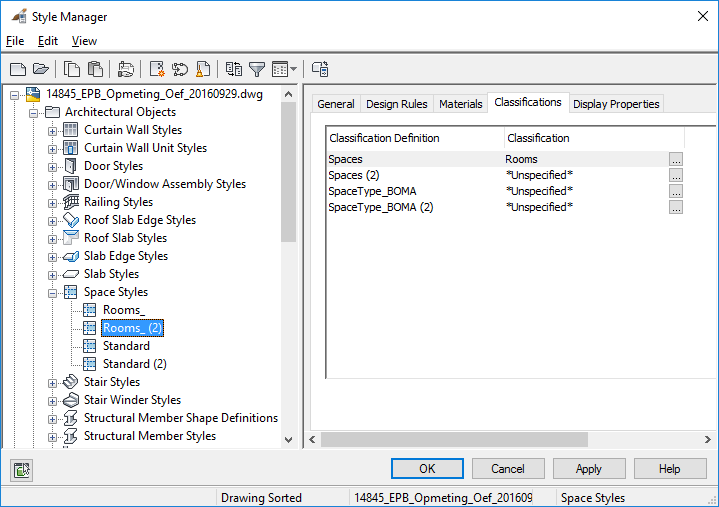
I tested the strange procreation behaviour with yet another new drawing, but it did not occur this time.
What it didn’t copy :
- The space style ‘Rooms_’
- The layers A-Area-Spce and A-Anno-Scrn that Autocad for some reason needs to draw spaces. These are automatically created when a space is created.
- Several superfluous Property Set definitions.
Does the schedule table tool work ? No. It needs Rooms_ style spaces and these don’t exist.
So, in the Style Manager, I copied the Space Style ‘Rooms_’ from the source drawing to drawing 1. The style was copied and nothing else seems to have happened.
Does the tool or schedule function now work ?
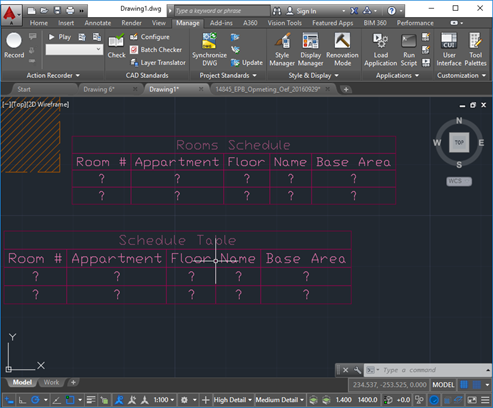
Sort of. I need to right-click on a schedule and choose ‘Add All Property Sets’. That is because I forgot to change the setting I mentioned in the AEC Object Settings. The tool still got the name wrong though.
So it would seem I only need to copy the schedule table style and the space style and possibly clean up clutter. The latter isn’t always possible though. In drawing 6 the Property Set Definition ‘RoomLocation’ still exists. If it is used without my awareness, Autocad should mention that when I try to delete it.
I thought that was it, but then I noticed in the Properties panel my spaces have the property set RoomLocation ?! It must have hitched a ride when I copied ‘Rooms_’.
Let’s see if that is what probably happened with yet another new drawing, drawing 4. Indeed, the Property Set Definitions RoomLocation and SpaceObjects (how that got in the source drawing I don’t even know) are copied with Rooms_.
Imagine how confusing that must be in a big drawing where one created several styles or if one decided to use a drawing as a style library.
About the space style changing when copying it : I thought I would start over from scratch and put everything in a template, but the help article ‘About Template Drawings’ recommends against putting styles into templates. So best is probably to start over from scratch (to ditch the clutter and errors) in a new drawing and use that as a source for the styles. The space appearance will then be chosen by AutoCad (in true ‘Microsoft knows what is best for you’ style), but it in unimportant.