- Mark as New
- Bookmark
- Subscribe
- Mute
- Subscribe to RSS Feed
- Permalink
- Report
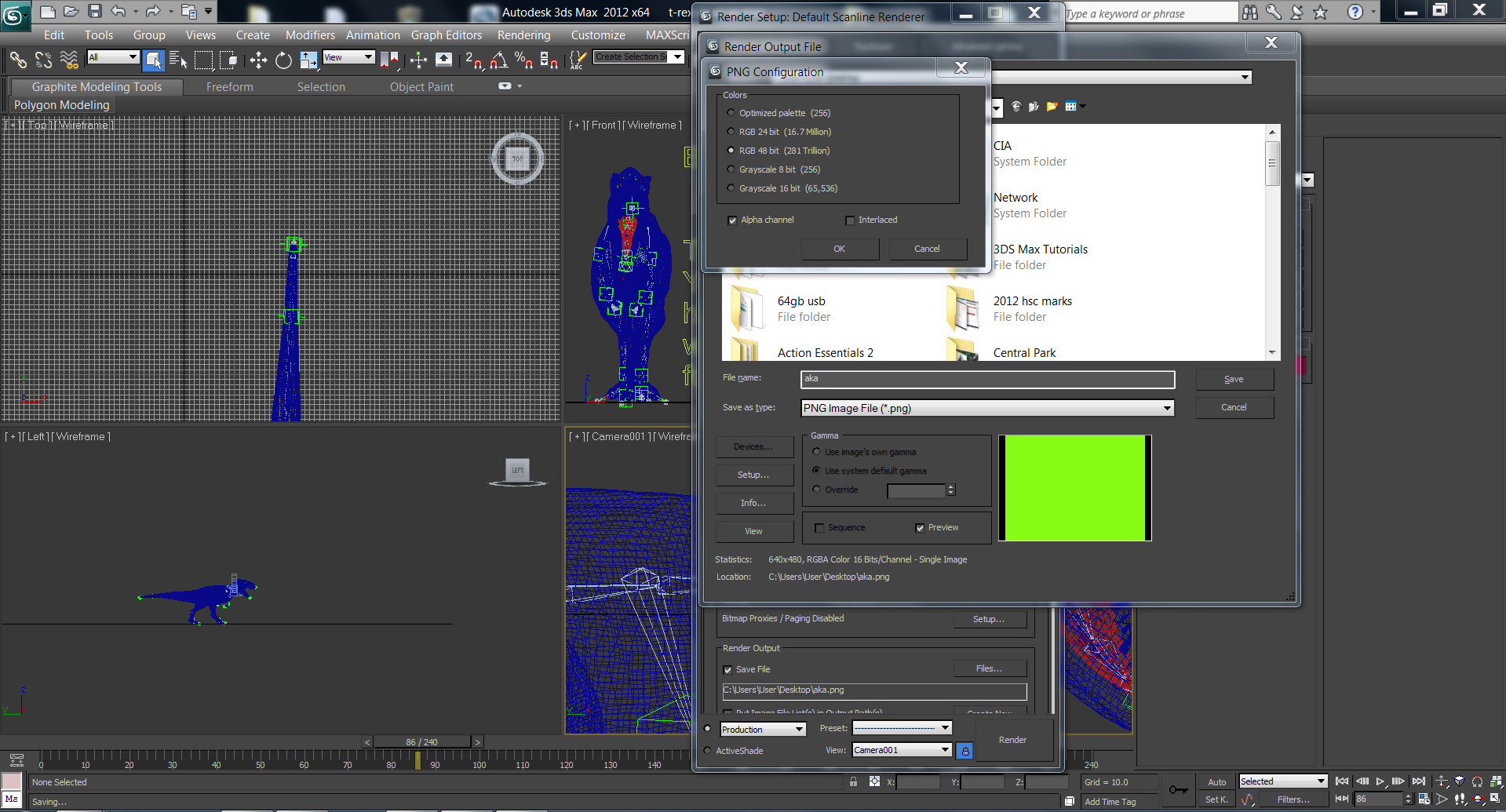
Hi, in 3ds max 2012, i want to render my model in front of a greenscreen . I then hope to import this in the form of png sequence to adobe after effects to be keyed out. For me, i usually do this through the environment settings and alter the background colour to green. Many people have told me to use alpha channel or something, but i don't understand that technique. Does it create a green/ blue screen?
Well, after i rendered it out, this is what happened. The floor on which the t-rex is standing is green, while the other parts are white. However, in the render screen, everything apart from the t-rex is green. The problems i encountered when i try to key it out in after effects is that since the back ground is white, it automatically becomes half transparent. But i still have to key out the green floor on which the t-rex is standing. Thus, after keying, the background (trees) become a different colour. Please have a look at the image.
* If there is another way to add a green screen other than through the environment settings such as alpha channel, please provide some advice/ tips/ link/ tuts. thanks!!!!
Solved! Go to Solution.