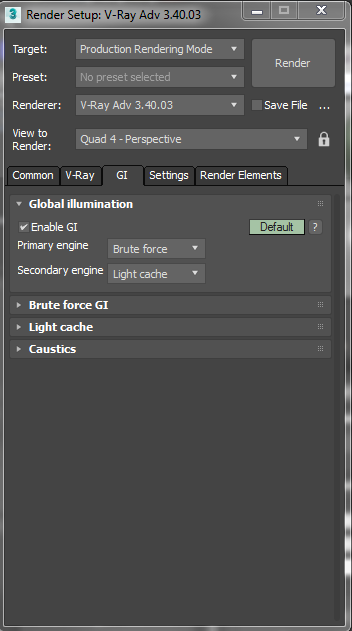
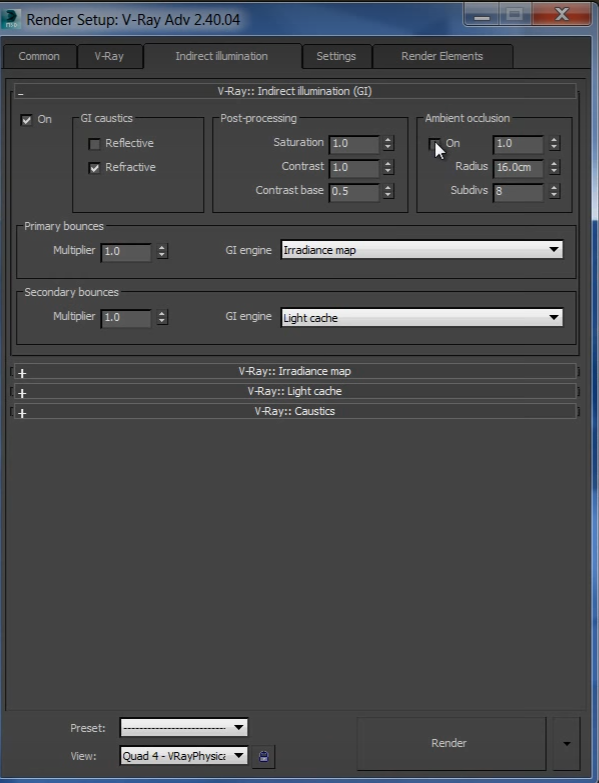
That is strange, usually if the license isn't found it stays not found. I haven't seen it get dropped before... Chaosgroup should be able to help there.
I went ahead and marked @rendermaster's solution since it is technically correct. Another method to make some AO (less realistic but renders faster) is:
1) Make a VrayLightMtl
2) Put a VrayDirt in the color
3) Check "Adjust to camera exposure" (or whatever that's called)
4) Set the AO distance in your Vray Dirt
5) Put this VrayLightMtl in your override material slot. (F10-> Vray->Global Switches-> Check Override MTL.)
Then render this separately, and composite together in post using the AO on top set to Multiply with an opacity of 35-50%.
However, @rendermaster's is the true AO and it's better because it'll be affected by lights in the scene so you don't have AO running right next to a lamp or something. Sometimes though time doesn't permit and some masking in photoshop with this method can help.
Best Regards,