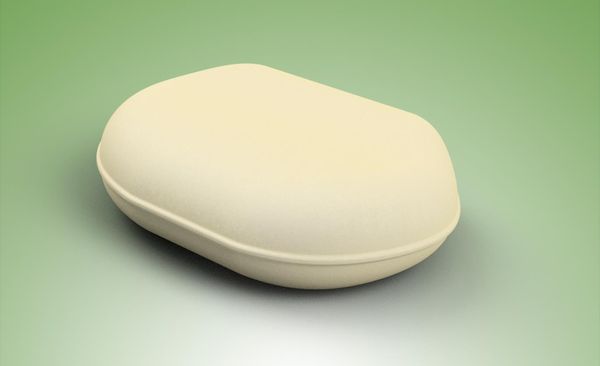
Hi @ramy,
I just wanted to give you an update of my progress with your Expert Tips.
I normally work with imported mechanical designs from Inventor, so there is not much use for cloth or furniture, but I found a nice opportunity to get to use some of it. Every Friday on the Inventor Forum, we share some of the work that we have been doing. Last Friday there was a theme, Friday Pictures Easter edition!
I personally think and take, a theme as a challenge to stretch myself and learn and apply new things. 
Since I wanted to create a Volcano effect for the Easter Egg to come out, the map on the table needed to tear, and I thought of your cloth modifier.
So I started with a normal plane for the map to land on the table, switched the visibility of the plane map off and switched the visibility of a cloth version that was there as well, on. The effect actually looked pretty nice. Unfortunately the effect isn't quite visible in the animation. I put way too much new stuff in this without taking the proper time to test things, so I have to do that later. But I had great fun learning and for now I am pleased with the result.
Here are some screen shots without the egg, so the effect is more visible. It took me some puzzling with how to get the preserved vertices, and how to make the tear, but I think that worked ok. Since the tear is a bit too close to the edge of the cloth, it tears a bit too much, but in the animation the egg fills that, so only with a 360° turntable that would be visible. I like the push/stretch effect of the cloth very much!!! It almost looks like a mountain.
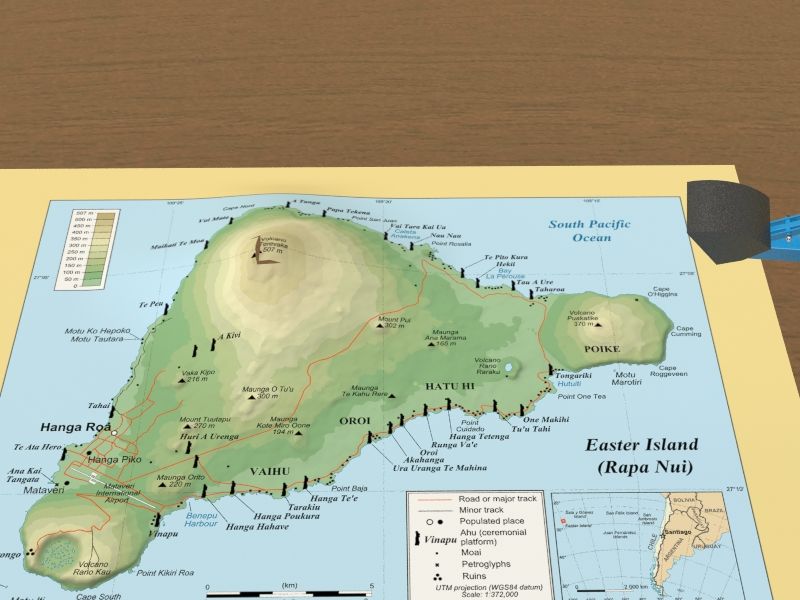

During the making of the animation I couldn't find a nice way to give the Chocolate Egg the right structure, so I made a work around for the animation. But after the animation was posted I did get it done properly, thanks to a brilliant suggestion of @-niels-, to use your extrude tip for the seam of the pillow on the Egg topology! 
I am not used to work with topology you call it? But after some practise you can get funny and nice effects with them.
For this last rendering I also used your tip of the extra safe frames: Action Safe and Title Safe, and keep verticals vertical (in this case the plane horizontal) from your video "Render Like a Photographer" and the effect in my opinion, makes a huge difference!

Thanks a lot for all your tips!!!
J.
P.S.: As TITLPIXEL does a lot of different styles/camera work, next time some camera tips? 


 ,
,