

- Mark as New
- Bookmark
- Subscribe
- Mute
- Subscribe to RSS Feed
- Permalink
- Report
Hi,
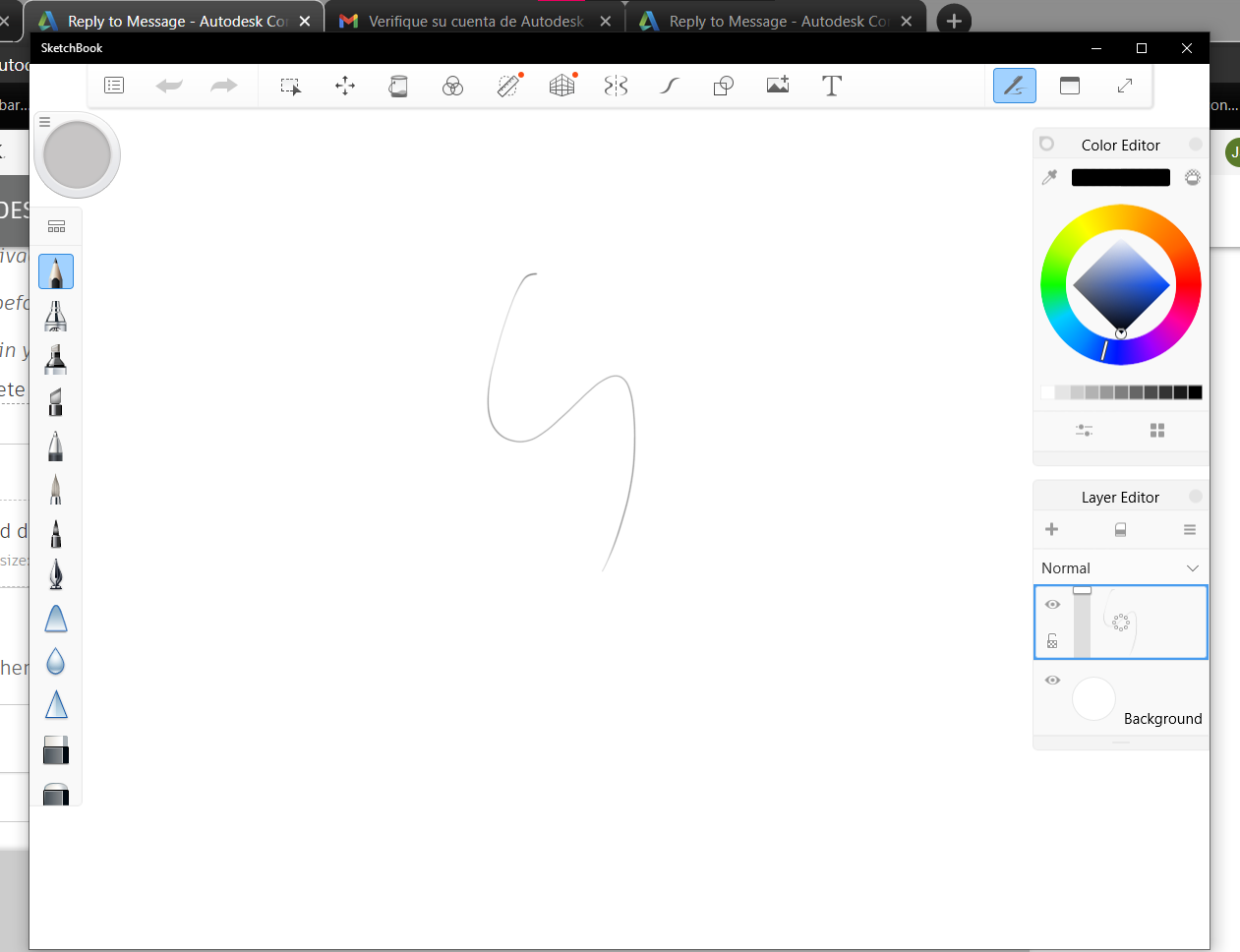
I am running the latest Sketchbook 64 bit version on my Wacom MobileStudio Pro 16
Unfortunately, I am unable to find a 'pen only' mode, where SketchBook no longer takes my finger/palm input as drawing as well...
I know I have the 'Touch ON/OFF' button on my Wacom, but that also disables my rotating and zooming the canvas if I enable that...
Now, I know that it is possible as Photoshop CC manages to do it: I can move, zoom and rotate the canvas with my fingers as much as I want, and try and smudge with my fingers as much as I want, it won't draw, until the pen hits the screen...
I've been searching for this 'pen only' mode in the 64 bit version of SketchBook (version 8.6.0)... Am I missing something really obvious, lol?!?
Thanks for any help!
Fredster
Solved! Go to Solution.