- Mark as New
- Bookmark
- Subscribe
- Mute
- Subscribe to RSS Feed
- Permalink
- Report
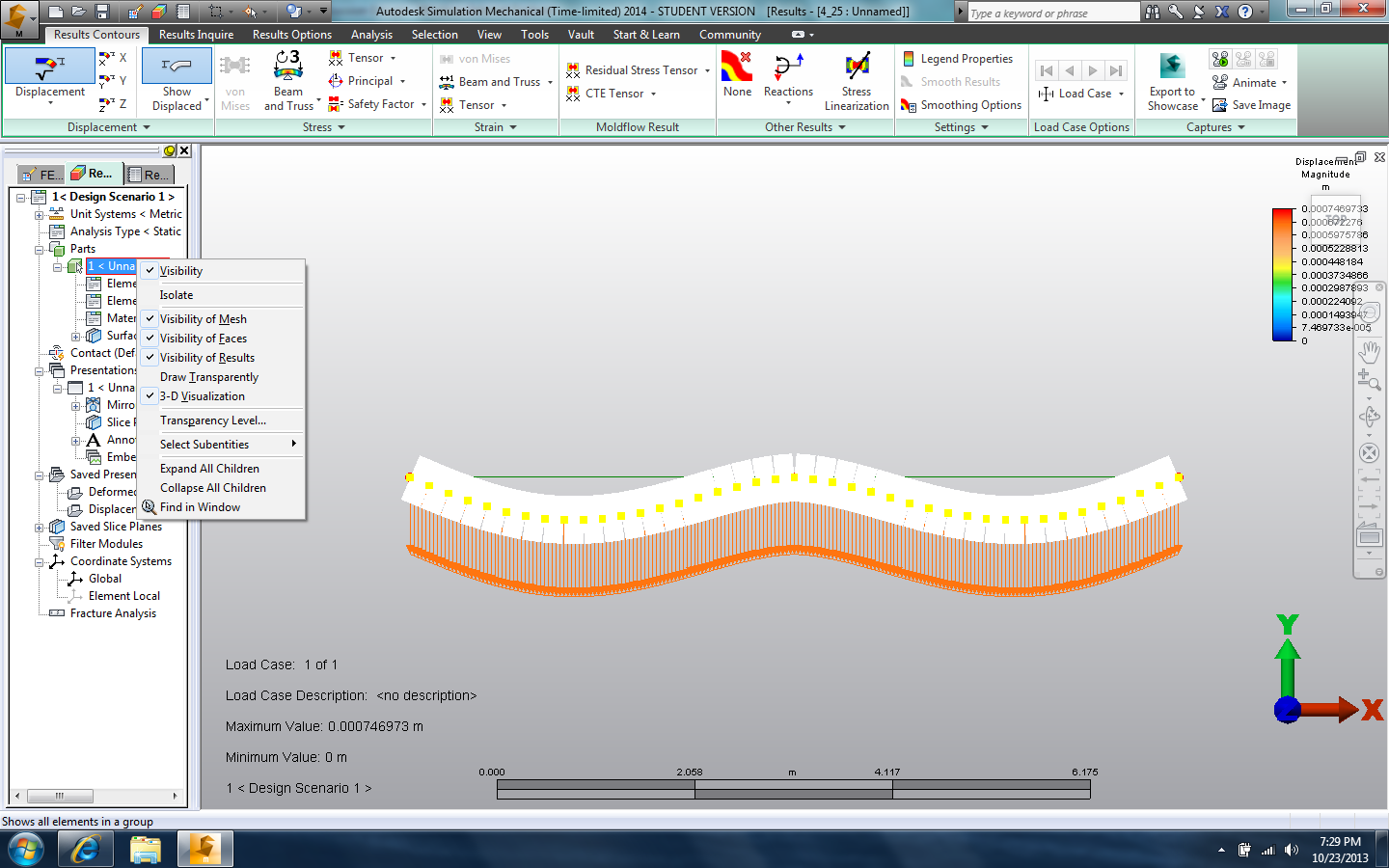
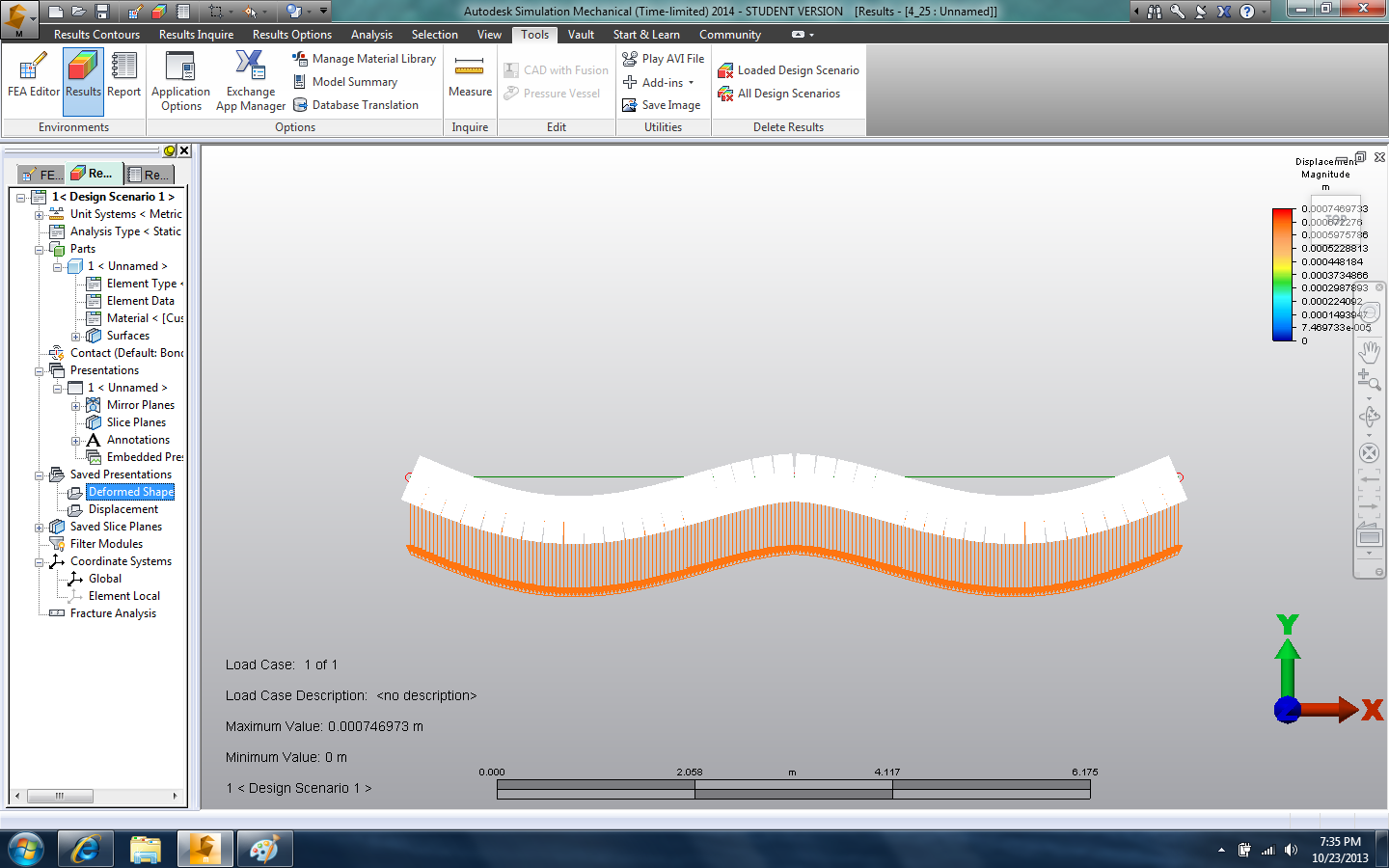
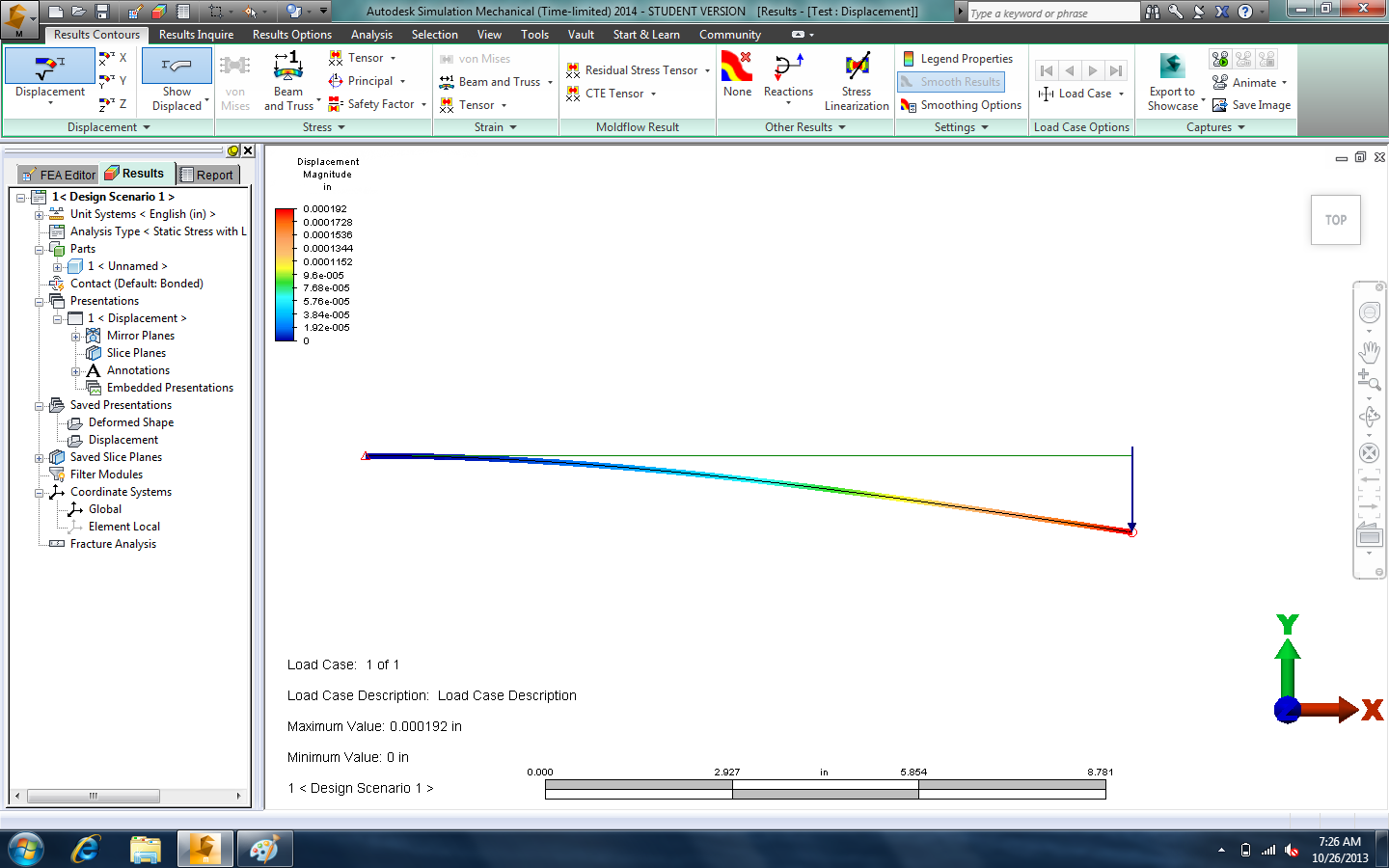
I have recently installed Simulation Mechanica on my computer, however, when I get the results, the elements plotted do not appear in a scale of colors (max-min displacement/stress/etc). The elements appear as in the editor, like if nothing had happened. However, when move to the next tab "report", the picture of the result displays all the colors along all elements.
I've searched online and I have found solutions in this forum, I have updated my graphics driver to the latest version and also have tried to get rid of "hardware acceleration" under the tool menu, however, this last part is not possible for me since the option is checked but greyed out.
I am using a macbook air 2013, I have windows 7 installed through bootcamp.
The ilogical thing, is that it was working fine a week ago, I deleted a couple of Autodesk programs and the problem started, at that point I assumed that I could have messed something that I couldn't fixed, so I installed Windows 7 again & Simulation Mechanica again, sadly, the problem didn't go away.
Thanks in advance!
Solved! Go to Solution.