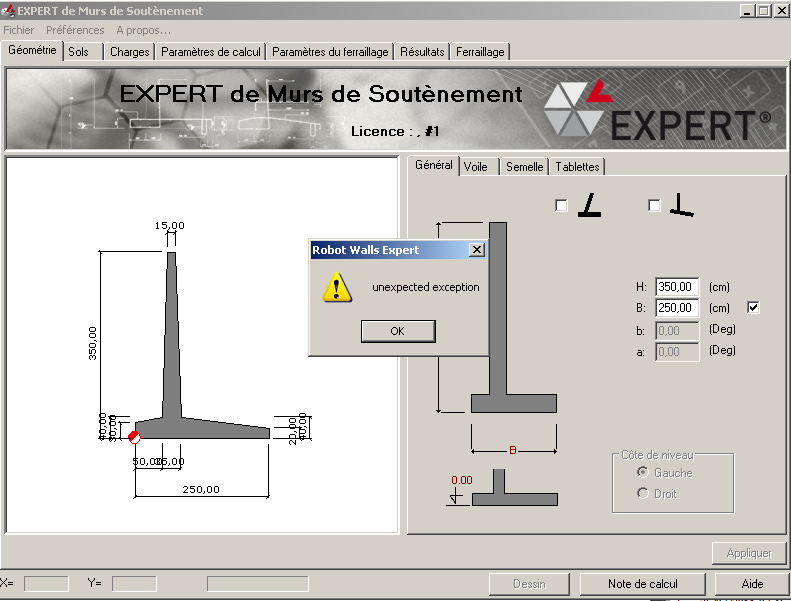
Pour le moment, le seul moyen permettant de changer de règlement géotechnique est d’utiliser les fichiers *.reg contenu dans les fichiers zip attachés à ce post.Si vous utilisez Expert Mur de soutènement 2011 téléchargez le fichier « EXPERT2011.zip ».Si vous utilisez Expert Mur de soutènement 2012 téléchargez le fichier « EXPERT2012.zip ».Trois fichiers *.reg correspondant aux trois règlements géotechniques sont disponibles dans chacun de ces fichiers *.zip.Si par exemple vous souhaitez utiliser le règlement géotechnique « Fascicule No 62-titre V » avec Expert Mur de soutènement 2012, après avoir téléchargé le fichier « EXPERT2012.zip », dézippez le fichier puis double cliquez sur le fichier « Fascicule No 62-titre V.reg » (Expert doit être fermé) validez les messages puis lancez Expert Mur de soutènement 2012.Si par la suite vous souhaitez à nouveau utiliser le règlement « DTU 13.12 », double cliquez alors sur le fichier DTU13.12.reg »
By now the only workaround to that problem is to use the *.reg files attached to this post (see *.zip files).If you are using Expert retaining Wall 2011 download the file « EXPERT2011.zip ».If you are using Expert retaining Wall 2012 download the file « EXPERT2012.zip ».Three *.reg files which are corresponding to the three different geotechnical codes are available in the *.zip files.If for instance you want to use the geotechnical code « Fascicule No 62-titre V » with Expert retaining Wall 2012, after downloading the file « EXPERT2012.zip » uncompress the file and double click on « Fascicule No 62-titre V.reg » (EXPERT must be close) click “ok” on the warning message and then run EXPERT Retaining Wall 2012.If later you want to switch from « Fascicule No 62-titre V » to “DTU 13.12” for example, double click on the file “DTU 13.12.reg”.
 Guillaume Chazal