Cannot create reference lines from an alignment with vertical curve

Cannot create reference lines from an alignment with vertical curve

mwinstonAV56H
Explorer Explorer
671 Views
4 Replies
Message 1 of 5

Cannot create reference lines from an alignment with vertical curve

mwinstonAV56H
Explorer
Explorer

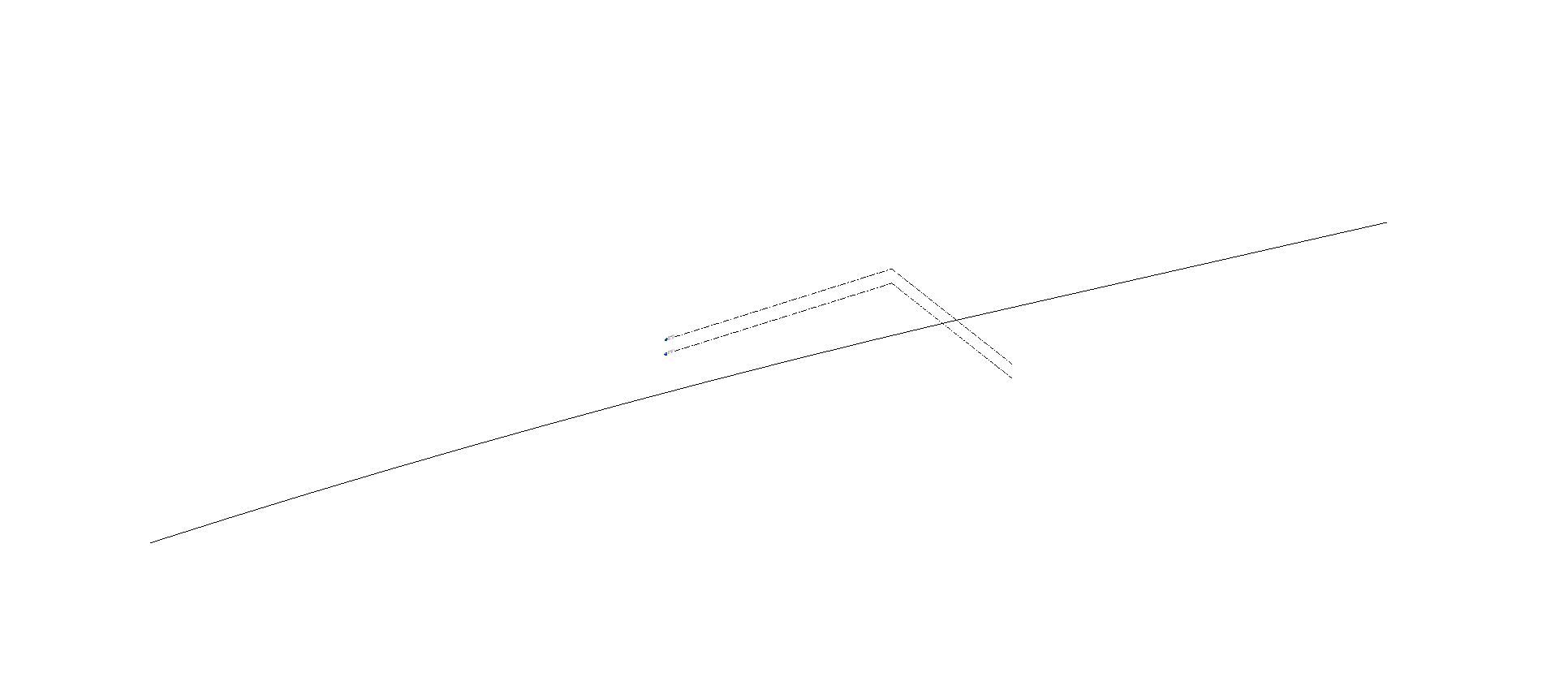
I'm trying to create a sweep form along a bridge alignment which has a vertical and horizonal curve. However when I go to select the alignment as the sweep reference line, it only creates reference lines on one flat plane (Level 1). How do I get the reference lines to maintain the differing elevations along the vertical curve?

So far I've imported the alignment from civil 3d, and then tried to explode the alignment (which also caused all the lines to go to the same level 1 elevation). I've attached a picture showing a profile that shows clearly how the line has different elevations from the vertical curve. Ultimately, I want to use a sweep to run the cross section of the bridge along the alignment.

0 Likes
672 Views
4 Replies
Replies (4)
Message 2 of 5

jay_colcombe
Mentor
Mentor

When you just use lines to create a path then Revit only allows a Sweep to act in one plane, a commn workkaround to this is to create a 3d object from the line and then this will allow the use of an edge of that object (Pick Path) to create the Sweep.


This is a great example I pulled from the Forum on how to create a 3D object using simple modelling tools in Revit

jay_colcombe_0-1725615570066.png


Alternatively you could look at creating a In-Place Mass or Adaptive Family which allow 3 dimensional profile sweeps but are a little more complex.


Jay Colcombe

Autodesk Certified Instructor
Revit Architecture & Structure Certified Professional
AutoCAD Certified Professional
B.Sc. Hons Civil & Structural Engineering

If you find my post interesting, feel free to give a Kudo.
If it solves your problem, please click Accept to enhance the Forum.
0 Likes
Message 3 of 5

handjonathan
Autodesk
Autodesk

Hi @mwinstonAV56H 

Thanks a lot for posting your question to the forums!   Has the solution suggested by @jay_colcombe helped with your issue?

We look forward to hearing back from you with more information so we can help you as a community! 


Jonathan Hand


Technical Marketing Manager | Construction

0 Likes
Message 4 of 5

mwinstonAV56H
Explorer
Explorer

I managed to make an adaptive reference line, then a solid form from that.

I used the 3d edge of the form as the reference line in the project. 

However when I go to put the sweep on the reference line in the project I keep getting the same error that Revit is unable to create sweep form. 

I've attached a photo of the box profile on the 3d reference line and the error.

0 Likes
Message 5 of 5

jay_colcombe
Mentor
Mentor

I would suggest it is because the Profile shape cannot be extruded along the line without geometrical issues occurring!!! 

It is common to use a shape which cannot be resolved at bends and curves and instead of creating a mess you get this warning.


To test this try using a simple shape such as a Circle like a railing profile and see if this works, if so you know you sweep path is correct and it is related then to the profile shape you are using.


Jay Colcombe

Autodesk Certified Instructor
Revit Architecture & Structure Certified Professional
AutoCAD Certified Professional
B.Sc. Hons Civil & Structural Engineering

If you find my post interesting, feel free to give a Kudo.
If it solves your problem, please click Accept to enhance the Forum.
0 Likes