Message 1 of 6
Revit File Corrupted - A360 Cloud - Manually recover???

- Mark as New
- Bookmark
- Subscribe
- Mute
- Subscribe to RSS Feed
- Permalink
- Report
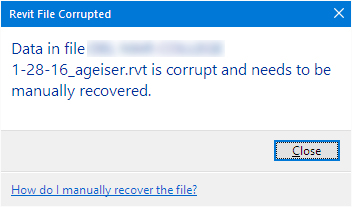
Long story short. I have several team members that can access the Cloud and open the data. I have one user who now can not and is getting the "Data in file is corrupted and needs to be manually recovered."
However, this same user can open and run all other cloud rvt files just fine. We have looked at trying to clear the cache, we have tried to confirm consistancy of A360 build versions, we have also tried to repair the install.
At this point we are stuck unless someone has a better idea or is this something beyond us and we need to directly contact AutoDesk to resolve.?
Thanks in advance.