Message 1 of 2
View range issue

- Mark as New
- Bookmark
- Subscribe
- Mute
- Subscribe to RSS Feed
- Permalink
- Report
I have a problem in The view range properties
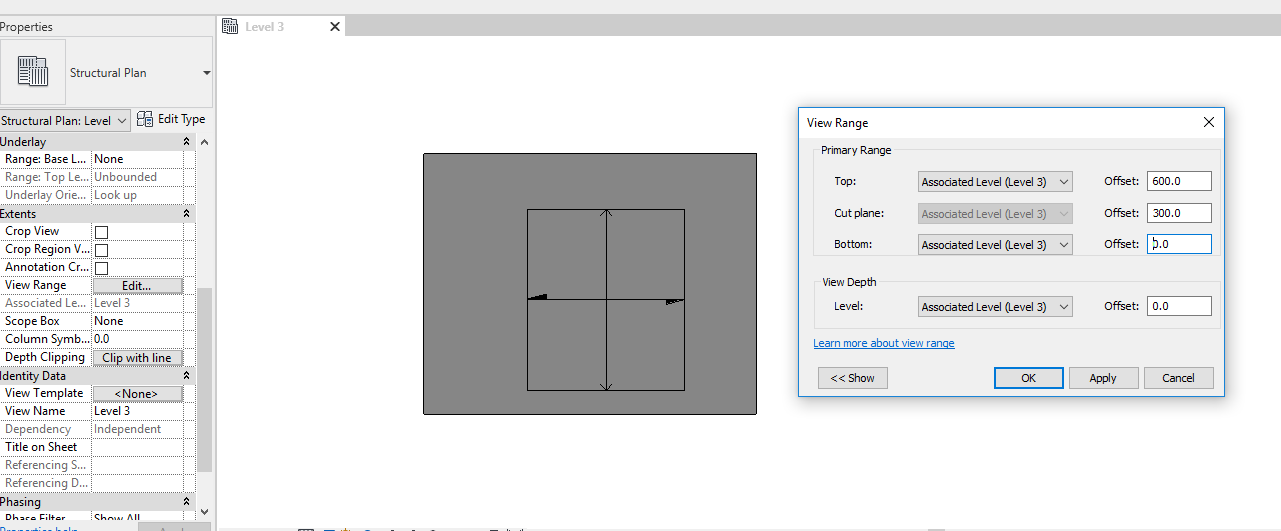
I opened a structural template, I have in picture 1 two floors at level 2 and level 3 when i open level 3 floor plan i got picture 2 Why the slab at level 2 is shown is this picture knowing that the slab is 1 meter below view depth ?
Note that i tried to change the view range parameters i got picture 3