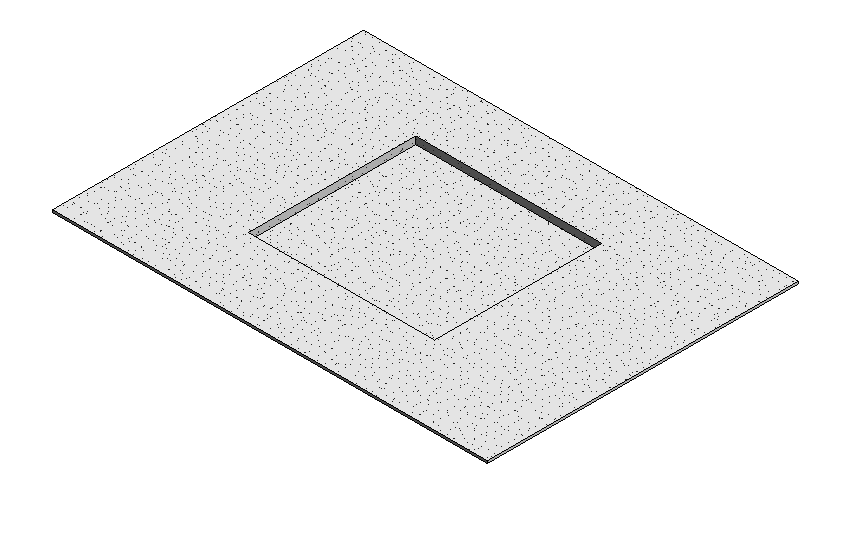
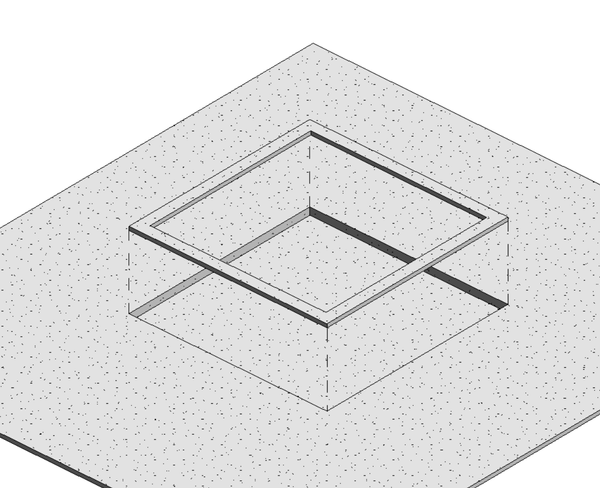
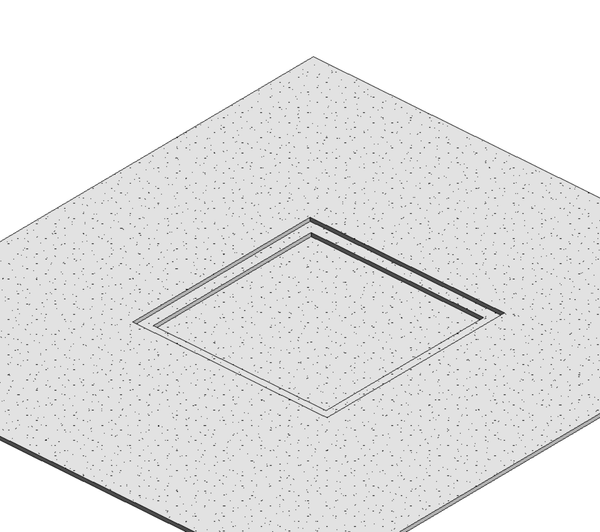
So I have created a 4" Slab and can edit the boundary however what I have not figured out is how to make one section 1' lower than the others. I have the section I want lower contained in its own boundary however when I select it all of my floor boundaries are selected. What am i missing? Thanks

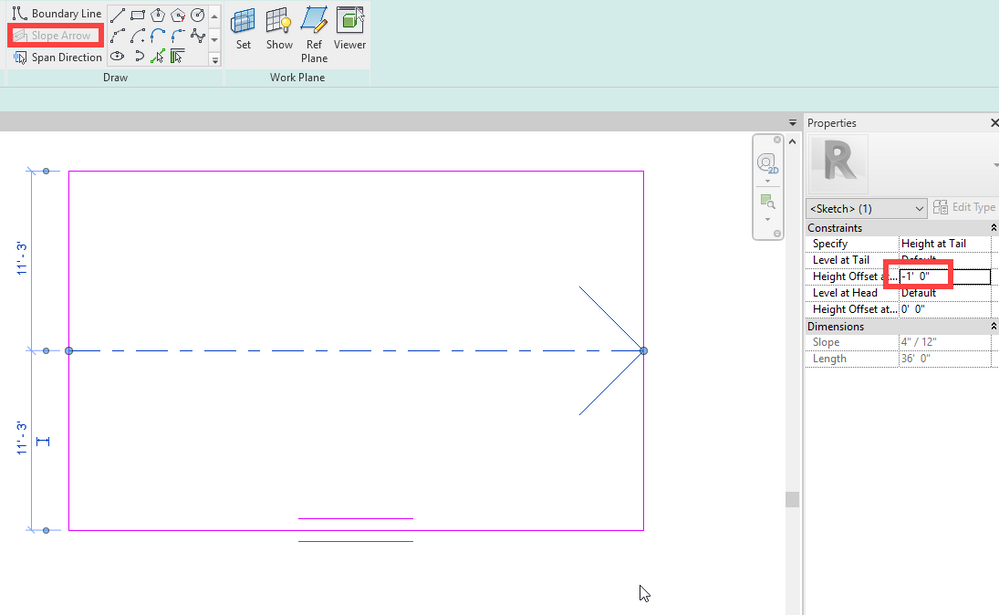
You mean you want the floor to Slope? Use the Slope Arrow in Sketch Mode.
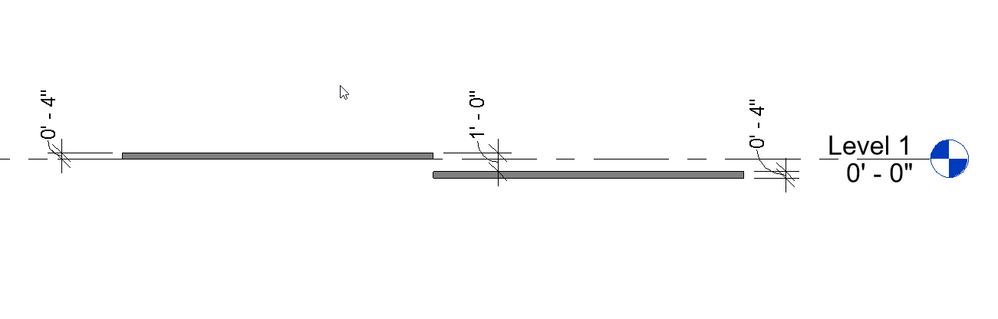
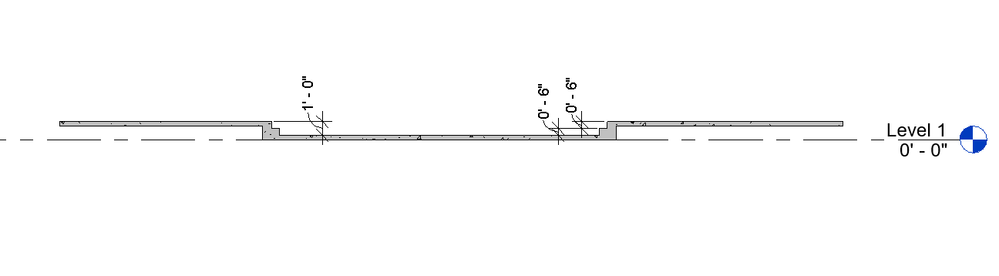
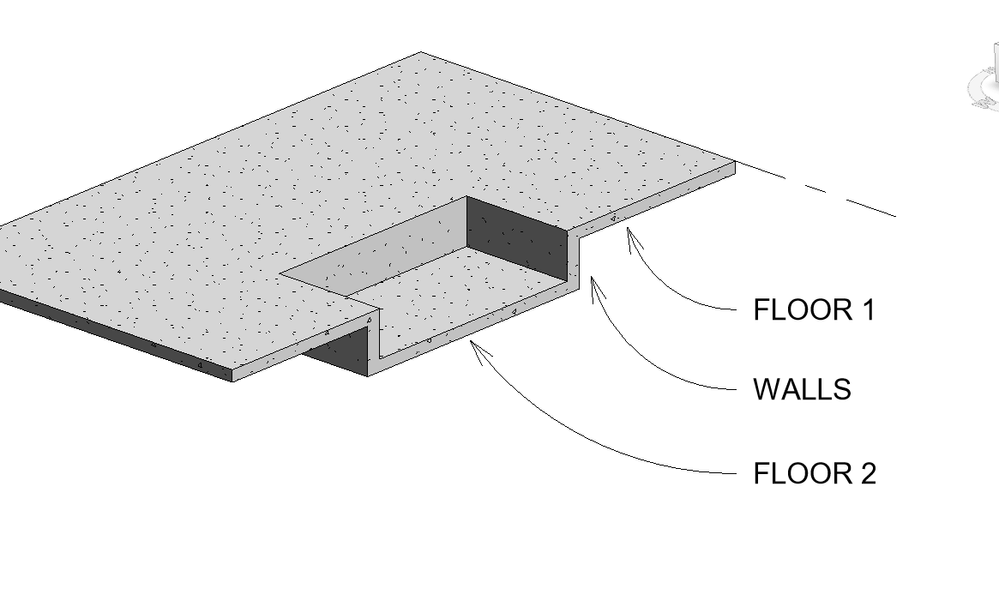
...or do you mean stepped like this:
Two separate floors.
I want it stepped. Problem is when I select the section I want stepped Revit selects all the floors.
You can't model it as a monolithic 4" slab floor, because it isn't a monolithic 4" slab floor. Model it the way it will be constructed in real life -- as two separate floors. Also, think about what's supporting the higher slab floor. It's got to be a "wall" of some kind.
Actually, if I may take the design a "step" further; I think you need to incorporate steps to meet code. Just saying.
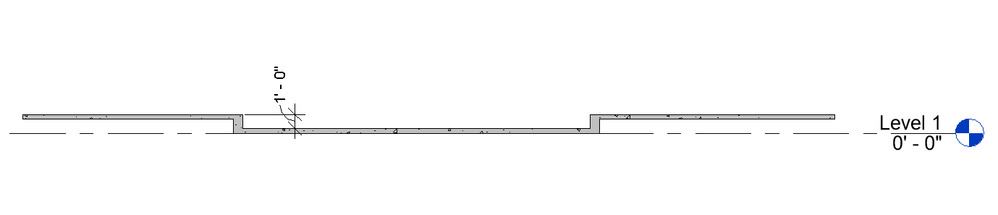
Barthbradley this is what I am looking for. I am not sure how to do it in Revit though.
Draw 2 floors; one offset from the other. Draw a wall around the perimeter of the recessed floor and connect it to floor above. Use another floor to make the step. Understand?
Sie finden nicht, was Sie suchen? Fragen Sie die Community oder teilen Sie Ihr Wissen mit anderen.