Pipe Fittings Not Showing

- Mark as New
- Bookmark
- Subscribe
- Mute
- Subscribe to RSS Feed
- Permalink
- Report
Hello,
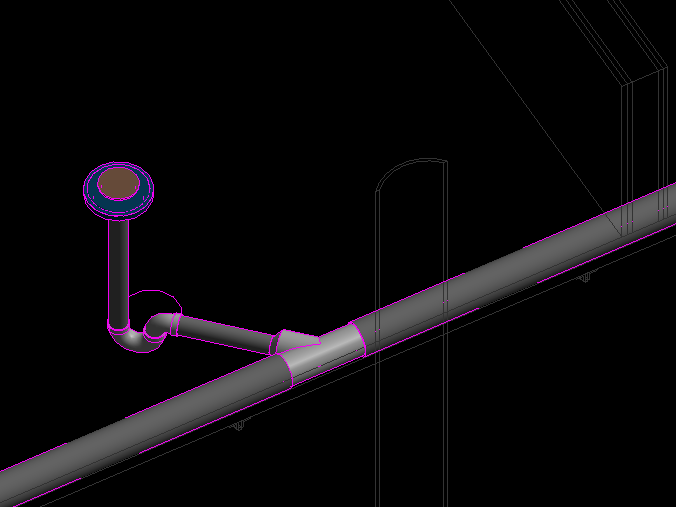
I am using Revit Architecture 2016 to place pipes in my building. I am running into a problem of my pipe fittings not showing in plan view. In plan view, where the pipe fittings should be is an empty space. I have looking into some settings and cannot figure out why they aren't showing up in plan view, HOWEVER, they are showing up in 3D view and in section! What gives??
Some things I looked into include:
- ensure element is not temporarily hidden or hidden in view.
- element is not being obscured by another element
- the category or subcategory is not hidden in view.
- the object is in view range
- the object is on the correct workset and the workset is loaded and visible in the view
- there is not graphic override on the elements
- in the pipe fitting family, the geomerty is set to an approriate detail level to show up in plan
- the object is not affected by a filter
If anyone has any ideas as to why these fittings aren't showing and how I can get them to show up I would be completely grateful.
I will attach some screen shots to show what is happening.