Monolithic stair - 3d view problem

Monolithic stair - 3d view problem

lucey.alan
Explorer Explorer
224 Views
6 Replies
Message 1 of 7

Monolithic stair - 3d view problem

lucey.alan
Explorer
Explorer

Hi,


I have a monolithic stair created via sketch and it shows up in plan but not in 3D view. In 3D, only the upper portion appears.


For reference, the stair on the left was drawn in the same way and it appears without issue. I was able to xyz snap the toposolid to the underside of that stair. However, the stair on the right does not appear in 3D wireframe mode so I am unable to snap xyz points to the underside. Because I thought that perhaps it was a glitch in visibility due to the toposolid concealing it, I edited the sketch to ensure there was no overlap between topo and stair.


I've tried remodeling it a couple of times with the same result each time.


Any insight greatly appreciated.


Thanks.


Revit 2026.4

0 Likes
225 Views
6 Replies
Replies (6)
Message 2 of 7

ToanDN
Consultant
Consultant

You can model it as one stair:


- start with drawing 2 runs to create an L shape

- mirror the L shape to create a copy

- convert the two lower runs to sketch and edit it to create the fanning out bottom steps, finish sketch (noted that you have to convert and edit sketch to the two runs individually, do it for one then mirror does not work) 

- add a landing to connect the two top runs

- finish the stair


ToanDN_0-1769041825696.png


0 Likes
Message 3 of 7

lucey.alan
Explorer
Explorer

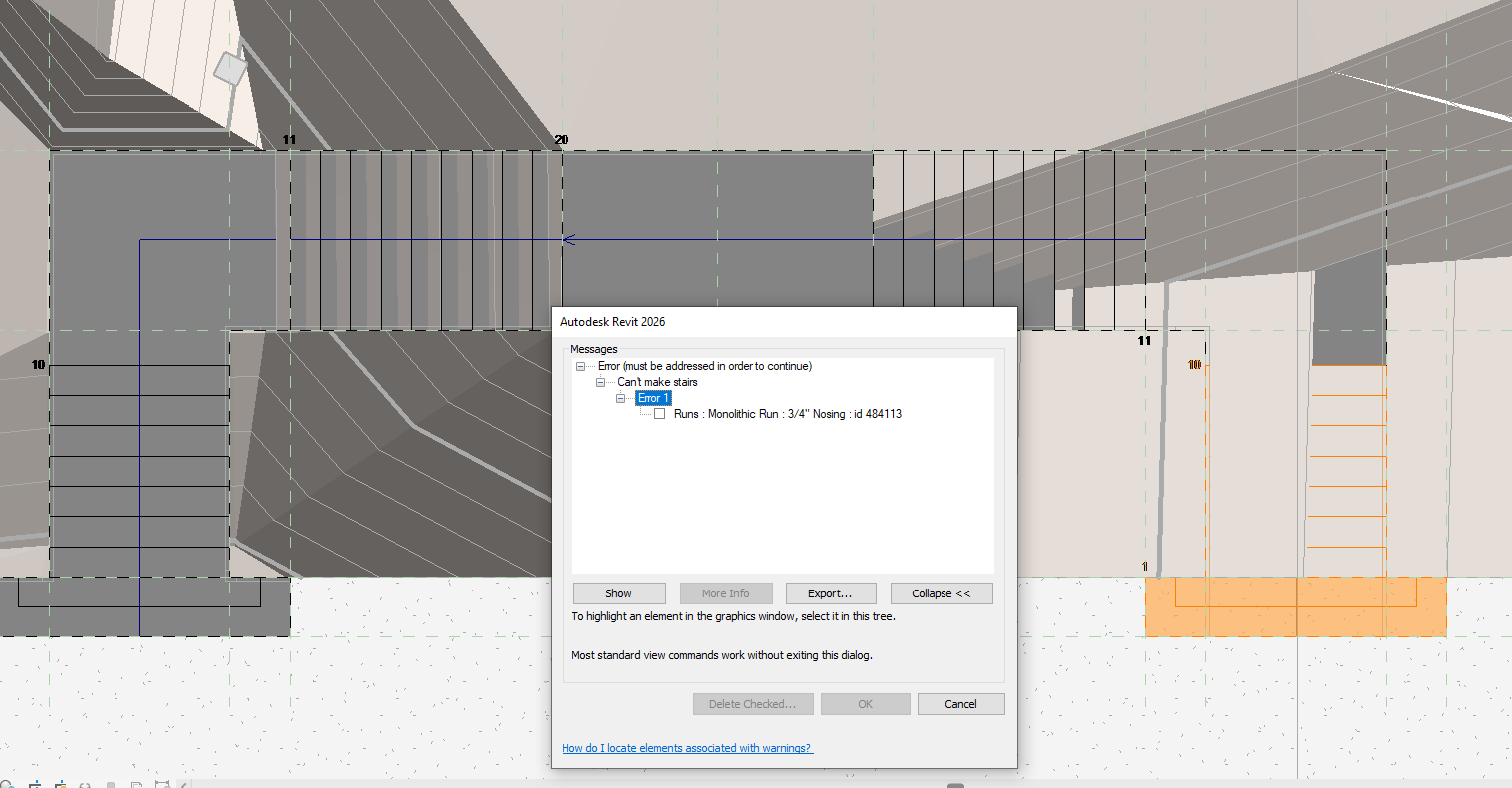
Thank you very much for the advice on creating a single stair. It all seems to work except for editing the copy of the lower run. I get the following error upon trying to complete the sketch.


0 Likes
Message 4 of 7

ToanDN
Consultant
Consultant

Can you share the stair model?

0 Likes
Message 5 of 7

lucey.alan
Explorer
Explorer

Yes. Attached.

0 Likes
Message 6 of 7

ToanDN
Consultant
Consultant

See attached.  


0 Likes
Message 7 of 7

lucey.alan
Explorer
Explorer

Thanks for taking the time to model this. When I copy/paste your model into my main model it appears as expected in plan view however there are still unresolved graphics issues in 3D. Any ideas as to why this might be happening? I'm beginning to suspect some kind of hardware issue.

0 Likes