Message 1 of 6

Not applicable
07-30-2013
05:40 AM
- Mark as New
- Bookmark
- Subscribe
- Mute
- Subscribe to RSS Feed
- Permalink
- Report
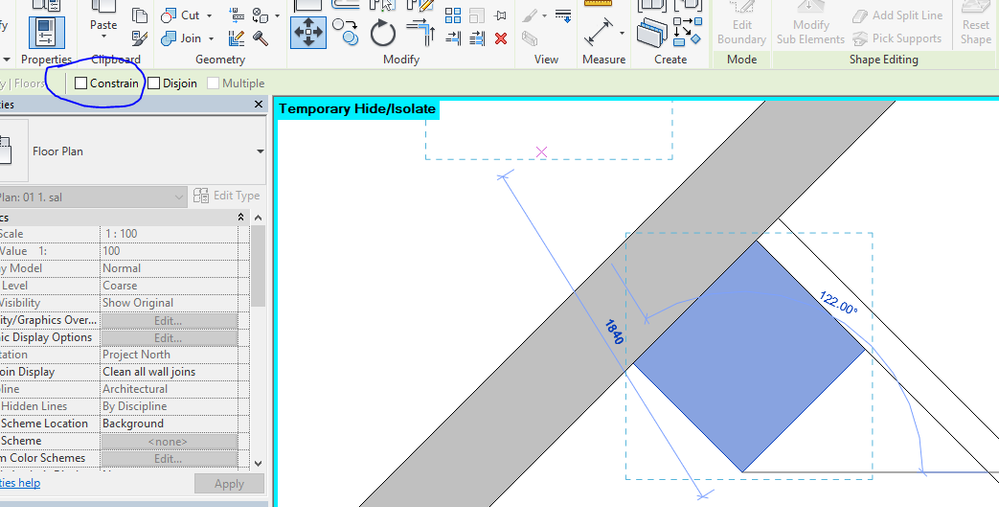
I'm doing as-builts of a historic structure and the walls are very slightly out of alignment with the x-y axes. Whenever I'm drawing something that's nearly (but not quite) horizontal or vertical, Revit forces it to be aligned to x-y axes. I don't want that but don't know how to turn it off so that it snaps only to my crooked geometry.
Thanks for any help!
Solved! Go to Solution.