- Mark as New
- Bookmark
- Subscribe
- Mute
- Subscribe to RSS Feed
- Permalink
- Report
I'm having some trouble understand how I go about adjusting the glass panel downloaded from Seek.
What I'm trying to do is add a baluster with a plain glass planel. I'd like it to have a 10mm gap on both sides, no gap at the top/bottom.
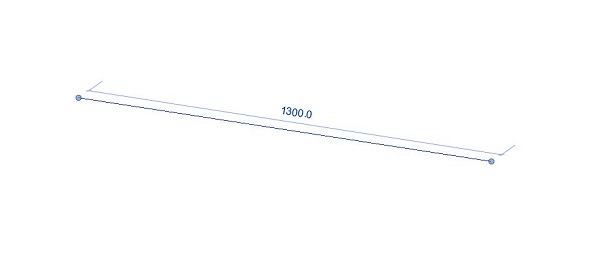
Here is a snapshot of the plan view where it will be sitting

I was thinking 2x panels for the 1986 side, and 3x panels on the 2932 side, so roughly 900mm wide?
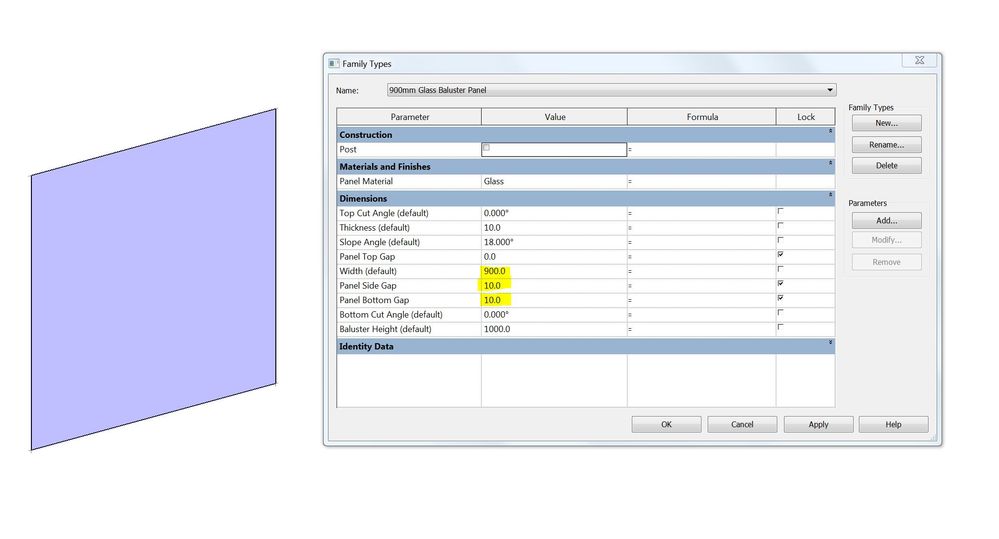
First thing I did was open the Baluster Panel - Glass family which I downloaded from Autodesk Seek and clicked on family type - new. I adjusted the width to 900mm and gave it a side gap of 10mm, then loaded it back in my project.
I then selected the default railing in my section and duplicated it.
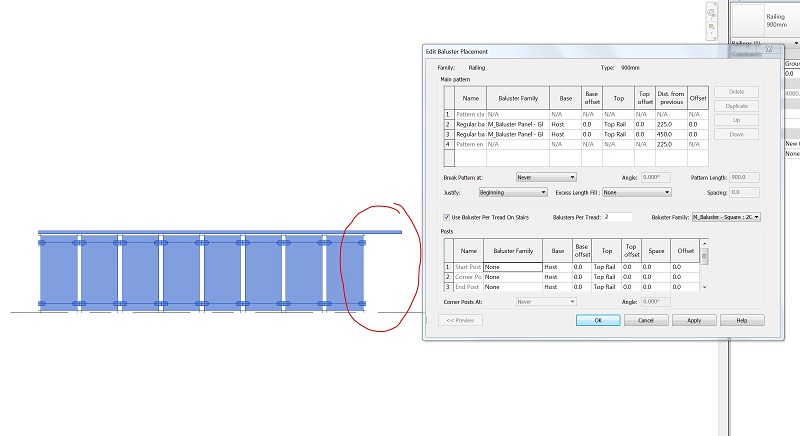
Then I clicked on edit type - Baluster Placement, and changed the baluster type to the 900mm one I created within the family.

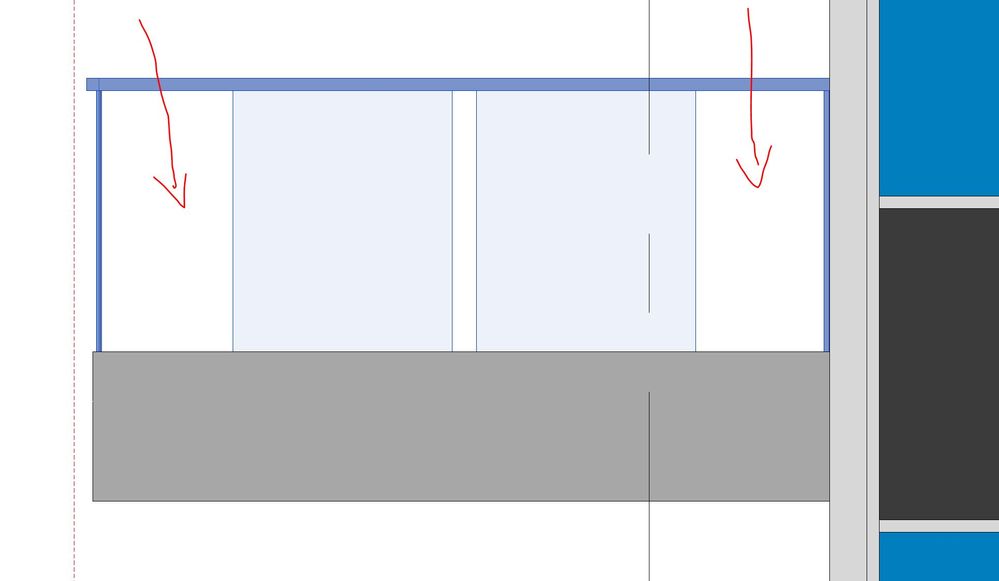
After apply all the settings, my glass baluster looks like this. I guess I'm missing or not understanding the gap or width settings?
I would like 3x panels on this side of the path and 2x panels on the other.
Any help is greatly appreciate.
Solved! Go to Solution.