Wire deformer rotates on axis

Wire deformer rotates on axis

cesar
Participant Participant
3,165 Views
4 Replies
Message 1 of 5

Wire deformer rotates on axis

cesar
Participant
Participant

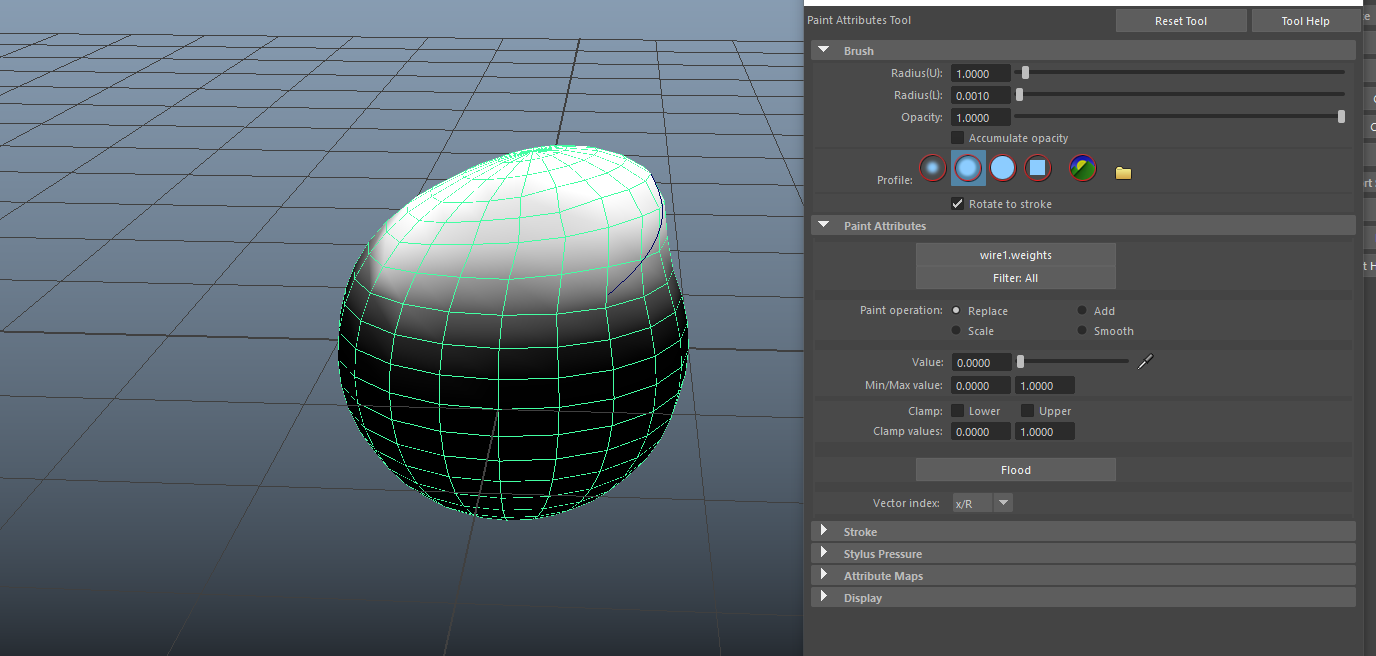
I followed this tutorial to rig the eyebrows that are not part of the main mesh but when I rotate the pelvis of the main mesh, the mesh that the wire is transforming rotates as well.


wire rotation.jpg

Accepted solutions (1)
3,166 Views
4 Replies
Replies (4)
Message 2 of 5

Anonymous
Not applicable

hi

u can do the paint weight for the wire deformer.

otherwise u can remove wire deformer and add wrap deformer (select brow mesh and select main mesh then add wrap

0 Likes
Message 3 of 5

dinofiguera
Collaborator
Collaborator
Accepted solution

Hello,

The wire deformer is one of the most powerful Maya deformers. First of all, because it is very fast to evaluate and now In Maya 2019, it is going to be even faster.
The deformer needs some help though when we try to make it rotate an object.
In order to properly transform an object which is deformed by the wire deformer,
we have to transform The object, the wire deformer curve, and the wire-base curve together.
(this last one is created with the deformer and it is essential  to calculate the deformation.)
In your case, you probably have the deforming curve parented to your animation control
while the base-curve and the geometry are out of that transformation.
Group the geometry, the deforming curve, and the base curve together and then let
this group being constrained by (or parented to) the animation control.


I post you 3 examples.
1. basic:   just the eyebrow following the head transformations (maybe like in your scene)

2. intermediate: the wire has clusters to shape the eyebrows (the clusters need to be relative and in the same group of curve, geo and base-curve)

3. advanced:  the clusters have controls and they follow the face deformation.
(if clusters are constrained by controls, the clusters will be out of the transformed group and the controls will be in)
the basic concept is that geo, curve and base curve need to move together.
Cheers

D


Message 4 of 5

cesar
Participant
Participant

Thanks, parenting the wires and object to the neck joint solved the problem

Message 5 of 5

andrewd638
Explorer
Explorer

So, I'm facing a similar issue to yours. I did a wire deform setup with an edge from the head of my model, converted the edge to a "wire," wire constrained that to the eyebrow and had it outside of the rigs hierarchy. With this set up it deformed to the heads blendshapes, but when I rotated the head the eyebrow and wire would fly off. Eyebrows transforms are all frozen, the wire I tested frozen and unfrozen and still had the same results, grouped it into the hierarchy of the rig under the animation control, the skull joint, and even the neck and it still would apply additional transformations. I'm just about close to giving up with this setup, how did you get yours to work?

I tried following along with what you were given for an answer and grouped and tested the location of the group, but even this didn't work for me. 

0 Likes