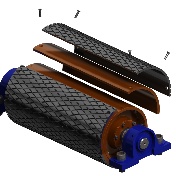
It would be easier to and faster to recover notes, dimensions and symbols if we could replace model reference of a drawing view by right clicking on a view and selecting a "Replace model reference" button, on my case i have a bunch of simillar parts from diferrent sizes that are made on demand for different parent products, but with a simillar geometry, and it costs time to detail antoher sheet of a similar part. Today the only way to save that time is by copying and pasting the initial view sheet from the main to another drawing and replacing the model on that drawing, and after replacing do a copy a paste sheet from the temporary drawing to the main one. The idea is change the model reference only of the view and associated ones on the active sheet, not on the entire drawing.