Message 1 of 3
Joint Conflict When There Should Be No Conflict

Not applicable
10-10-2021
01:12 PM
- Mark as New
- Bookmark
- Subscribe
- Mute
- Subscribe to RSS Feed
- Permalink
- Report
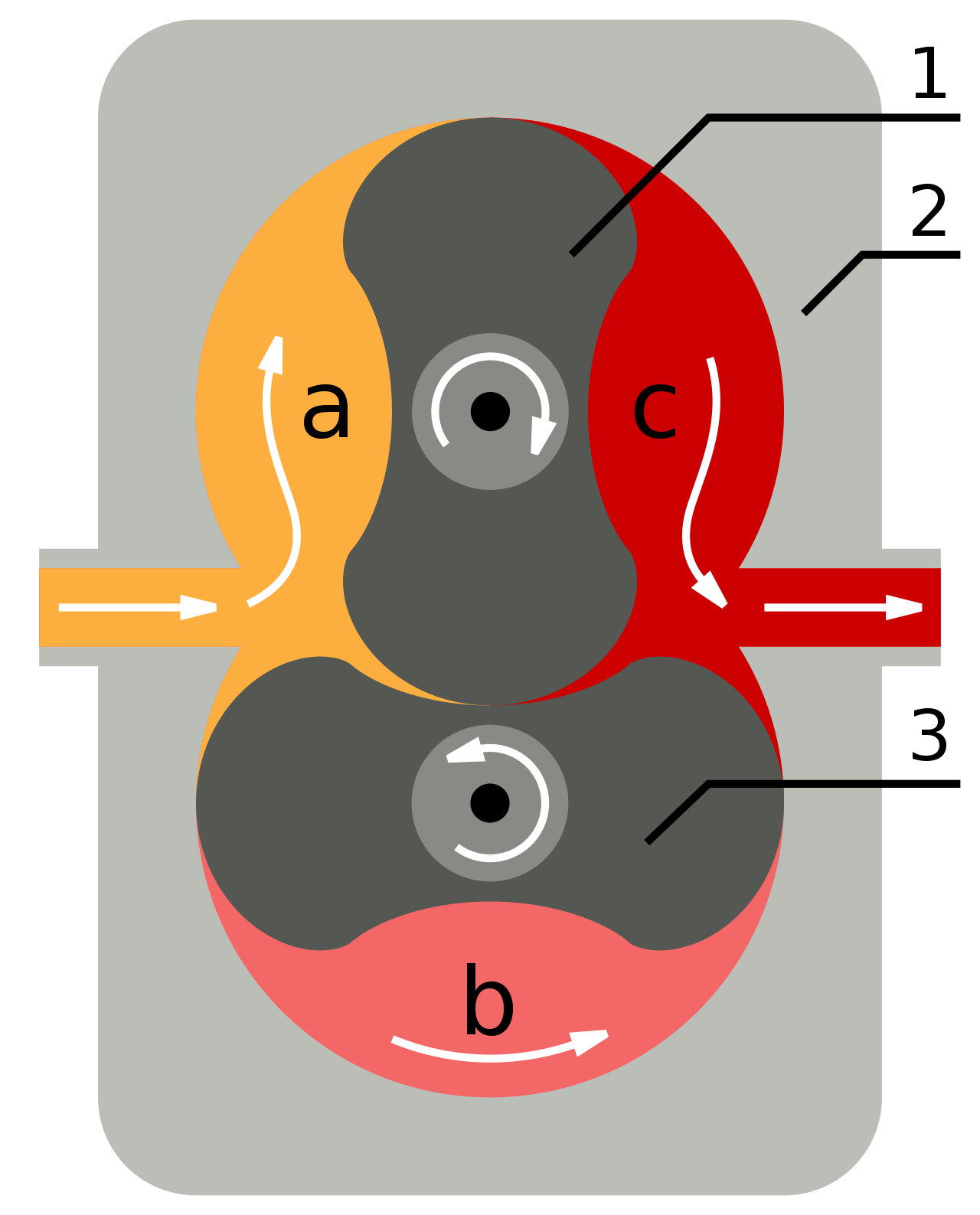
I'm building a vacuum pump and I would like to animate the rotation of the things (whatever you call them). The upper one rotates clockwise and the lower rotates counter-clockwise. However, when I add revolute joints to the centers of them both, after I grounded the middle cylinders and created rigid groups, they rotate perfectly fine when outside of not lined up with each other (one further away on the x-axis). But when I fit them both within the structure and attempt to rotate them both, I get the error that there is a conflict in the joints-- turning the joints red. I'm still new to CAD programs, but I would really like to animate these two joints so that I can have more experience in the animation aspect of it. Thank you!