Feature Request (Sketch Timeline)

Feature Request (Sketch Timeline)

14gmathieson
Explorer Explorer
10,370 Views
18 Replies
Message 1 of 19

Feature Request (Sketch Timeline)

14gmathieson
Explorer
Explorer

Hello!


It'd be really useful to have a proper timeline in sketches - the number of times I've had to re-do elements or an entire sketch just because there's either no method or no method that I'm aware of for changing certain features further back in the process. Please consider adding this functionality.


Thank you,

George

0 Likes
10,371 Views
18 Replies
Replies (18)
Message 2 of 19

davebYYPCU
Consultant
Consultant

You will need way more detail in your submission to show why it is needed.


When you finish a sketch, it is what it is,

Edit it if it is incorrect or missing detail.


For each Fusion session, between saves at least, you have the Undo / Redo functions to utilise, and address in your submission.


For new people - it is recommended one sketch per feature, to keep things simple to understand.


Might help....

Message 3 of 19

TheCADWhisperer
Consultant
Consultant

@14gmathieson 

Attach files and images here to illustrate your request.

0 Likes
Message 4 of 19

14gmathieson
Explorer
Explorer
Okay, so I think it'd be important to outline my workflow to help you understand.
 
The biggest benefit to using Fusion - in my opinion - is the ease of transferring ideas from our minds to our computer. They've done an excellent job so far of making feel as natural and fluid as possible, but obviously there's still ways to improve this. Everyone thinks differently when realising 3D shapes - and again when putting them into CAD software. 
 
The way that works best for me is sketching the features of the overall shape in 2D then extruding and intersecting as needed to form the 3D shape. The more I can fit into a single sketch, the better (this also helps in reducing timeline clutter). I'm not saying this is what I do for the entirety of the process, but it's certainly my initial step; I'm sure there are other ways that work better for other people. 
 
For this reason, many of my "steps" in what would be the main timeline are condensed into a single sketch. This is all good and well, but later in the design when I need to change something fundamental, I'll go back into that sketch and alter it - making sure not to cause any later steps to fail when returning to the latest point.
 
However, all too often, I'll go into a sketch and attempt to move a single line and then find the entire sketch to alter shape drastically (presumably due to hidden constraints). I have no choice but to then redraw that line, for example, which fundamentally redefines the shape meaning that a step in the main timeline fails as it no longer recognises that feature as it was. This causes major and cascading consequences for the entire design.
 
All I suggest is having a collection of steps that can be expanded or hidden in the timeline - not dissimilar to what's seen when creating multiple components from bodies - holding each notable step in the sketch. I know you'll want to suggest just changing my workflow but, as I've already suggested, this isn't a workflow quirk but, instead, a fundamental way if thinking and transferring initial ideas. Fusion should be supportive and compatible with slight differences in the way people think up ideas - especially when it takes little development to include this feature.
 
Hope this helps?
0 Likes
Message 5 of 19

g-andresen
Consultant
Consultant

Hi,

If you insist on packing as much as possible into a sketch, you must expect that this will lead to fatal errors in the design.
The timeline function in sketches does not change this. This tells you nothing about conflict linkages.


günther

0 Likes
Message 6 of 19

TheCADWhisperer
Consultant
Consultant

@14gmathieson wrote:
Okay, so I think it'd be important to outline my workflow to help you understand.
 
The more I can fit into a single sketch, the better …
 
For this reason, many of my "steps" in what would be the main timeline are condensed into a single sketch. 


@14gmathieson 
Attach example *.f3d file here to illustrate your request.

0 Likes
Message 7 of 19

HughesTooling
Consultant
Consultant

@14gmathieson wrote:
 
However, all too often, I'll go into a sketch and attempt to move a single line and then find the entire sketch to alter shape drastically (presumably due to hidden constraints). I have no choice but to then redraw that line, for example, which fundamentally redefines the shape meaning that a step in the main timeline fails as it no longer recognises that feature as it was. This causes major and cascading consequences for the entire design.
 
Hope this helps?

This sets off alarm bells! You should always fully constrain sketches so edits are predictable. Also keep sketches as simple as possible, try to avoid patterns and fillets and add them as features in the timeline and with fillets add them as a last step if possible.


Please share an example of your sketches, preferably as an f3d file but a screen grab if you can't share a design.


Mark

Mark Hughes
Owner, Hughes Tooling
Did you find this post helpful? Feel free to Like this post.
Did your question get successfully answered? Then click on the ACCEPT SOLUTION button.

EESignature


0 Likes
Message 8 of 19

14gmathieson
Explorer
Explorer

I will try to do so in a few hours if I get the chance. 

0 Likes
Message 9 of 19

14gmathieson
Explorer
Explorer

I see your point, but the only reason this way of working is wrong is because of the way Fusion is set up. I'm suggesting a simple feature should be added to allow more variety in workflows - helping to allow people to work in a way that suits their creative methodology. I understand that this isn't a traditional way of approaching 3D CAD, but that shouldn't mean it can't be. If I get time later on, I'll create an example to better illustrate my point.

0 Likes
Message 10 of 19

14gmathieson
Explorer
Explorer

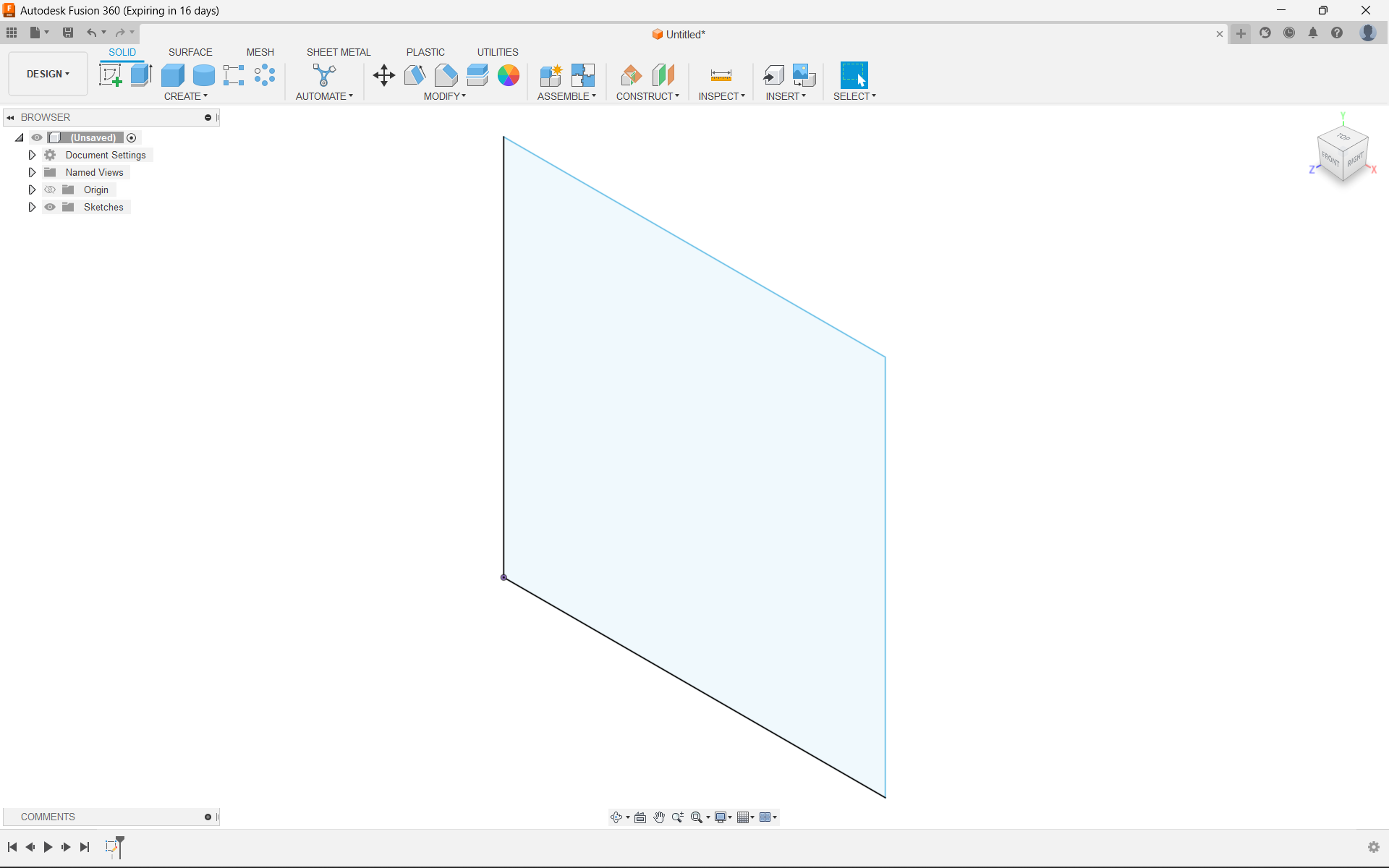
Okay, so here's a rudimentary example:


I could make the final shape by first sketching one face, creating an offset plane, sketching the end face...


0 Likes
Message 11 of 19

14gmathieson
Explorer
Explorer

Then creating a loft between the two faces.

0 Likes
Message 12 of 19

14gmathieson
Explorer
Explorer

What I would usually do, however, is something along the lines of the following:


Create the side profile in a sketch, extrude it to make a 3D object, and intersecting an identical sketch on the perpendicular axis.

0 Likes
Message 13 of 19

HughesTooling
Consultant
Consultant

I'd say your second method is good apart from not fully constraining your sketches. As long as it's fully constrained any edits would be predictable. I guess this example it a bit too simplified to demonstrate the problems you're running into but really if you learn how to create efficient sketches a lot of your problems will go away. 


Your request has come up a few times before and maybe something like what your after might turn up sometime. But for now learning the skill of creating efficient sketches is your best bet, it does become second nature after a while.😉


One problem I do see with a timeline in sketches would be performance, Fusion's sketcher can bog down now without adding even more overhead.


Mark

Mark Hughes
Owner, Hughes Tooling
Did you find this post helpful? Feel free to Like this post.
Did your question get successfully answered? Then click on the ACCEPT SOLUTION button.

EESignature


Message 14 of 19

TheCADWhisperer
Consultant
Consultant

@14gmathieson wrote:

Okay, so here's a rudimentary example:


Please Attach a *.f3d file of a real example when you get a chance.

0 Likes
Message 15 of 19

14gmathieson
Explorer
Explorer
Okay, so I think it'd be important to outline my workflow to help you
understand.

The biggest benefit to using Fusion - in my opinion - is the ease of
transferring ideas from our minds to our computer. They've done an
excellent job so far of making feel as natural and fluid as possible, but
obviously there's still ways to improve this. Everyone thinks differently
when realising 3D shapes - and again when putting them into CAD software.

The way that works best for me is sketching the features of the overall
shape in 2D then extruding and intersecting as needed to form the 3D shape.
The more I can fit into a single sketch, the better (this also helps in
reducing timeline clutter). I'm not saying this is what I do for the
entirety of the process, but it's certainly my initial step; I'm sure there
are other ways that work better for other people.

For this reason, many of my "steps" in what would be the main timeline are
condensed into a single sketch. This is all good and well, but later in the
design when I need to change something fundamental, I'll go back into that
sketch and alter it - making sure not to cause any later steps to fail when
returning to the latest point.

However, all too often, I'll go into a sketch and attempt to move a single
line and then find the entire sketch to alter shape drastically (presumably
due to hidden constraints). I have no choice but to then redraw that line,
for example, which fundamentally redefines the shape meaning that a step in
the main timeline fails as it no longer recognises that feature as it was.
This causes major and cascading consequences for the entire design.

All I suggest is having a collection of steps that can be expanded or
hidden in the timeline - not dissimilar to what's seen when creating
multiple components from bodies - holding each notable step in the sketch.
I know you'll want to suggest just changing my workflow but, as I've
already suggested, this isn't a workflow quirk but, instead, a fundamental
way if thinking and transferring initial ideas. Fusion should be supportive
and compatible with slight differences in the way people think up ideas -
especially when it takes little development to include this feature.

Hope this helps?


0 Likes
Message 16 of 19

TrippyLighting
Consultant
Consultant

Here's my recommendation. Move beyond the sketching! Quickly!


The purpose of a sketch in any current, main stream CAD software is to create simple, basic shapes to be refined with solid (or surface) modeling tools. Simple sketches and features instead of sketches.


Trying   to avoid Timeline clutter by cramming as much stuff as possible into a sketches is simply the wrong workflow.


EESignature

0 Likes
Message 17 of 19

davebYYPCU
Consultant
Consultant

So how does a sketch timeline assist your Lofted block,

both methods are 2 simple (incomplete) sketches.


Others have mentioned not fully defined sketches, so presenting them as an example takes you away from your feature request.


I am with The Whisperer, demo with your problem file, and how a timeline would assist.

My opinion - there are bigger fish to fry for Autodesk.


Might help.....

0 Likes
Message 18 of 19

TheCADWhisperer
Consultant
Consultant

@14gmathieson wrote:
Okay, so I think it'd be important to outline my workflow to help you
understand.

@14gmathieson 
It is often said that a picture is worth a thousand words.

I might reply that an actual *.f3d file to illustrate is worth a thousand pictures.

I’ll try one more time - can you Attach a *.f3d file here that definitively illustrates the usefulness of your requested enhancement? 

0 Likes
Message 19 of 19

14gmathieson
Explorer
Explorer

Right, I'm being seriously misunderstood. I'll go and educate myself on defining/completing sketches - if anyone knows a good resource for this please let me know - before coming back here to address the issue (providing I still consider it valid by then).

0 Likes