Best DXF export setting from Rhino 7 to F360

- Mark as New
- Bookmark
- Subscribe
- Mute
- Subscribe to RSS Feed
- Permalink
- Report
Hi,
I'm sure I'm not the only one with this question but I'm mainly using F360 as a CAM controller and drawing using F360. My usual workflow is to create separate sketches as different layers in Rhino 7 and import a DXF to Fusion 360 several times selecting each layer needed each time to create different sketches, ie. one layer for a 2D Contour (which will be the profiles to extrude into bodies) and one layer for a Trace toolpath where all sketch profiles will be selected as the Geometry for a Trace toolpath.
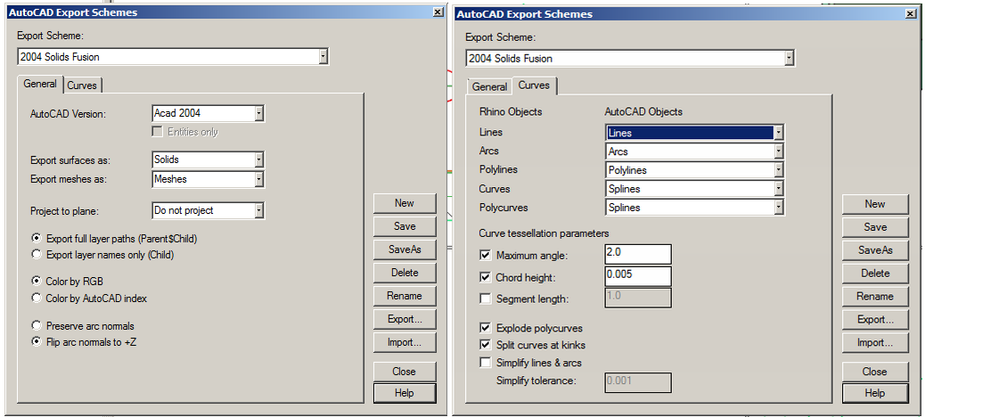
Given that Rhino has multiple DXF settings, sometimes the linework is a very simple import that isn't bogged down and crashes the program and sometimes it will be impossible to find the right Export settings to import smoothly. It seems to correlate to the file size exported but I find it pretty surprising that a DXF file that is at most 2 megabytes will crash the program.
Basically I'm asking which DXF Export scheme works best for import into Fusion and "best" meaning which doesn't crash because of its size and complexity? I've attached a screenshot of what the artwork is, and one of the dialogue box that shows the different schemes.
Greatly appreciate the help!