- Mark as New
- Bookmark
- Subscribe
- Mute
- Subscribe to RSS Feed
- Permalink
- Report
Hello,
I am new to Fusion and creating more complex drawings. I have worked in AutoCAD a bit, but I have not had this issue come up.
I am following this Youtube Video on Fusion : Autodesk Fusion 360 - Part 1/4 - Model and Assemble a Shed - Intermediate/Advanced (2023) (https://www.youtube.com/watch?v=B8-NYBlOORY&t=956s)
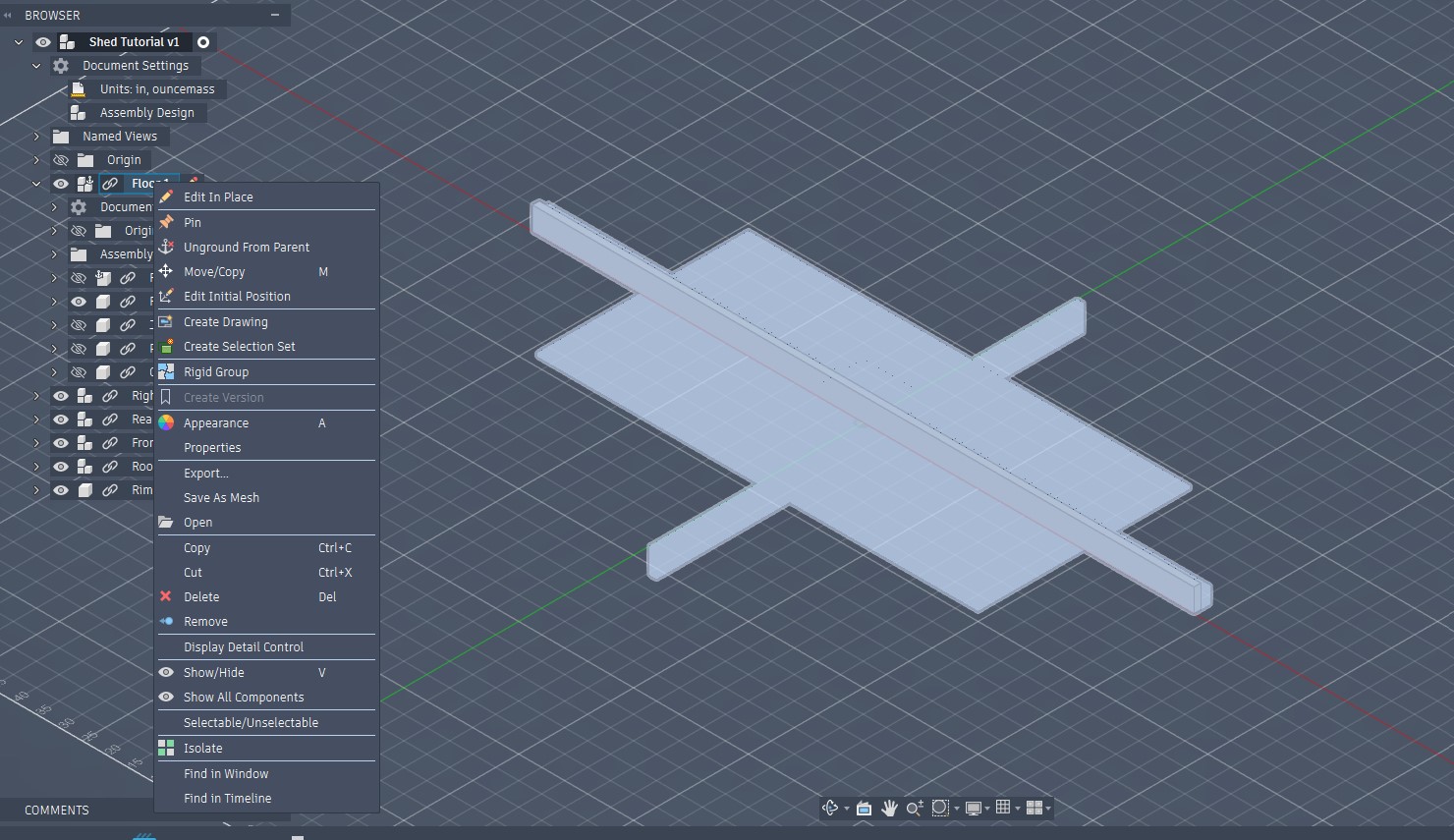
I followed along well until time 14:20 when he copies a component then pastes it into the same subassembly. I can copy the component, but when I right-click the subassembly I don't have the option to paste. I do have the option to paste it into the top level assembly, though.
I believe it has something to do with me having to select "Edit in Place" vice just selecting components and subassemblys.
Solved! Go to Solution.