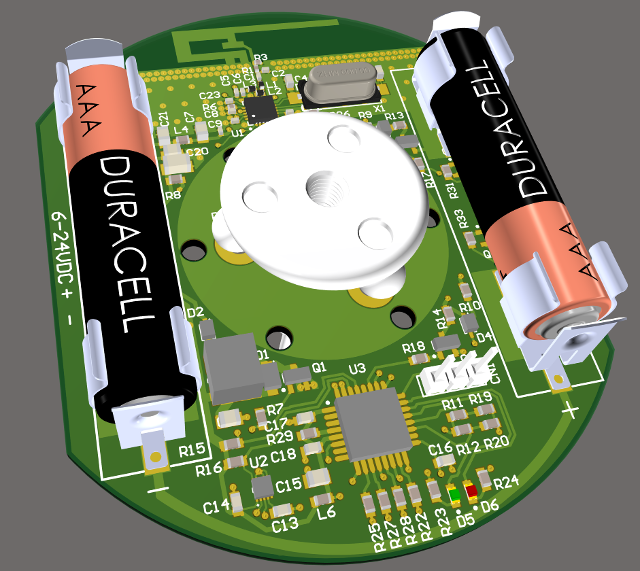
A year ago or so I imported two PCB's with more than 6000 components in total in Fusion and positioned them in the housing. Altium Designer 16 went on it's knees with those designs giving us an hour of work time before it exhausted the available memory. Solidworks did the import fine but actually working with the designs was close to impossible. In Fusion all went well. It took a while to import and load the STEP's, but that was it.
Thus, the extremely sluggish performance / long 'thinking times' have not always been there. Must be either related to newer versions of Altium Designer, newer versions of Fusion360, or a combination of both. After all, Altium Designer 18 is a huge update. They went from a mostly 32-bit single-threaded Borland Delphi codebase to mostly 64-bit multi-threaded .NET. That might have caused some trouble here and there.
But I think most of it is in Fusion360. I tried opening an older design (december 2015, probably once exported from Altium Designer 16) from the data panel:
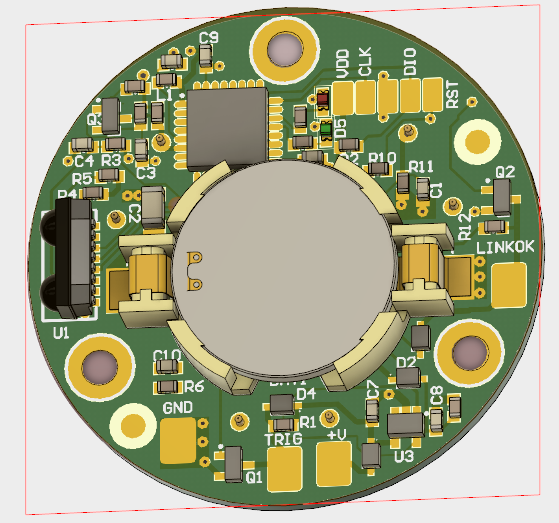
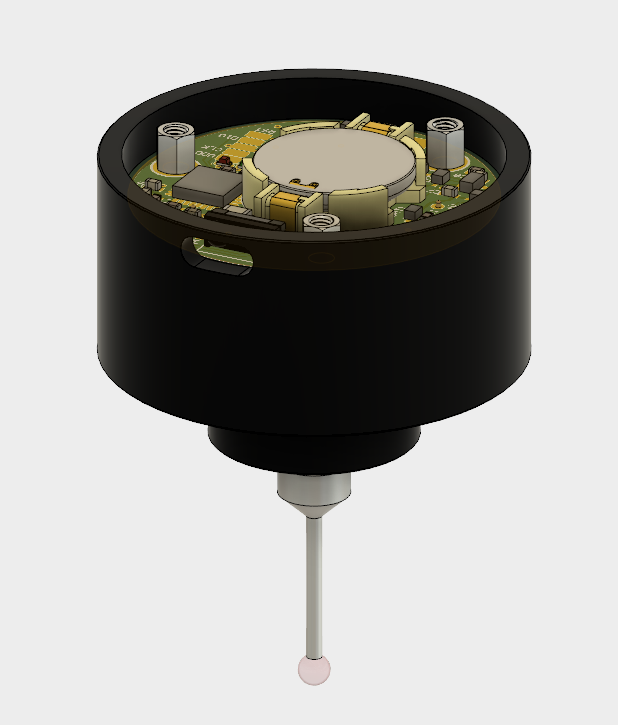
Move/rotate of the PCB is better; rotating does not take 18 minutes, but 'only' a mere 50 seconds or so....
Note: I did not re-import the STEP, I just opened the design.
The PC is an Alienware 17 laptop. Windows 10, SSD, Core I7-4710, 16GB RAM, nVidia GTX860M graphics adapter, latest driver.