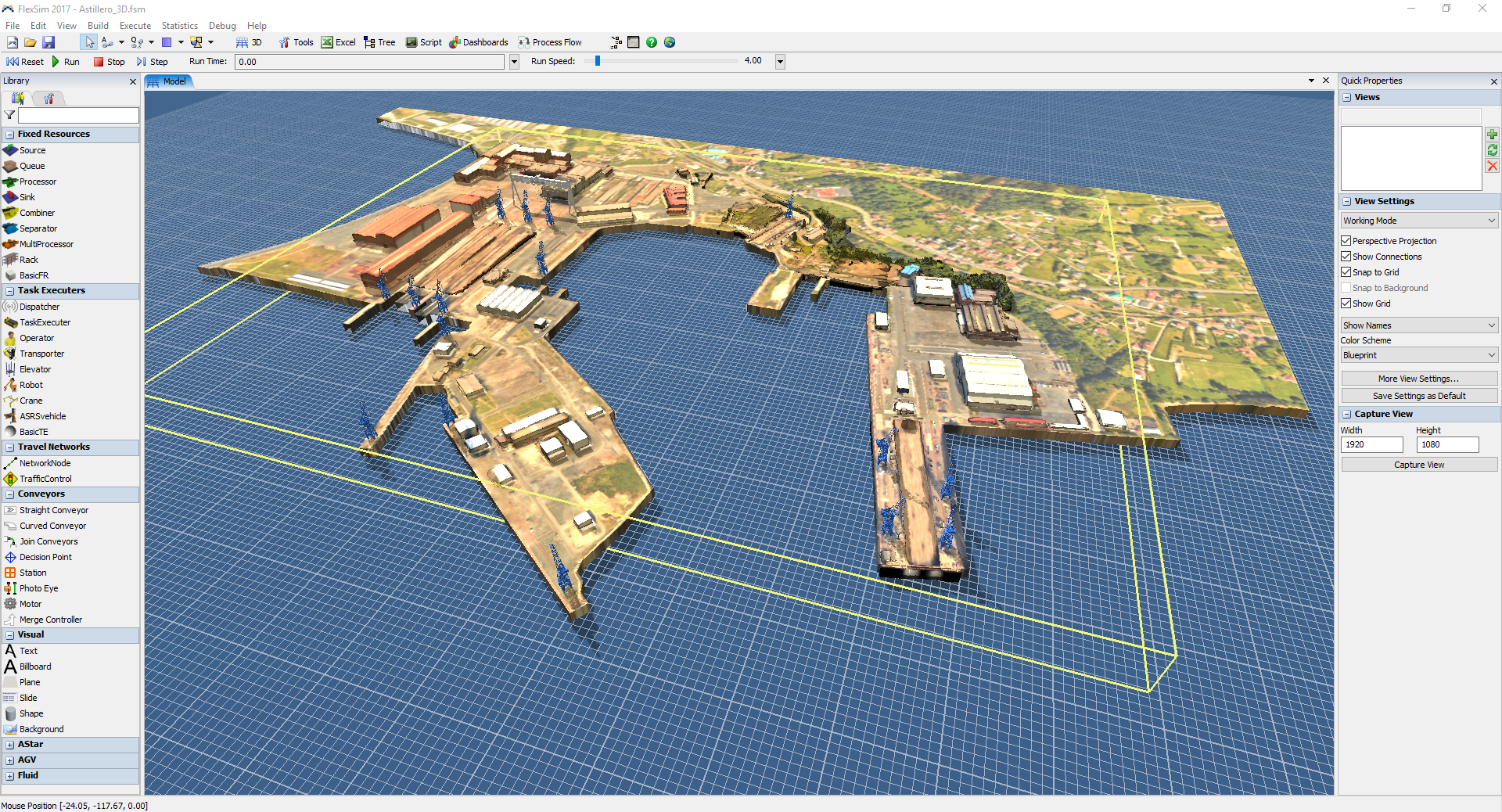
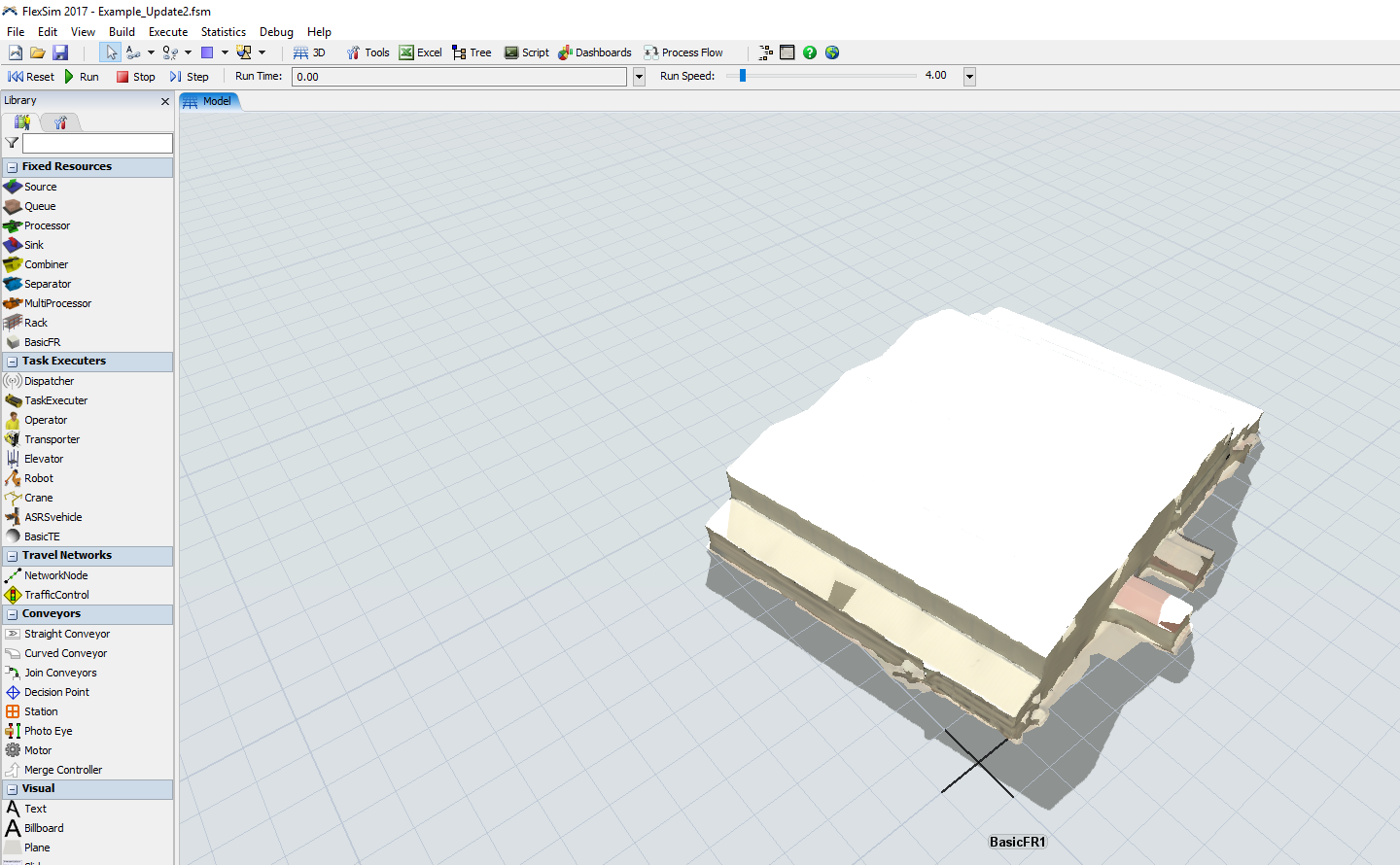
FlexSim 17.0 includes a bug fix to the shader that is described in the release notes:
- Fixed a bug in the shader that dulled specular highlights with the diffuse texture. This may change how shapes look; they may appear shinier now.
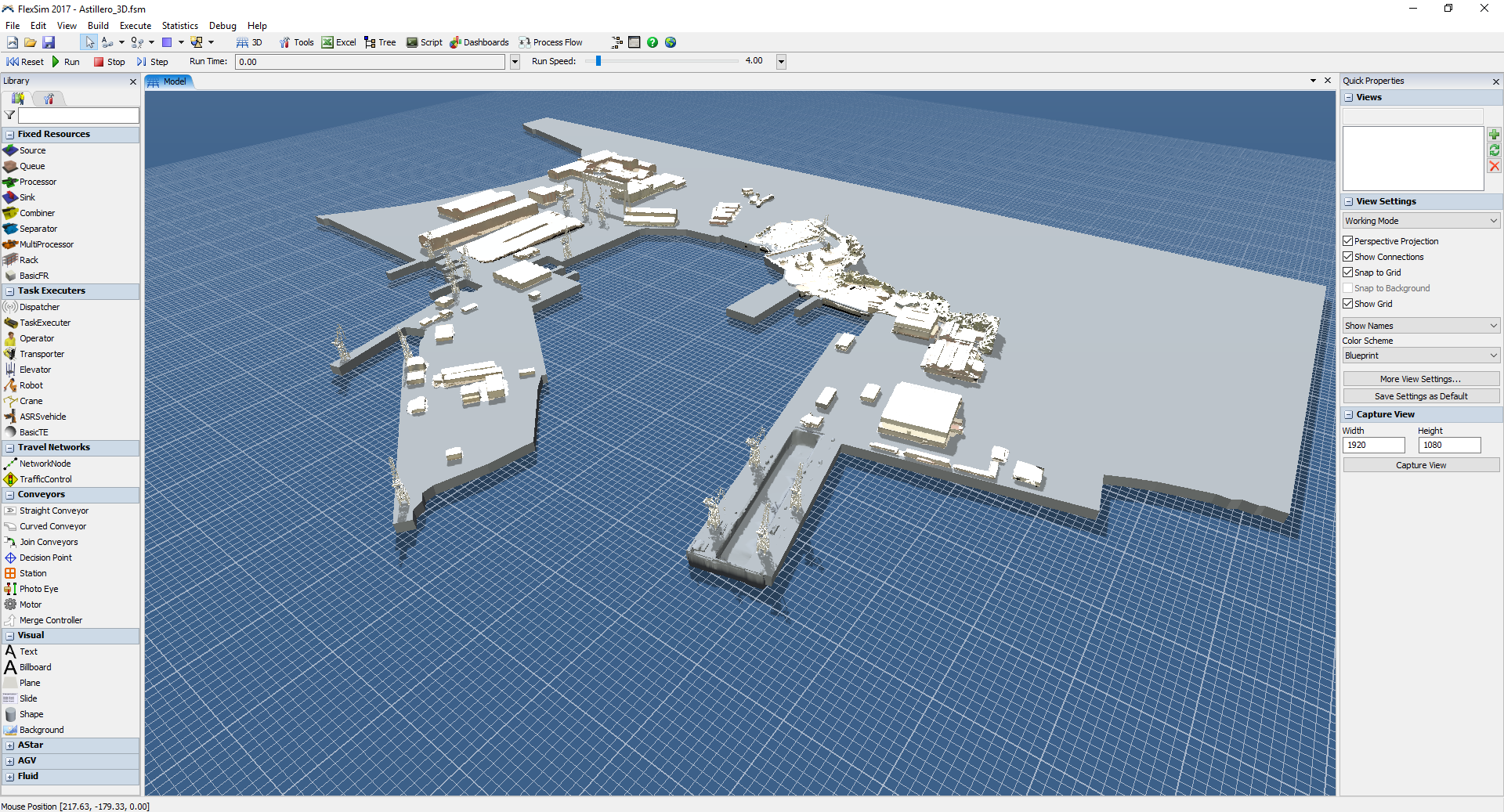
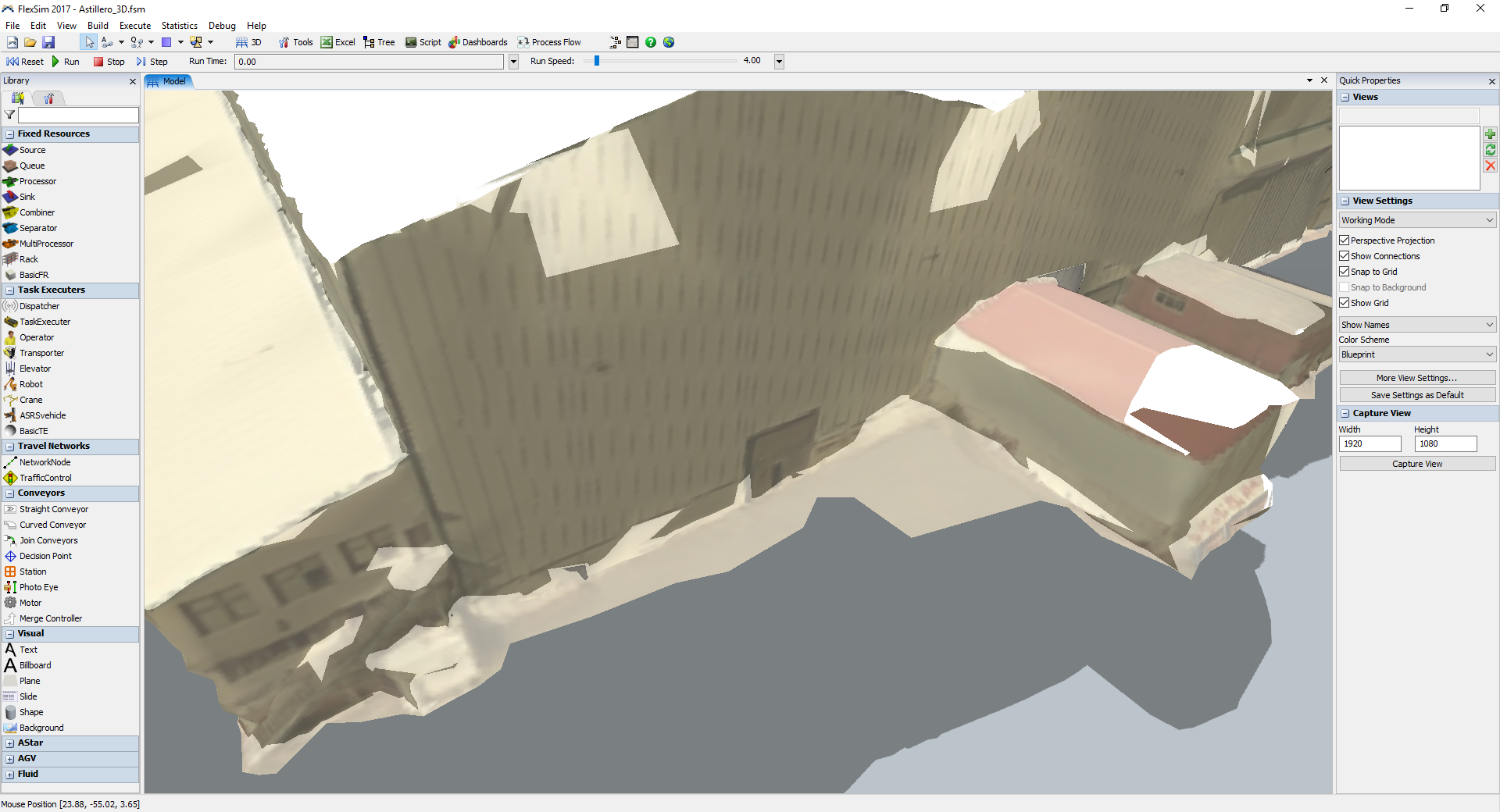
This change caused the specular highlight to be applied on top of the diffuse texture rather than blended into it. In your case, the specular highlight is causing a bright white color that totally drowns out the texture below.
The shape you attached has a "shininess" value of 0, which means that the specular highlight is spread out over the entire surface rather than highlighting a small point. For example, light reflecting off of a wood surface (low shininess) vs a metal surface (high shininess). The specular color is also nearly white (0.9, 0.9, 0.9):

The combination of those two values means that the surface is reflecting 90% of the light from all of the light sources in the model, spread out evenly over the entire shape.
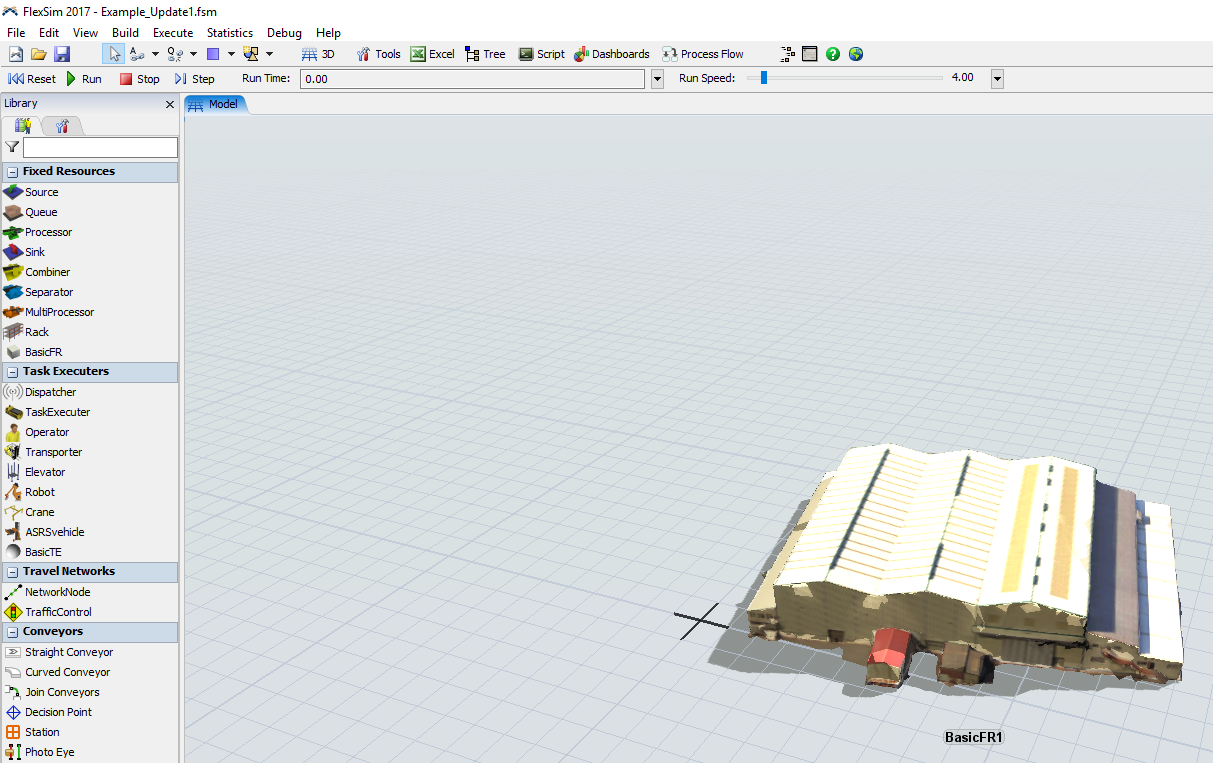
If you change the shininess value to a more reasonable value, such as 50, then the surface will look shiny based on the angle of the camera relative to the direction of the light:

You could also lower the specular color value if you want the surface to reflect less of the light sources' light. For example, change it from 0.9 to 0.5 or so.
 Phil BoBo
Sr. Manager, Software Development