The Execute Sub Flow pick option that is available in fields like Setup Time, Process Time, Send To Port and others gives you the ability to kick off a process flow to graphically decide what the return value will be. Taking the Process Time field, it's expecting a number to be returned by the process flow that will be the Processor's Processing Time.
In it's simplest form, the two Processing Times shown below do the exact same thing:

Each processor will process for 5 seconds.
Where the Execute Sub Flow gives you real power is through your ability to put in more complex logic to decide what the return value will be. This of course could also be done by writing code with if statements, for loops, etc. But a more graphical representation may be more beneficial and easier to follow:

The above sub flow has some decision making based upon item type and loops through a set of items to add up a total time to process for. In this case, we have multiple start and finish activities. To ensure we receive the correct processing time return value, we define the name of the start and finish activities in the pick option.
You'll notice all of the activities used in this sub flow contain no delays or waits. This is important when executing a sub flow as a function call like a Process Time. The Process Time field is expecting a return value immediately. Any kind of delay in the sub flow will cause no tokens to enter the finish activity and so, no return value will be evaluated. This is why you get the error 'Error in executesubflow: No token arrived at any Finish activity in Sub Flow "SubFlow".'
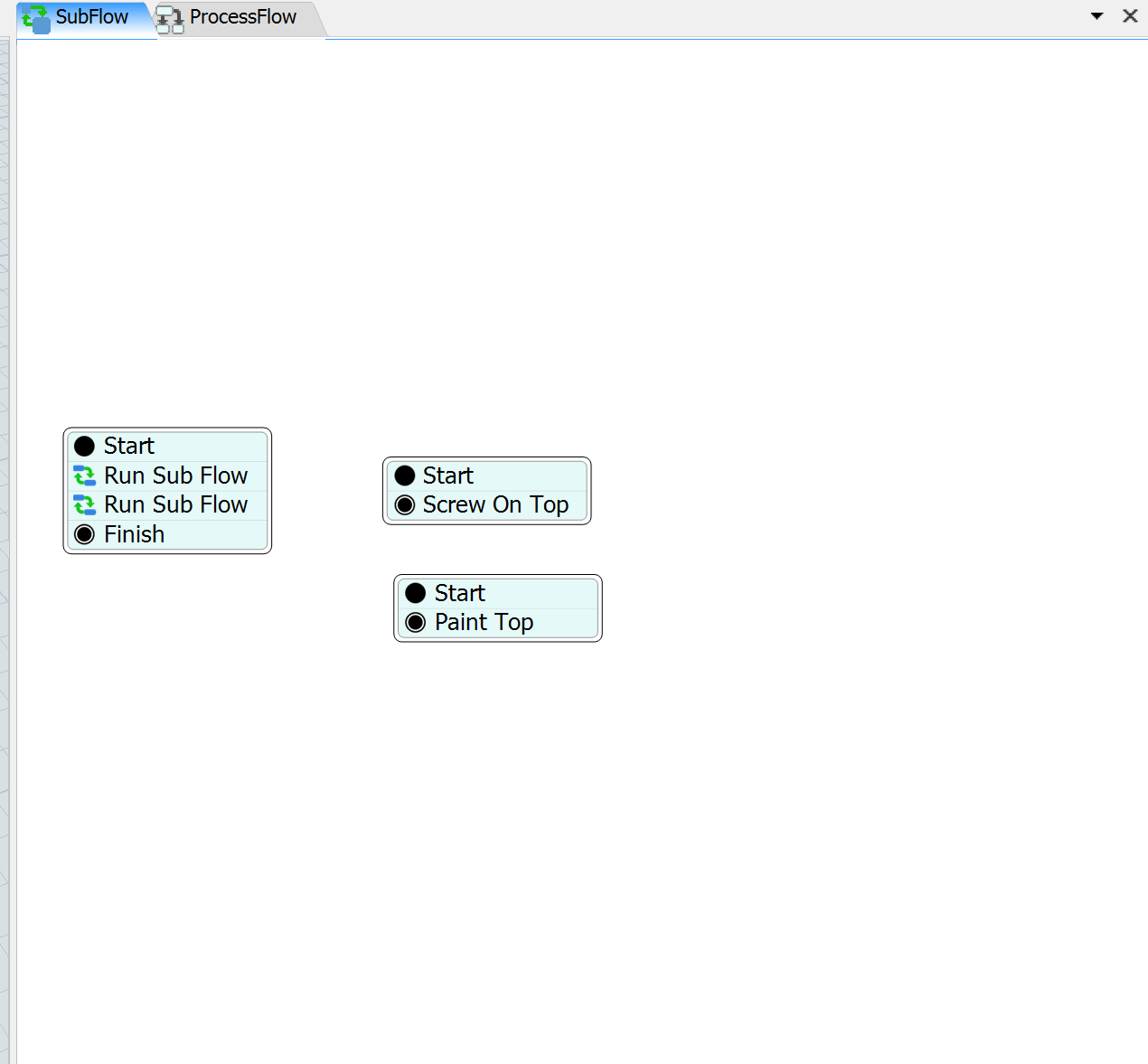
Now you aren't limited to just evaluating the Process Time, though that is the purpose of the Execute Sub Flow option. As long as tokens still exist within the Sub Flow, it will remain alive and you can continue performing logic and/or tasks. For example:

The original token exits through the activity Finish, but it creates a token that calls an operator over to the Processor while it's in the middle of processing it's item. The sub flow will remain 'alive' until the last token exits through a finish activity.
See model for more information: executesubflowexample.fsm