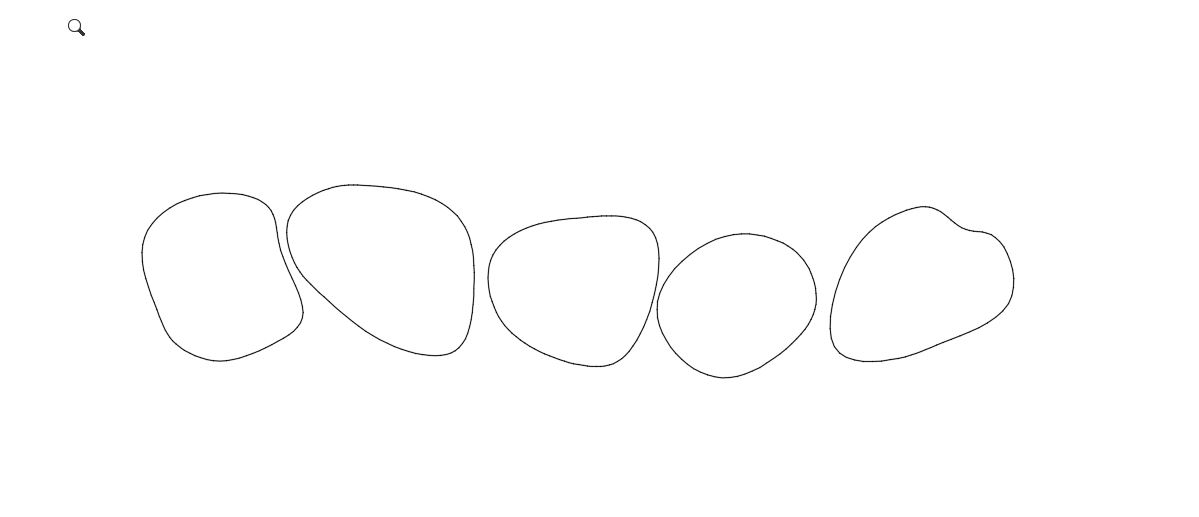
Retaining Rock wall Plan View Block

Retaining Rock wall Plan View Block

paul_ceceng
Participant Participant
2,957 Views
3 Replies
Message 1 of 4

Retaining Rock wall Plan View Block

paul_ceceng
Participant
Participant

Hello,


I have a block attached that I have used for the plan view of a retaining wall.  I am able to adjust the length and rotate the block to where it needs to be. It would be nice if there was a way that I could only bring out one new rock at a time instead of all four when using the stretch and array commands.  The middle yellow line is on a no-plot layer and is used just for design purposes.  Any ideas?

0 Likes
Accepted solutions (1)
2,958 Views
3 Replies
Replies (3)
Message 2 of 4

jtohillVY4VS
Contributor
Contributor

If you select each polyline and array individually and give a little bigger spacing on each you can insert each stone individually. the problem is as the line gets longer on of the stones starts to overlap. 

0 Likes
Message 3 of 4

Libbya
Mentor
Mentor
Accepted solution

The way I would do it is to have a chained linear parameter with an array for each individual stone.  Set the starting distances so that the stones will appear in sequence.  Place the base of each chained linear parameter at the center of the rotation.  The result is consistent spacing of the stones with an unlimited array.


See screencast. 

https://screencast.autodesk.com/Embed/Timeline/386aab85-4b4c-4dfa-96ab-4c2e93b6b356

Message 4 of 4

paul_ceceng
Participant
Participant

This works! Thank you for your help.  You are a true AutoCAD Block wizard.  Have a great day! 

0 Likes