Custom Lane Subassembly problem with superelevation-layer depth

Custom Lane Subassembly problem with superelevation-layer depth

Olga-L
Participant Participant
1,262 Views
2 Replies
Message 1 of 3

Custom Lane Subassembly problem with superelevation-layer depth

Olga-L
Participant
Participant

Hello good people of Civil3D,

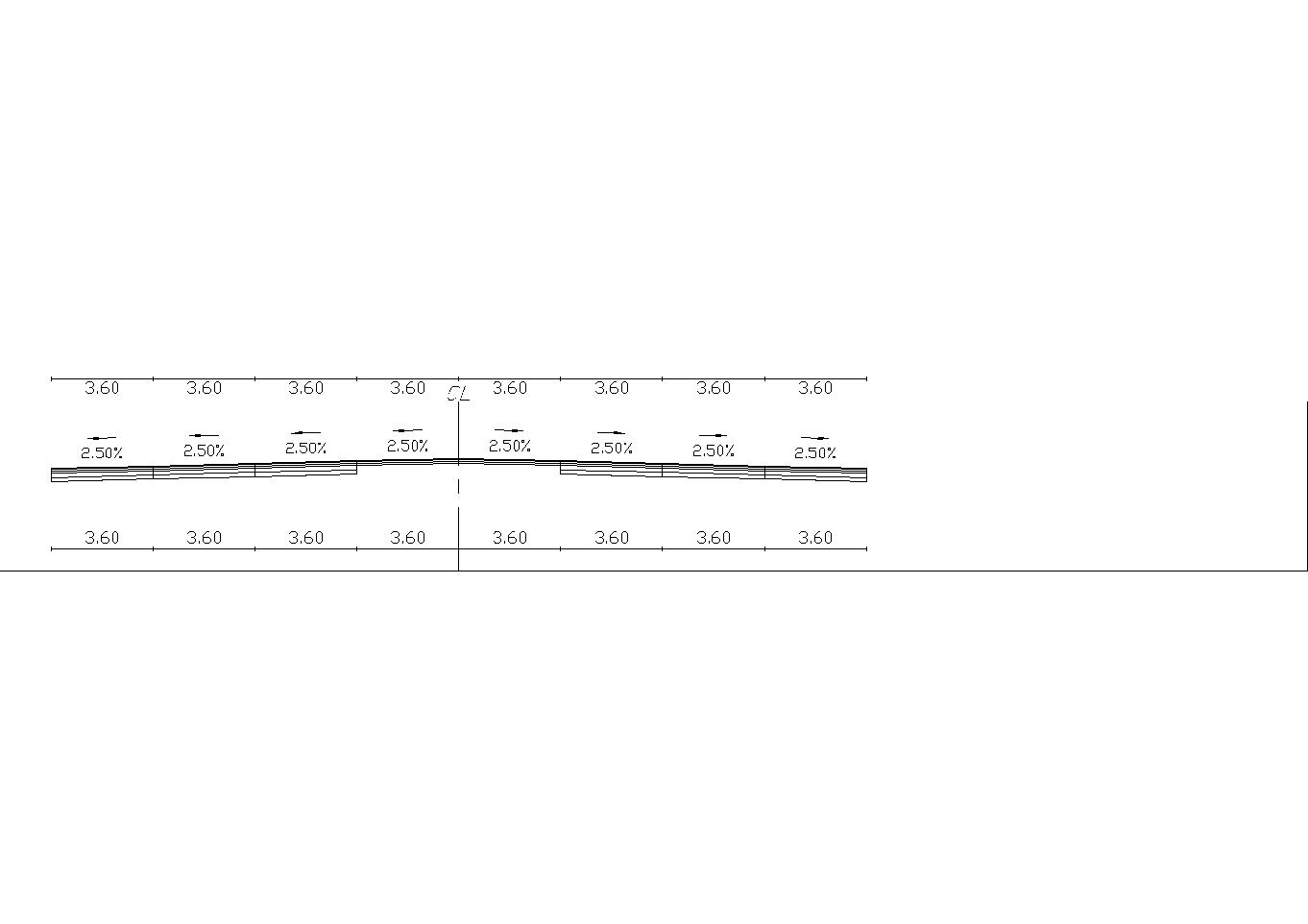
I've made a custom lane subassembly (in SC 2018) in order to be able to change the point codes in it. It consists of five possible layers. Sometimes I want to reduce the number of layers, so I change some layer's depth to 0. It works well with normal lane slope (see pic.1), but if I have to employ superelevation slope changes, the "0" layer starts behaving oddly and gets full depth on its edges (to be exact, it behaves like there is no superelevation and no depth change). See pic.2 - have any ideas? Couldn't attach the subassembly to this post, so it is available HERE

Any help will be greatly appreciated!

Smiley Frustrated

OL

0 Likes
Accepted solutions (1)
1,263 Views
2 Replies
Replies (2)
Message 2 of 3

KMercier_C3D
Advisor
Advisor
Accepted solution

 Personally I dislike the ApplyAOR checkbox. It rarely behaves the way I want it to.

I would:

  1. Uncheck ALL of your ApplyAOR checkboxes.
  2. After P1 add an auxiliary point, AP1 with AL1 that is set up the same as your current P2 (except with NO ApplyAOR).
  3. Add the following Define Variable at the start of your flowchart called CalculatedSlope= if(Target_slope.isvalid=true,AL1.slope,IF((UseSuperelevation=LeftInsideLane) AND (SE.HasLeftLI) , SE.LeftLI ,
    IF((UseSuperelevation=LeftOutsideLane) AND (SE.HasLeftLO) , SE.LeftLO,
    IF((UseSuperelevation=RightInsideLane) AND (SE.HasRightLI) ,SE.RightLI,
    IF((UseSuperelevation=RightOutsideLane) AND (SE.HasRightLO) , SE.RightLO,
    IF((UseSuperelevation=LeftInsideShoulder) AND (SE.HasLeftSI) , SE.LeftSI,
    IF((UseSuperelevation=LeftOutsideShoulder) AND (SE.HasLeftSO) , SE.LeftSO,
    IF((UseSuperelevation=RightInsideShoulder) AND (SE.HasRightSI) , SE.RightSI,
    IF((UseSuperelevation=RightOutsideShoulder) AND (SE.HasRightSO) , SE.RightSO,ctype(TopSlope,double))))))))))
  4. For P2 slope use the CalculatedSlope. 
  5. For all of your other links that you want parallel to L1, either use the CalculatedSlope or L1.slope. 

The attached PKT is one of mine that is similar to what you are trying to do and you can see a similar setup as how I listed above. Change the .zip to .pkt after downloading.


Kati Mercier, P.E. | LinkedIn | AutoCAD Civil 3D Certified Professional
Pronouns: She/Her
Co-author of "Mastering AutoCAD Civil 3D 2013"
AU2019 Speaker::: CES321590: Analyze and Revise Existing Subassembly Composer PKT Files for AutoCAD Civil 3D
AU2017 Speaker::: CI125544: Analyze and Devise in Subassembly Composer
AU2012 Speaker::: CI3001: Reverse Engineering with Subassembly Composer for AutoCAD Civil 3D
AU2011 Speaker::: CI4252: Create Subassemblies That Think Outside the Box With Subassembly Composer for AutoCAD® Civil 3D®

Message 3 of 3

Olga-L
Participant
Participant

Hi Kati,

You saved my life! It works so well!!! Thanks a lot!!

with gratitude,

Smiley Very Happy

Olga

0 Likes