Solver stop when heat transfer is activated

Solver stop when heat transfer is activated

Anonymous
Not applicable
1,442 Views
9 Replies
Message 1 of 10

Solver stop when heat transfer is activated

Anonymous
Not applicable

Hello,

I am doing a CFD study for a restaurant

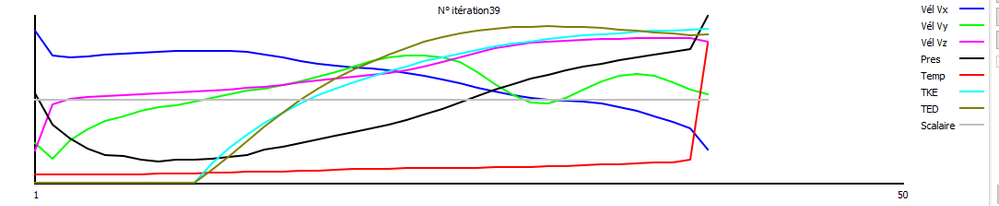
I have a working model that runs fine in adiabatic (airflow only) but the solver pauses after 40 iterations when I activate the heat transfer simulation.

I have to do the study with solar windows which is the focus of the study.

I can't find which boundary conditions cause problems.

I'm currently iterating for the problem but can't find it.

Can you give me some suggestion


https://we.tl/t-bk4DX3txxr  = cfz file


thank you in advance
0 Likes
1,443 Views
9 Replies
Replies (9)
Message 2 of 10

Anonymous
Not applicable

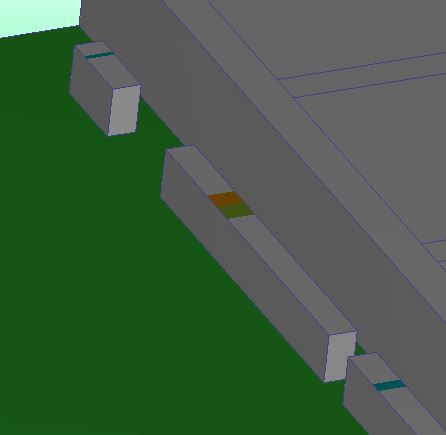
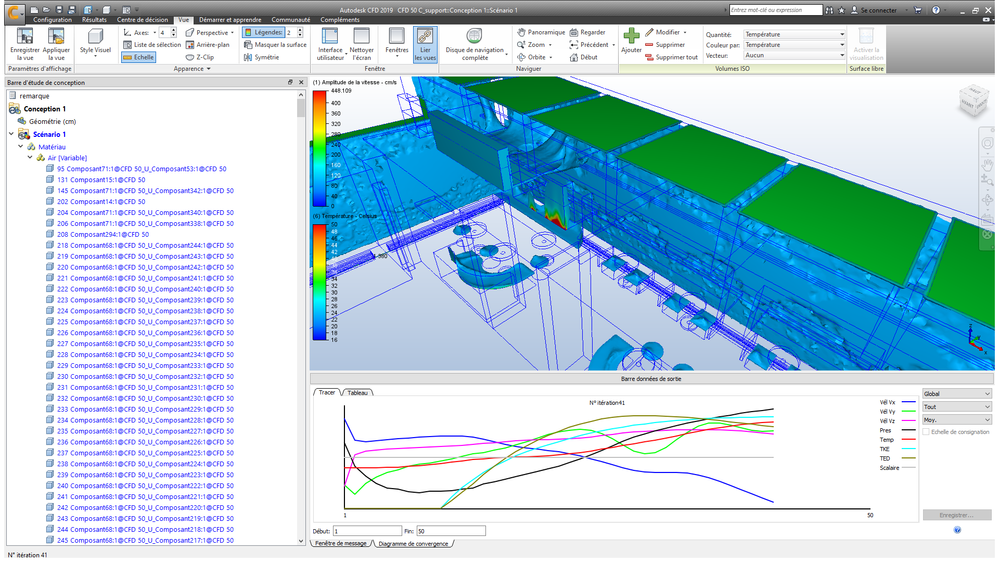
To complete my point, I have an inconsistent hot spot that appears after about 40 iterations. Here in red


I don't know how to fix this type of problem.


Can be run a first simulation without convection effect, then activate heat transfers


capture hot.png


0 Likes
Message 3 of 10

frederic.gaillard.7
Advisor
Advisor

Hello Thibaut

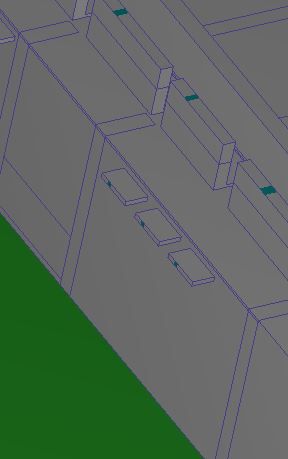
Check internal boundary condition and remove it. Delete the the film coefficiant on the outlet (0 pressure BC) 

you also have solid air is that wanted ? 

Capture.JPGCapture1.JPG

Hope it helps 

Fred

0 Likes
Message 4 of 10

Anonymous
Not applicable

Thank you for your reply,

I do not understand this first part. What internal boundary conditions? can you precise me.

Regarding the film coefficient, the objective is to obtain an air temperature close to that of the model when the internal pressure is negative (blowing). If I remove this coefficient, I wonder at what temperature the air will enter. But, I try according to your prescription.

Indeed, the solid air material is a way for me to remember non-meshed volumes. This may be a problem, I replace these solids with non-meshed (liquid) air.

0 Likes
Message 5 of 10

frederic.gaillard.7
Advisor
Advisor

Salut Thibaut 

J'ai mal regardé, vos conditions limites sont bien appliquées. Je n'ai pas vu que vous avez supprimé le maillage des volumes où les conditions limites a été appliqué. Mon erreur.  


Regarding the film coefficient, the objective is to obtain an air temperature close to that of the model when the internal pressure is negative (blowing). If I remove this coefficient, I wonder at what temperature the air will enter. But, I try according to your prescription.

Concernant ce dernier commentaire il y a plusieurs chose à prendre en considération : 

-  La condition limite film coefficient est pour simuler un refroidissement par convection sur une surface donnée. 

- Si votre condition limite de pression est négative, je vous suggère d'y appliqué une température à la place. Les autres film coefficiant n'ont pas besoin d'être supprimé 

- Supprimez seulement celle qui se trouve avec la condition de pression nulle. 


Capture.JPG


Fred


0 Likes
Message 6 of 10

Anonymous
Not applicable

Thank you for your help, it is very precious to me.

I haven't been able to test your solution yet. It's in progress.

But for information, the model which you transmitted converges in adiabatic, in thermal only and in thermal + radiation.

However, as soon as I activate the solar heating, the solution diverges. It's confusing. There must be a problem related to this function that I cannot find.

To talk about it


Merci de votre aide, elle est très précieuse pour moi.

Je n'ai pas encore pu tester votre solution. C'est en cours de résolution.

Mais pour information, le modèle que vous ai transmis converge en adiabatique, en thermique seul et en thermique + rayonnement.

Cependant dès que j'active le chauffage solaire, la solution diverge. C'est déroutant. Il dois y avoir une problématique lié à cette fonction que je ne trouve pas.

Pour en discuter


0 Likes
Message 7 of 10

frederic.gaillard.7
Advisor
Advisor

Bonjour, 

Etes vous en mesure de me donner un capture d'écran des divergence observées ?

1. Apres combien d'itérations le scénario diverge t'il ? 

2. Est ce que c'est la température qui diverge ?

Merci
fred

0 Likes
Message 8 of 10

Anonymous
Not applicable

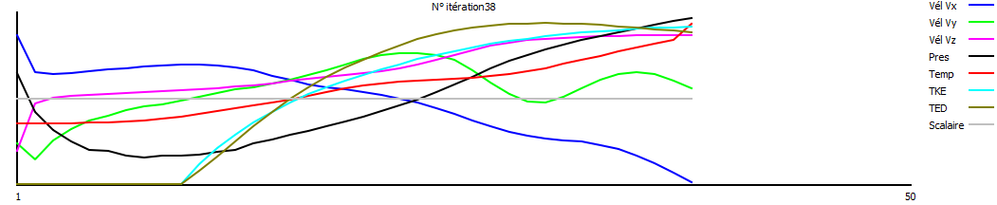
1 - diverge.png2 diverge.png


La température diverge


Thermal diverges

0 Likes
Message 9 of 10

frederic.gaillard.7
Advisor
Advisor

Salut Thibaut, 

Change l'émissivité de l'air pour 0,3 à la place de 1. Ça peut occasionner certaine divergence. 

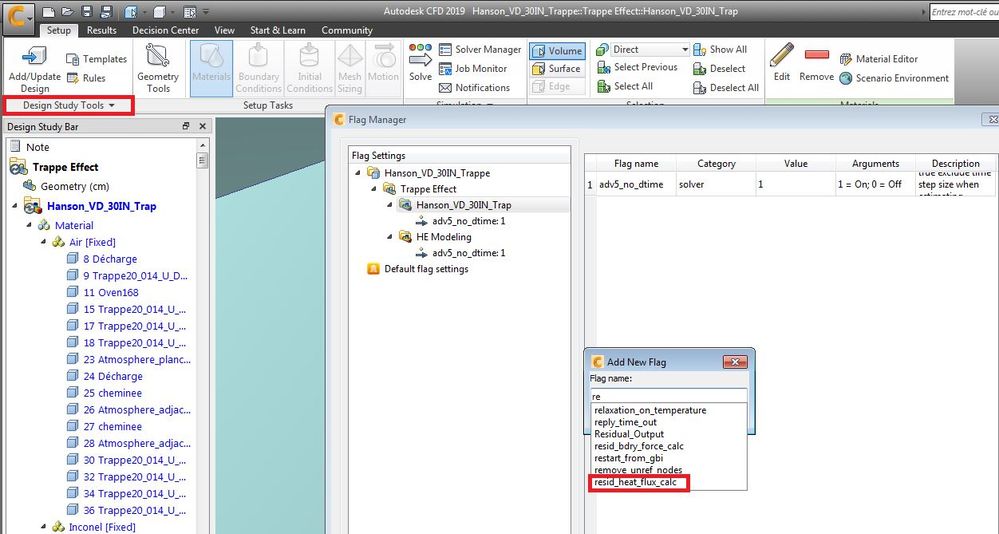
Tu peux également désactivé le flag  ''resid_heat_flux_calc''

Capture.JPG

Laissez moi savoir si ça fonctionne 
Fred


0 Likes
Message 10 of 10

karol.suchon
Alumni
Alumni

Hello Thibaut.

The source of the problem is radiation in a pure fluid body where is no other body around it.

Radiation in reality and in simulation is the most aggressive way to heat transfer. Heat is also transported from solid body to solid body thru the fluid and also in the radiation model which is used in Autodesk CFD pure heat power which is absorbed from the environment and transfer to the environment.

The ray which hits on the air surface which has very low thermal conductivity generates a huge temperature near to the surface, which starts creating another ray with huge power and we could get an infinite loop and huge temperature pick exactly like in your case.

We could avoid the problem in two different way, try to force the solver  to slow down with radiation calculating by:

  • Change air emissivity coefficient on 0.01
  • Apply Flag Max_Pseudo_Time_Step_Size on 100 to slow aggressively change in temperature.

But this is a little like gambling with a solver. After we found the convergence settings, even a little change in the mesh could generate divergence.

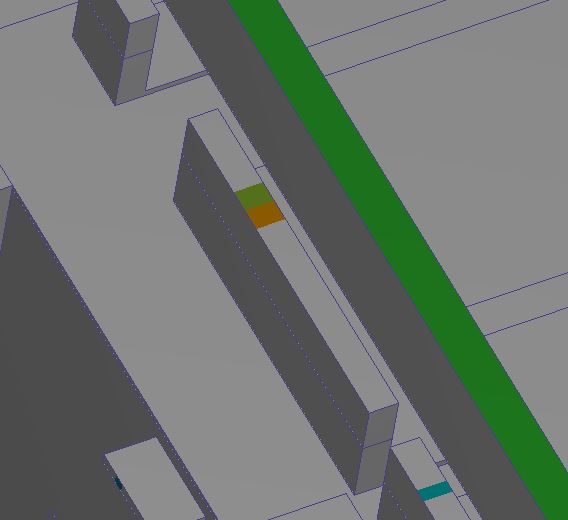
So the better solution is to create or resume the body around the fluid to allow the solver transport heat thru radiation between the solid bodies. In your case, the best solution will be to add surface bodies to the inlet flow volumes like in the attached picture.

Let me know if that helps, if not I will try to implement these boundaries and run a simulation to check it.

Best regards

Karol Suchoń

Autodesk Technical Support


0 Likes