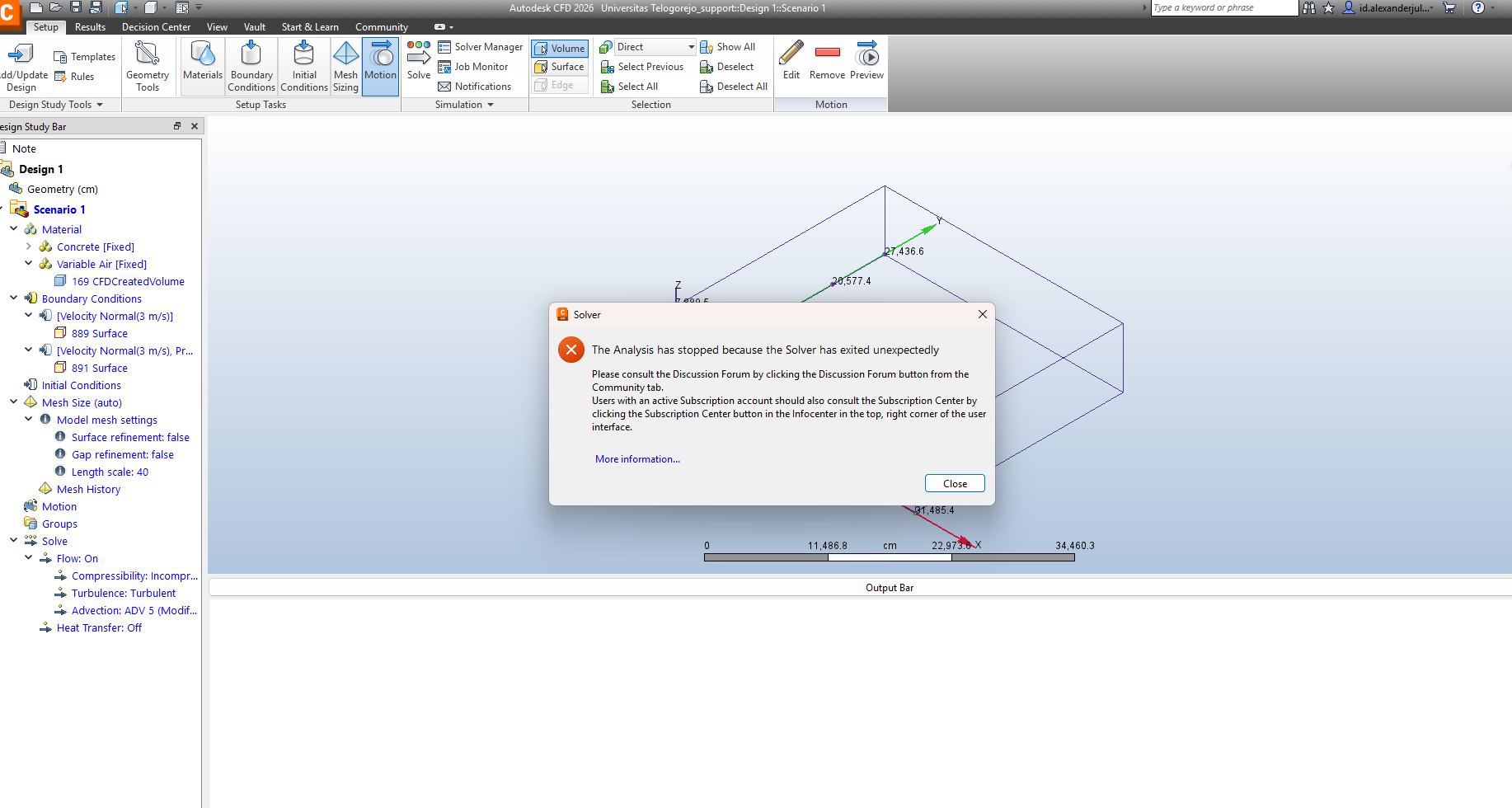
Autodesk CFD 2026 The Analysis has stopped because the Solver has exited unexpectedly

Autodesk CFD 2026 The Analysis has stopped because the Solver has exited unexpectedly

id_alexanderjulian
Explorer Explorer
1,633 Views
9 Replies
Message 1 of 10

Autodesk CFD 2026 The Analysis has stopped because the Solver has exited unexpectedly

id_alexanderjulian
Explorer
Explorer

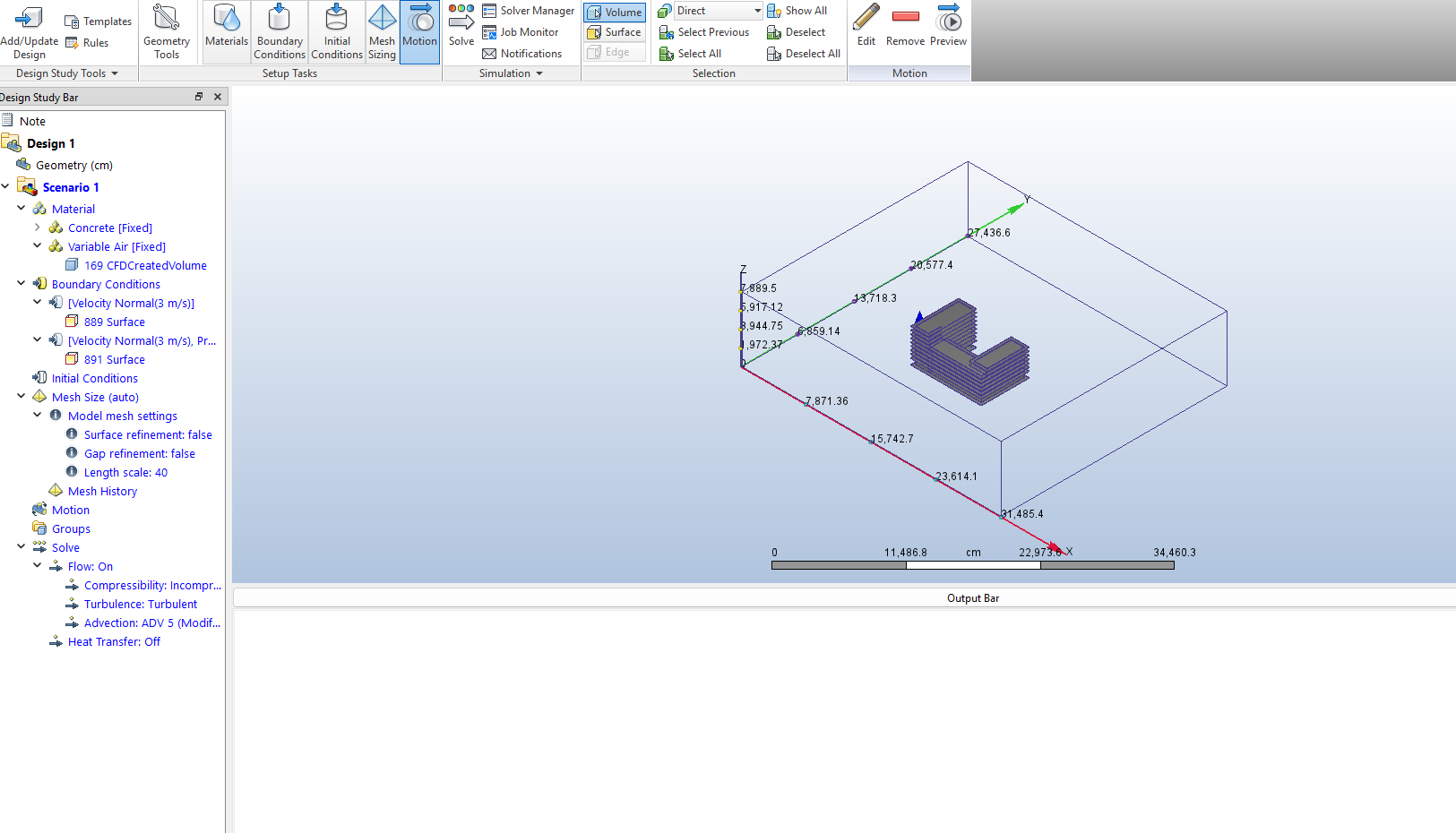
My Autodesk CFD 2026 analysis stops running, and I don’t know the reason.
My model is very simple — just a sample typical floor of a 10-story building.
I want to study the wind flow, thermal behavior, and especially the rain splash (wind-driven rain) effect on the building’s balconies.
I have already set the materials and boundary conditions, but the analysis still fails.
Please help me find the solution. Thank you.

0 Likes
Accepted solutions (1)
1,634 Views
9 Replies
Replies (9)
Message 2 of 10

maciej.jaskiernik
Autodesk
Autodesk
Accepted solution

Hi @id_alexanderjulian,

Could you share the model so I can review it?
It is possible that the boundary conditions were wrongly assigned. 

Best regards,

Maciej 

0 Likes
Message 3 of 10

id_alexanderjulian
Explorer
Explorer

Hello, Thankyou for the reply
here is the attached REVIT file
Thankyou very much

0 Likes
Message 4 of 10

maciej.jaskiernik
Autodesk
Autodesk

Hi @id_alexanderjulian,

Please share the "support" file of CFD setup.

When you go to the folder with your model you should see a file named "your_CFD_model_name_support".

This file contains geometry and CFD model definition. If my guess is right, there is something missing in the CFD setup.

Best regards,
Maciej 

0 Likes
Message 5 of 10

id_alexanderjulian
Explorer
Explorer

okay

0 Likes
Message 6 of 10

id_alexanderjulian
Explorer
Explorer

is this the right file?

0 Likes
Message 7 of 10

maciej.jaskiernik
Autodesk
Autodesk

Hi @id_alexanderjulian,

This is the one!

I'm able to open it and run simulation locally and on cloud. 

Please open the file that you sent me and run the simulation without changing anything.

I'm waiting for more news from you!

Best regards,

Maciej

0 Likes
Message 8 of 10

id_alexanderjulian
Explorer
Explorer

I’m sorry, but I still can’t start the simulation. The notification ‘analysis has stopped’ keeps appearing. Is there something wrong with my software? Or do I need to subscribe to the cloud service to start the simulation?

0 Likes
Message 9 of 10

maciej.jaskiernik
Autodesk
Autodesk

Hi @id_alexanderjulian,

What kind of license do you use?
Best regards,

Maciej 

0 Likes
Message 10 of 10

id_alexanderjulian
Explorer
Explorer

Hi @maciej.jaskiernik 
I think I use the student version
Best Regards,
Alex


0 Likes