Drop down menu in open/save window freezes AutoCAD 2018

- Mark as New
- Bookmark
- Subscribe
- Mute
- Subscribe to RSS Feed
- Permalink
- Report
This is an issue I've been trying to fix for a long time. Our IT support guy has been looking into it too, and he's stumped. We have tried uninstalling/reinstalling CAD and factory resetting my computer.
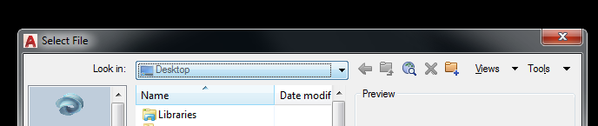
The drop down menu in the open or save window causes CAD to stop responding. It will start working again, but only after waiting about 10 minutes. The only workaround I've found is to use the "previous folder" button and go back through all our project's folders until I reach the server, which is a pain.
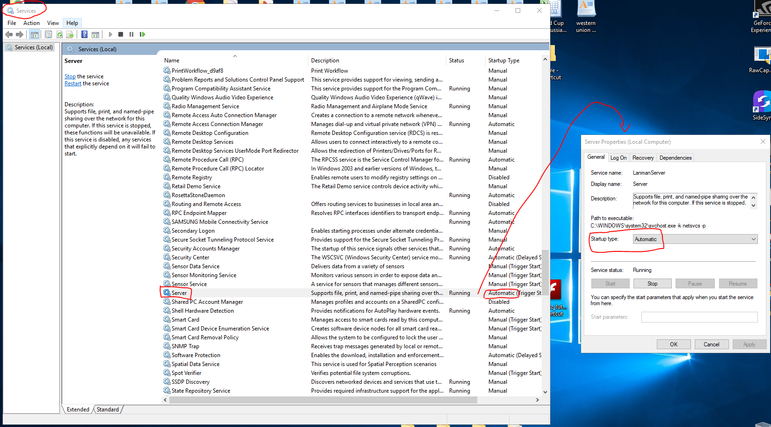
I found a solution to the same issue here, however it doesn't work for me as I don't have a phone directly linked to my computer.
This was never an issue when I was running 2013/15/17, and only started when I began using 2018. Nothing else has changed. I'm using the same computer/set up and no addition/upgraded software besides CAD. We have not been able to replicate the issue on any of my colleagues computers.