Message 1 of 10

- Mark as New
- Bookmark
- Subscribe
- Mute
- Subscribe to RSS Feed
- Permalink
- Report
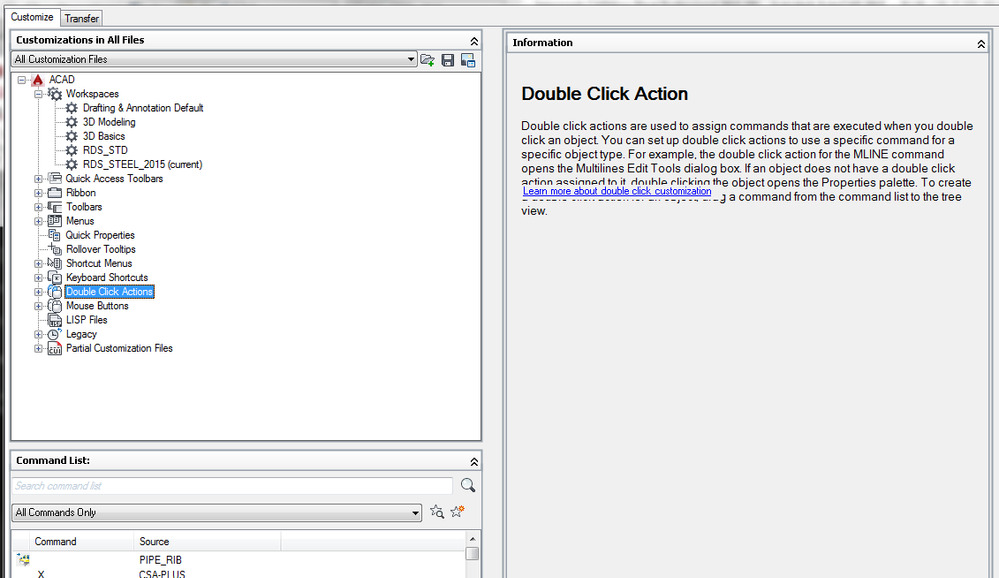
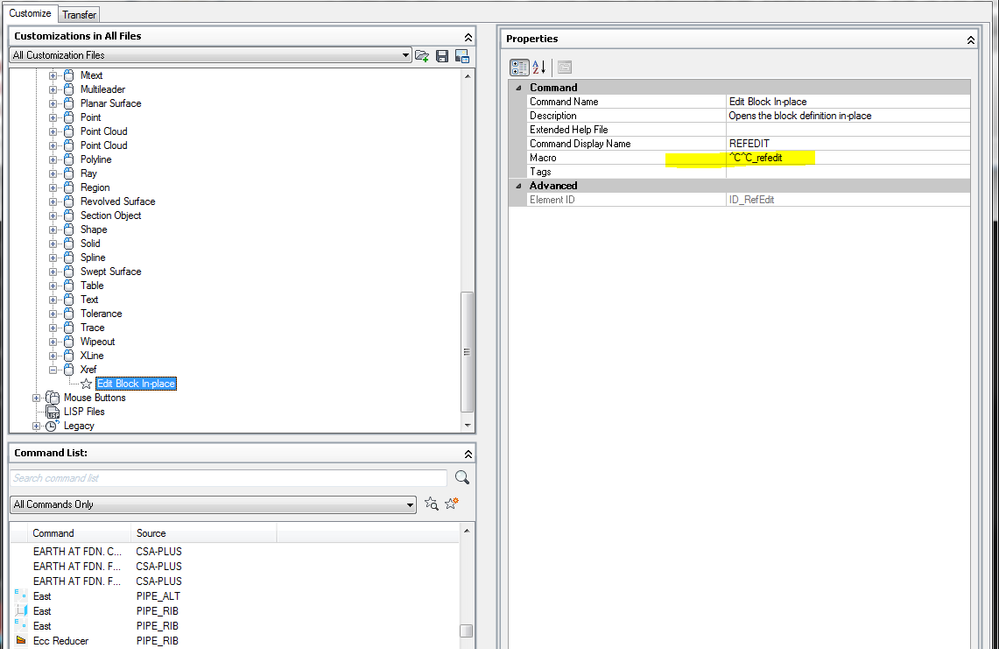
My company just converted from AutoCAD 2013 to AutoCAD 2016. It seems that a few of the CAD operators are seeing a pop-up messaged when they accidentally double click on a xref if they want to open it. They wish to disable that feature. Because we are using Merdian, a data management system, to store all our CAD files and if they accidentally select yes means that drawings may be signed out and unable to sign back in. Which if the drawings is not sign back in correctly all the changes they have done wouldn’t be saved.
If anyone knows what variable control that or what option that has to be turned off to prevent that message from popping up that would be helpful.
Thank you.
Solved! Go to Solution.