Arnold Ambient Occlusion bakes with direct shadows

Arnold Ambient Occlusion bakes with direct shadows

Anonymous
Not applicable
963 Views
3 Replies
Message 1 of 4

Arnold Ambient Occlusion bakes with direct shadows

Anonymous
Not applicable

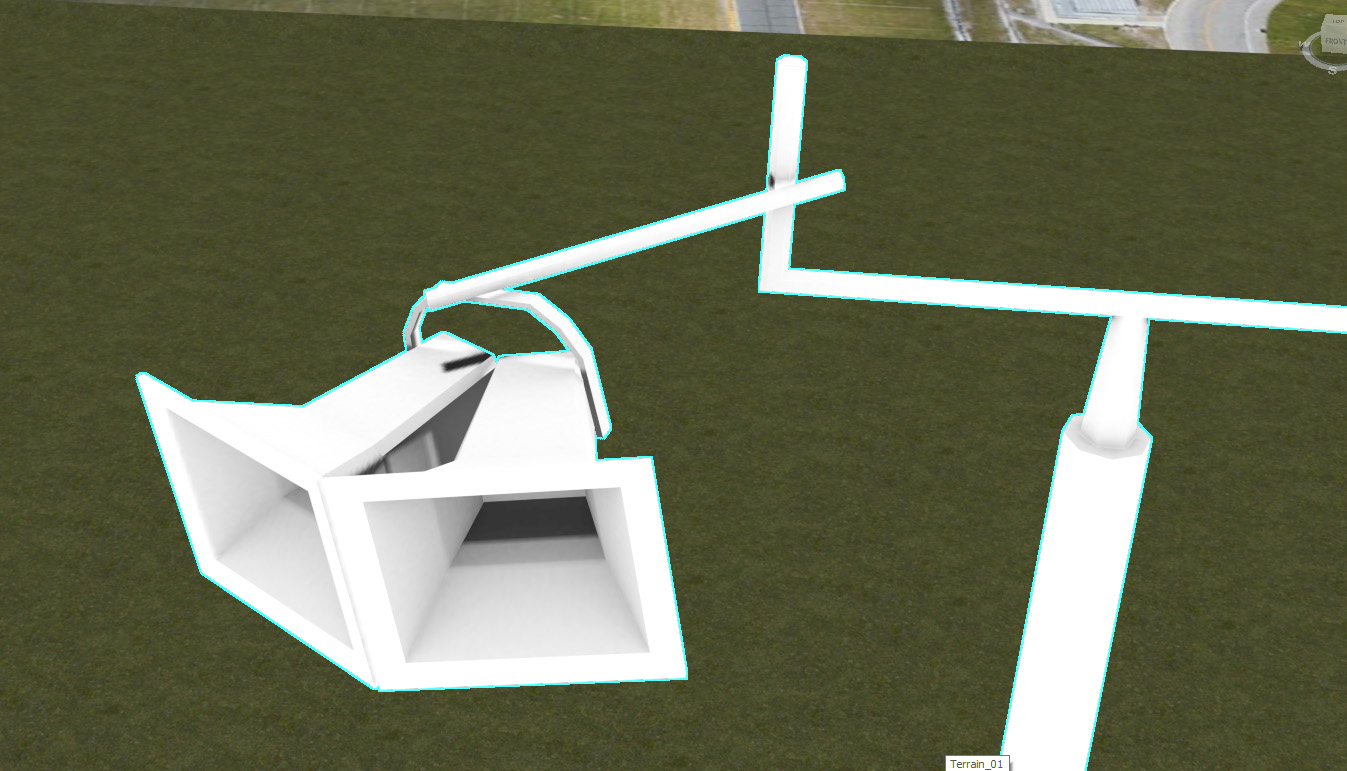
I recently made the jump from an older version of max that had mental ray to 2021 with Arnold. I use to use Mental ray for rendering AO maps for objects in my scene. I work on environmental art for racing games; building tracks basically. With arnold, the setup for rendering AO seems easier but I'm getting hard shadows crossing over the object as if there is a hard direct light from different sides of the object making it cast shadows over itself on top of the AO rendering which turns out pretty ugly.  I've tried several ways of baking an AO texture, but get the same result every time with Arnold.  Scanline doesn't have the issue but also generates a less than desirable result.

0 Likes
964 Views
3 Replies
Replies (3)
Message 2 of 4

CiroCardoso3v
Advisor
Advisor

I don't usually bake textures, so I am not sure what is wrong. I would advise that if no one replies, you will have better support on the Arnold Answers, as there you have direct contact with the devs.

Lead Enviroment Artist @Axis Studios

Arnold Discord Server


Ciro Cardoso

EESignature

0 Likes
Message 3 of 4

Anonymous
Not applicable

Upon further study it seems this problem may not be direct shadows but rather clipping due to scale. I work in 1 unit to 1 meter scale. If I scale the object up a lot the issue goes away it seems. However this is not a very efficient workaround to the problem.

0 Likes
Message 4 of 4

CiroCardoso3v
Advisor
Advisor

Check Arnold Answers. I am sure you will get some direction there.

Lead Enviroment Artist @Axis Studios

Arnold Discord Server


Ciro Cardoso

EESignature

0 Likes