Hi,
1- Convert to two roads mesh to Editable Poly so you get rid of all the modifiers mess
2-Select the mesh showing in the image below, go to Polygon sub-object level, select all the
Polygons and click Flip 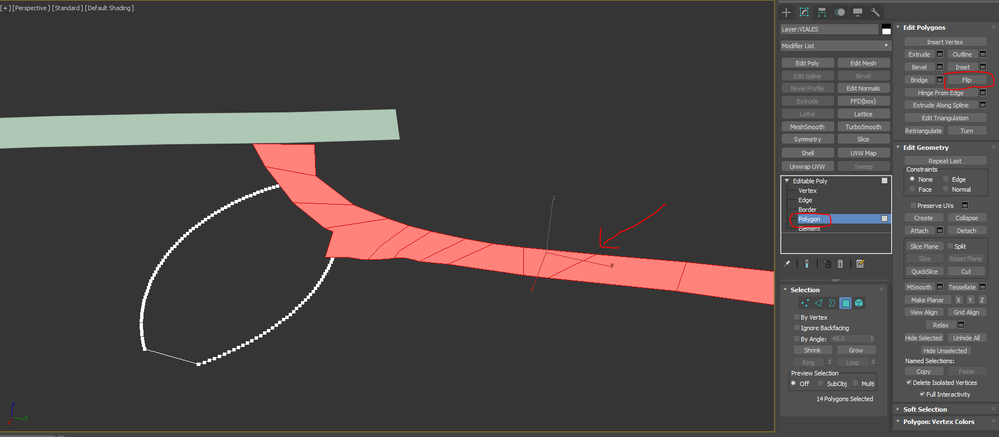
3-Get out from sub-object level, click ShapeMerge while the object is selected, then pick the shape
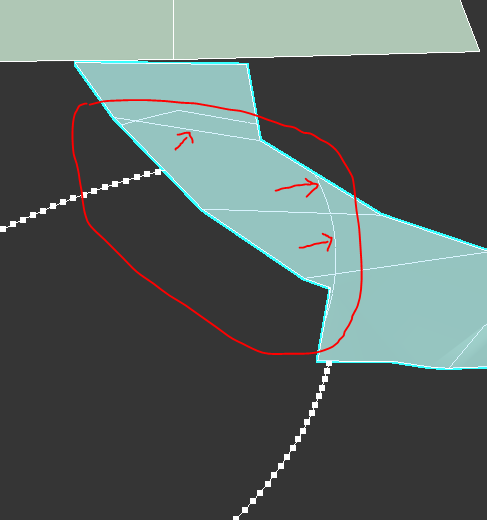
4-In the image below you can see that the shape is imprinted on the mesh
5-Now add an editable poly on top of the ShapeMerge (you can also convert it to Editable Poly)
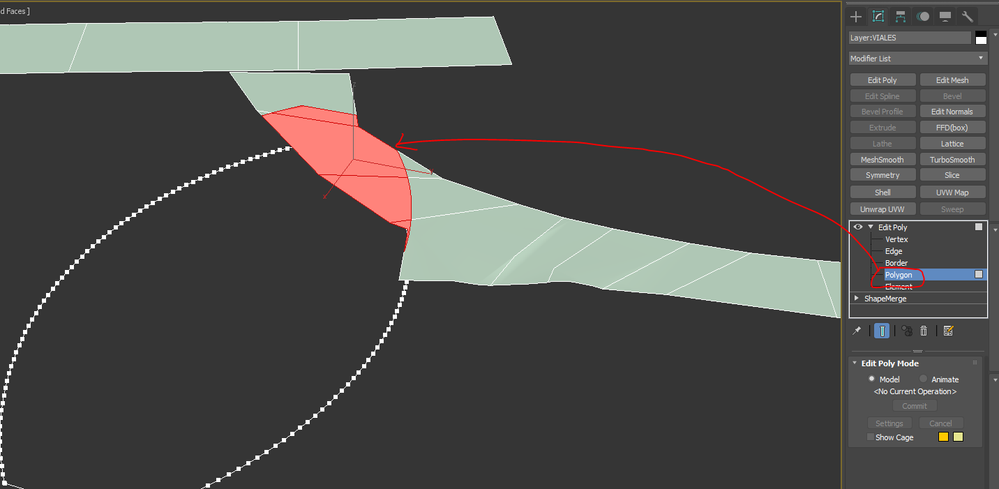
6-Go to Polygon sub-object level, the imprinted portion should be selected. Now you can use
Detach to make it a separate object or delete it
------------------------------------------------------
[email protected]3DS Max 2025, V-Ray 7
3DS Max user since 2003 (3DS Max 7)
V-Ray user since 2008 (V-Ray 1.47)







