cancel
Showing results for 
Show  only  | Search instead for 
Did you mean: 

Edit Color of Major Grid Lines

Edit Color of Major Grid Lines

Hi. I am pretty new to Max. Happy so far, great product. 

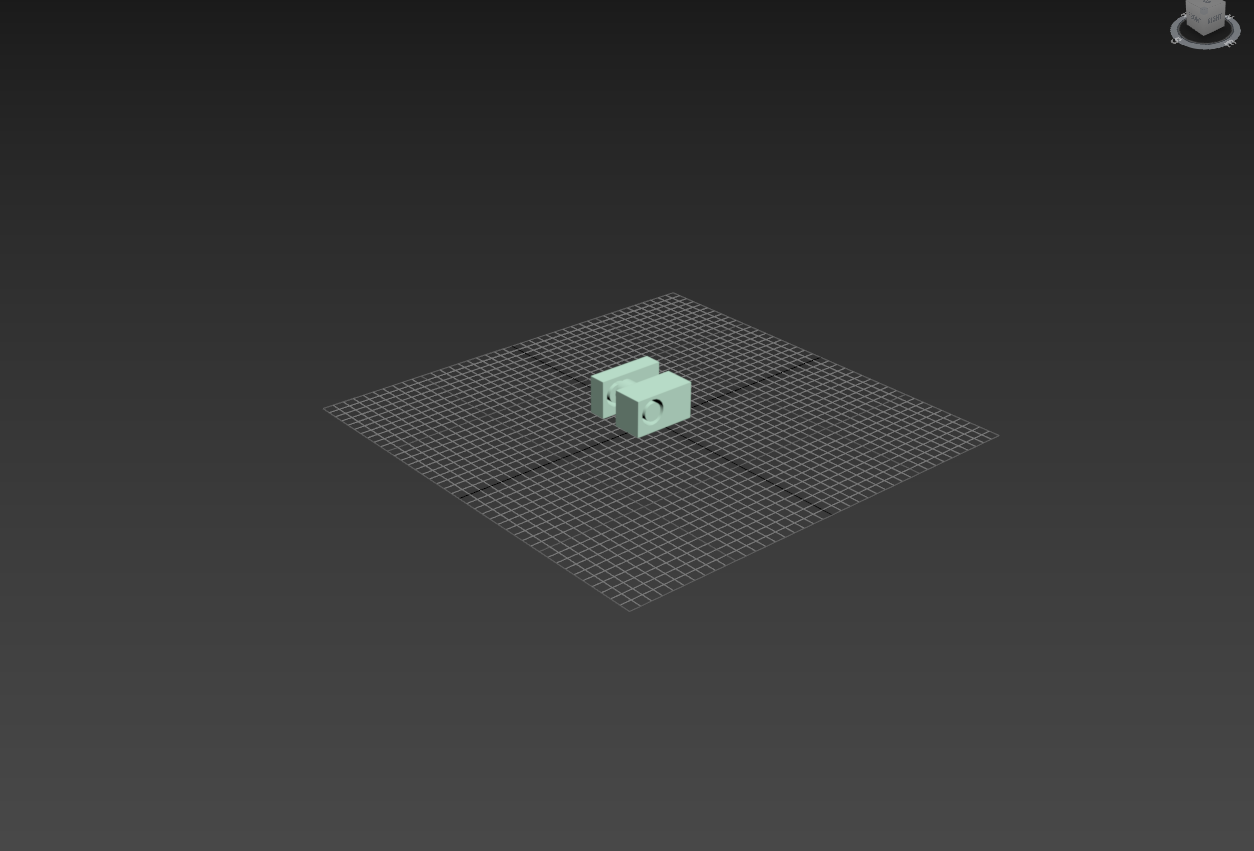
The GridLines however are not  distinguishable  enough for the human eye when not viewed from far enough. Speaking for me , I find the Concept of Major Grid Lines important to have a better visual feeling of the size. So far I only have a feeling for the origin.

You can Customize the Color of the Grid in general, but you cannot customize the color of the Major Grid Lines. Please add an option for that. 

(Also the Possibility to activate some measurement/ruler kind of numeric values under the major lines would be great- maybe just when holding a button it would appear)

Thankyou in advance.

10 Comments
Anonymous
Not applicable

01.PNG02.PNG03.PNG

RGhost77
Advisor

Yeah, grid color "Set by Intensity" hardly configurable, I don't understand why we can't just set color.

Kelly_Michels
Alumni
Status changed to: Future Consideration
 
Anonymous
Not applicable

Absolutely!  This has driven me insane from the 1st day I started using Max.  The grid is such an important and integral part of max (and most other 3d apps), that it makes perfect sense that it be made "visible" under whatever circumstances the use chooses and to have it LOOK however the user chooses.  It's probably the least customizable thing in max, yet it's in your face all the time - so it should have its customization ability set to a higher priority.

Anonymous
Not applicable

So there's a way to set the overall intensity and colour of grid lines, sure.

but that doesnt help with differentiating the colours between the different grid lines.

the issue is the raw numbers for the grid lines: 
heres an example. if the colour is set to black, and intensity set to 10:
-origin lines will be black
-minor grid lines will be 10
-major lines will be, like, 9 or something (which is too close to the minor lines, so they are hard to pick out
 
so if you increase the intensity to 100 to try and pick them out better: 
-the minor lines will be 100
the major lines will be 90
 
so the major lines are still suuuuuper close to the minor lines, making them still hard to see because this is still the same difference in intensity. changing the colours and intensity only changes the difference between the grid and the background, not the difference between the different grid lines.
 
Here's a visual example.  
This is the default dark theme showing the viewport with a 1m^3 cube, with grid lines that are hard to tell apart because why:
01.JPGnotice how the major and minor lines are almost impossible to tell apart?
yeah
Here's a customised version of that same viewport, with hot pink colours, 120 intensity, and 'invert' ticked:02.JPG

 Why:

a) the lines are not pink
b) the background is now almost the same colour as the minor lines, which is almost as bad

c) the origin lines are now the same colour as the mesh lines, making everything super frustrating


But at least I can almost tell the minor and major lines apart now, right?


:sob:


Solution:

Let me set the colours seperately instead of this weird archaic method.

Just be like Maya's grid colouring options.

Please.
Or at the very least, something that works

Because this doesn't
 
 
Anonymous
Not applicable

This is a very good idea

electrotoast_old
Community Manager
Status changed to: Future Consideration
 
Anonymous
Not applicable

Just adding a +1 to this. Differentiating hue and value of major grid lines relative to minor grid lines would be really helpful. Would love to see this feature added.

lightcube
Advisor

Just chiming in. Already +1 in past but adding a more vocal "pretty please" 🙂 Low hanging fruit that would add quality of life.

jim.kellyXZVBF
Explorer

Please make this happen, of all the 3d programs I've used 3ds max has the worst grid. Anything to make it easier on the eyes would be very much appreciated.

Can't find what you're looking for? Ask the community or share your knowledge.

Submit Idea