Problems when releasing drawings where Excel spreadsheets are referenced

- Mark as New
- Bookmark
- Subscribe
- Mute
- Subscribe to RSS Feed
- Permalink
- Report
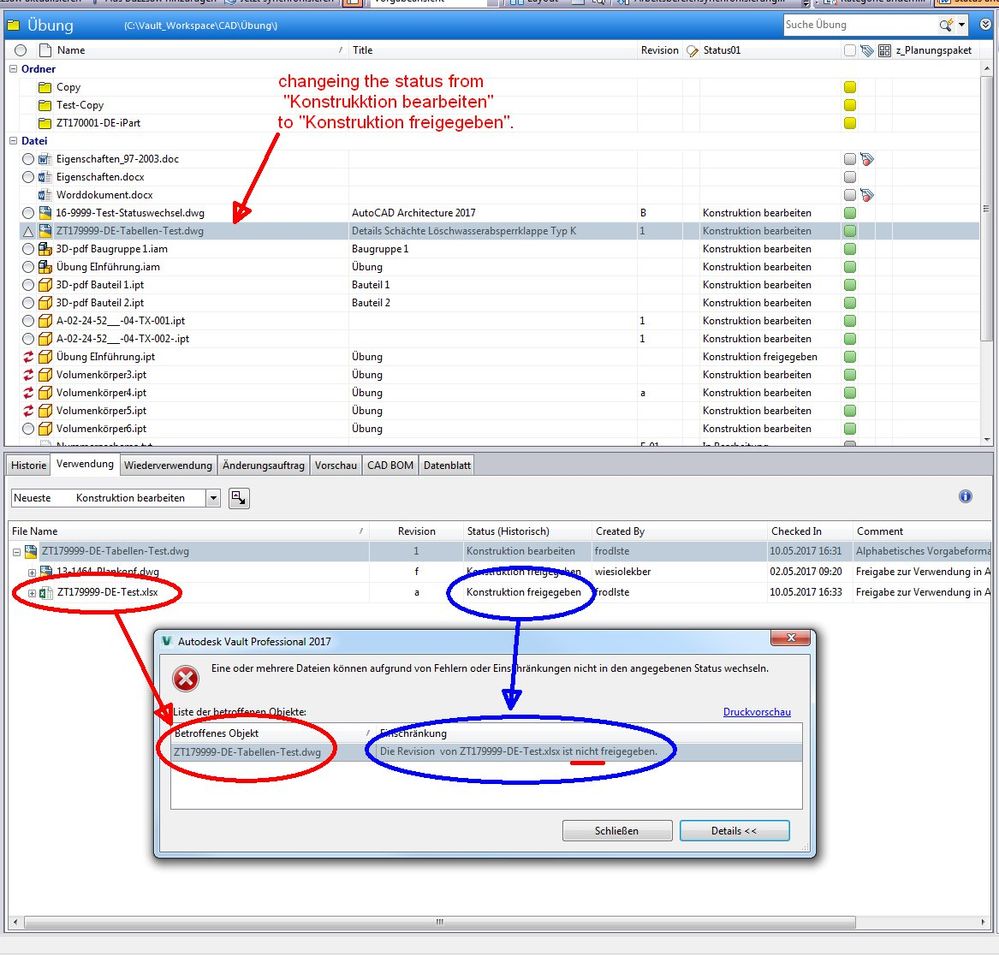
In the VAULT-client, the problem occurs that drawings cannot be released if Excel tables are referenced in the drawings.
We have set in the VAULT that all subordinate files must be shared in order to release a parent file.
For referenced Inventor files and referenced AutoCAD files, it is easy to release the subordinate, referenced files in the VAULT, and then release the parent file. The modified properties are updated to the appropriate files.
If, on the other hand, Excel files referenced in a drawing file, the drawing file cannot be released. The following interferences are carried out:
1. Release the referenced Excel files in the VAULT client
2. Release of the superimposed drawing file in the VAULT client
==> cannot enable.
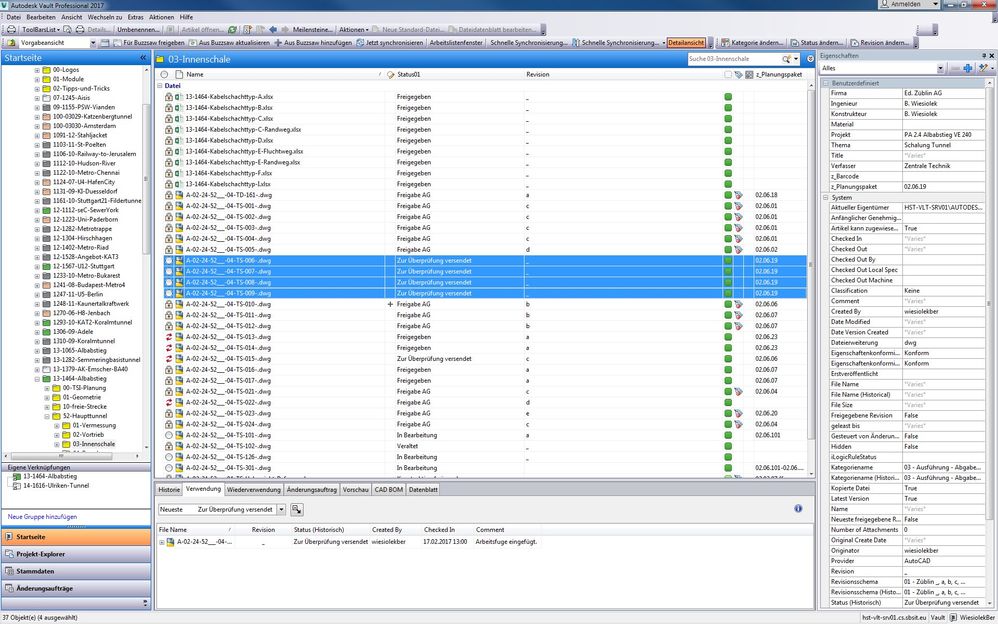
In the following figure, four files are selected which are to be released. All four files contain referenced Excel files. The excel files were previously released.
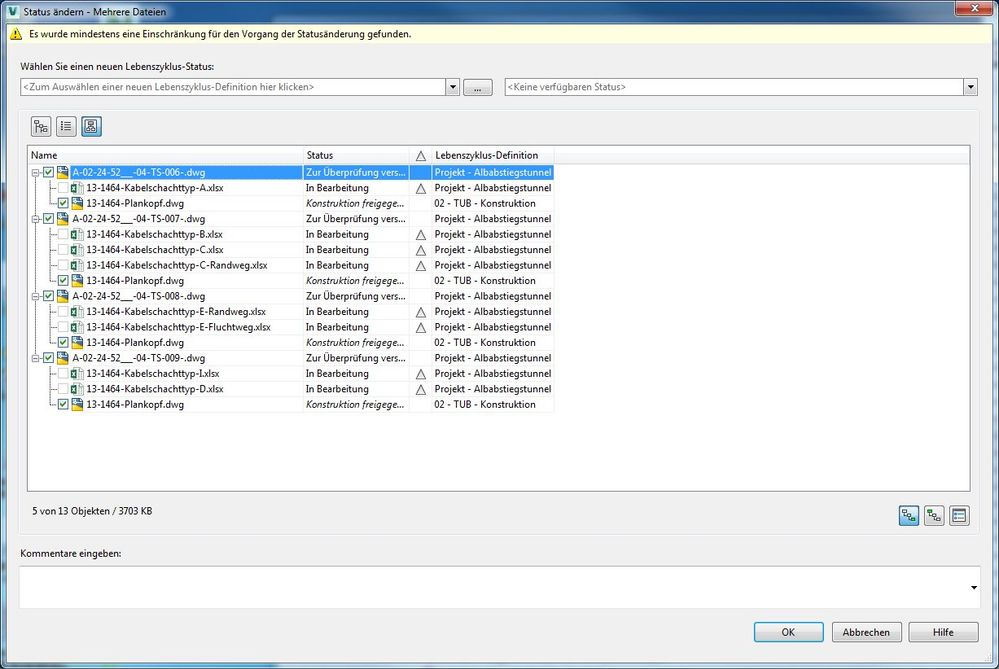
The next screen shows the status change window. This lists all the files with the referenced files. However, the Excel files are indicated with the status "in progress", although these were previously released.
In the VAULT client these files are also displayed with the Status "released".
To release the drawings the following steps must be carried out:
1. Release of the referenced Excel files in the VAULT client
2. Check out and open the drawing file in the application (Inventor or AutoCAD)
3. Update properties
4. Check the drawing file
5. Release of the drawing file in the VAULT client (or also in the application)
Obviously, the properties in the Excel files and in the drawing file are not updated so that the release is not possible without a previous editing of the drawing file in the application.
Please correct this mistake